
AI Voice Detector icon

AI Voice Detector

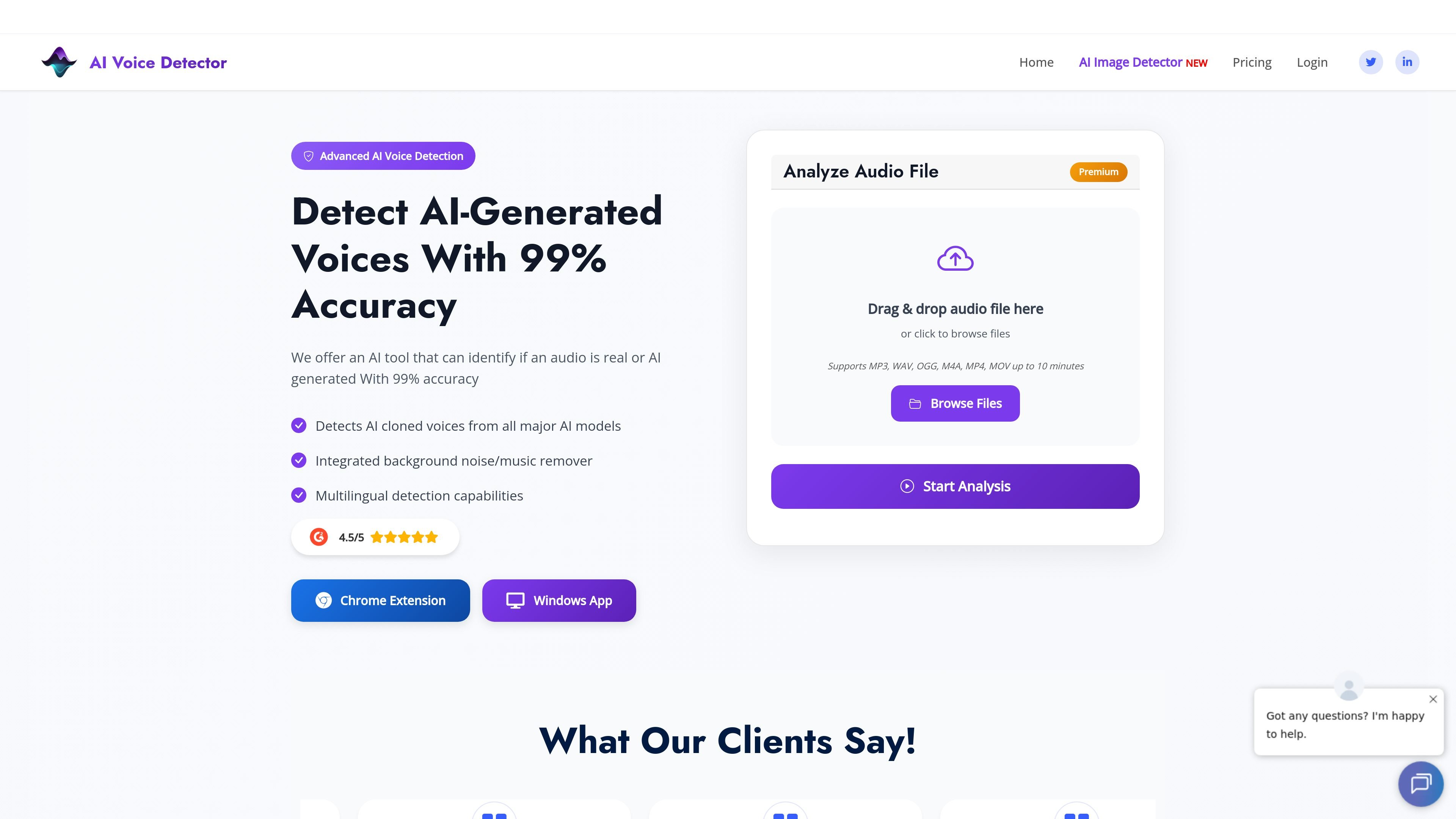
AI Voice Detector is an audio analysis tool that checks whether a recording was generated by AI or by a human. It supports file uploads, a browser extension, a Windows app, and an API for team use.

AI Voice Detector

Overview

AI Voice Detector is an audio analysis tool that checks whether a voice recording is likely AI-generated or human. The site positions it as a way to spot audio manipulation, cloned voices, and deepfake-related fraud.

The product supports uploaded audio files, a browser extension, a Windows desktop app, and an API for enterprise use. It analyzes audio in short chunks, applies voice activity detection, and returns an AI-vs-human probability score with timestamped results.

Features

Chunk-based analysis

Splits audio into 6-second chunks, runs voice activity detection on speech, and produces a final AI-vs-human breakdown from the detected segments.

Voice activity detection

Filters out silent segments before analysis so the model focuses on chunks with speech.

Analysis outputs

Returns detailed statistics, including percentage breakdowns and time-stamped results for detected segments.

Audio file support

Supports MP3, WAV, OGG, M4A, MP4, and MOV files, with upload flows shown on the site.

Noise removal

Includes an integrated background noise and music remover to improve detection on noisier audio.

Multiple access methods

Offers a browser extension and Windows app for analyzing audio inside browsing or desktop workflows, plus an API for enterprise use.

Use Cases

  • Personal scam verification

    Upload a voice message or call recording to check whether the audio sounds AI-generated before you act on it.

  • In-browser content checks

    Use the browser extension while browsing social platforms or web apps to scan voice clips without leaving the page.

  • Desktop audio review

    Analyze live PC audio or saved files in the Windows desktop app when you need to inspect calls or meeting audio on a computer.

  • Team and enterprise workflows

    Have a business team use the API or extension to verify audio messages, calls, or meetings as part of internal fraud checks.

  • Noisy audio cleanup

    Check recordings that include background noise, then use the integrated noise remover to improve the signal before analysis.

Pros and Cons

Pros

  • Analyzes audio in chunks and provides time-stamped results, which makes it easier to inspect specific sections of a recording.
  • Supports several common file formats, including MP3, WAV, OGG, M4A, MP4, and MOV.
  • Offers browser, desktop, and API access paths, so it can fit different personal and business workflows.
  • Includes a background noise and music remover to help with noisy recordings.
  • The site presents support for multiple voice-cloning sources and multilingual detection capabilities.

Cons

  • The sources recommend clean audio for best results, and background noise can reduce reliability if the remover is not effective enough for a specific clip.
  • Pricing and API usage are available, but the public pages do not document detailed plan limits or full integration workflows.

FAQ

How do I use AI Voice Detector?

You can upload audio files or use the browser extension or Windows app to analyze audio. The sources also mention an API for business use, but they do not document full setup steps in detail.

What audio formats and sources are supported?

The source pages say the service supports MP3, WAV, OGG, M4A, MOV, and MP4 files. The Windows app page also says it can analyze live PC audio or uploaded files.

What kind of result does the detector provide?

The product returns an AI-vs-human probability score and, on the site, a percentage breakdown across analyzed chunks. The sources do not show a more detailed interpretation guide.

Can teams use the product through an API?

The pricing page includes an Enterprise Solution and API option, and the home page says the team can help with API integration. The sources do not give detailed team workflow or implementation steps.

What are the main limitations to know about?

The site recommends clean audio for best results and says background noise can affect detection, which is why it includes a noise remover. The sources do not provide a full list of technical limitations.

Quick Facts

Category
AI voice detection
Platform
Web app, Chrome extension, Windows app, API
Primary use
Detect whether audio is AI-generated or human
Supported formats
MP3, WAV, OGG, M4A, MP4, MOV
Pricing shape
Paid monthly and annual subscriptions, plus enterprise/API option
Source domain
aivoicedetector.com