
Avatar selection and custom avatars
Pick from more than 500 pre-built avatars or create a custom avatar from a single photo of yourself or a team member.

Coursebox’s AI Training Video Generator creates training videos from scripts or slide decks, with avatar-led narration, multilingual output, and delivery options for LMS or SCORM use. It is aimed at course builders and training teams that need a faster way to produce instructional video content.
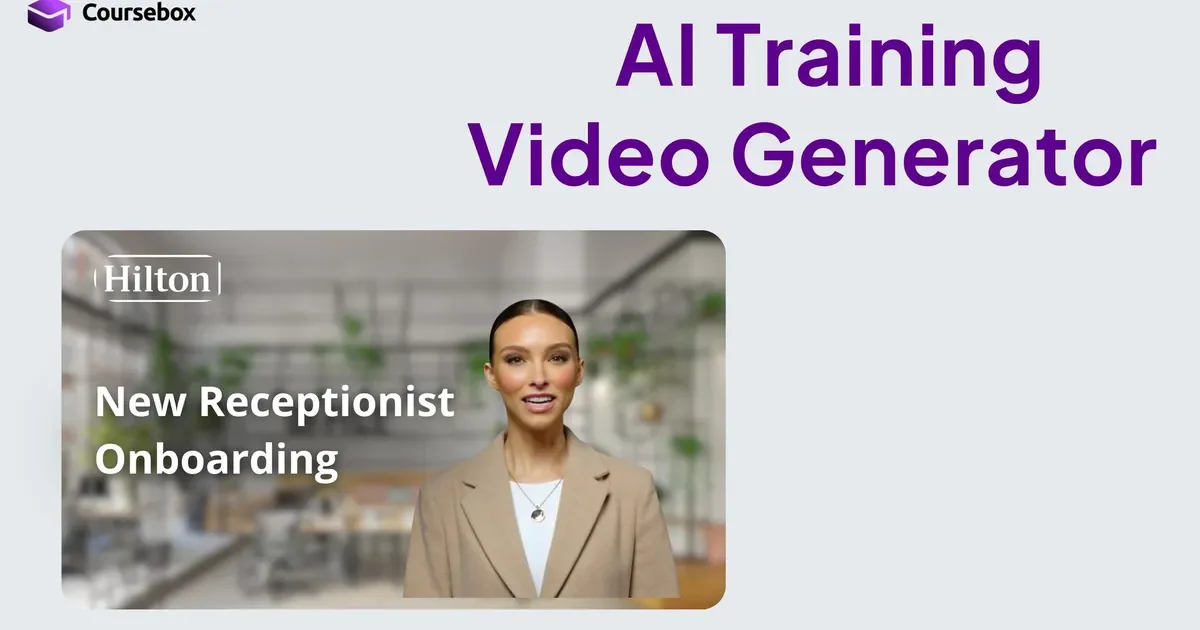
Coursebox’s AI Training Video Generator creates training videos from a script, slide deck, or simple prompt-driven workflow. The homepage positions it as a faster alternative to manual video production, with no camera, crew, or re-takes required.
The product supports both pre-built avatars and custom avatars made from a single headshot, and it can generate videos in more than 100 languages. It is designed for training content such as course intros, onboarding, compliance, customer service, automotive, finance, and healthcare examples shown on the page.
Pick from more than 500 pre-built avatars or create a custom avatar from a single photo of yourself or a team member.
Write a training script directly in the generator, or use the AI-written script as a starting point before rendering.
Turn uploaded slides into a narrated training video from PowerPoint, Google Slides, PDF, or Keynote files.
Generate training videos in over 100 languages, with more than 300 voices available for narration.
Make source edits, then regenerate the video without starting over; the page also notes you can change backgrounds, tile colours, and branding.
Embed or export videos for use in major LMS platforms and SCORM packages, or host them inside Coursebox.
Create a short course introduction video from a written script, then reuse the same source content in future updates by regenerating the output.
Produce onboarding videos for new hires or new learners using an avatar-led presentation and simple written guidance instead of a live shoot.
Build compliance or policy training that can be delivered in multiple languages without creating a separate recording for each audience.
Convert an existing slide deck into a narrated training video when a team already has presentation material but wants a video format.
Prepare role-specific examples such as customer service, automotive, finance, or healthcare training using the page’s sample scenarios.
Yes. The page says you can create a free video without a credit card, and the pricing page shows a free plan with limited AI video minutes.
The page says videos can be updated by editing the source content and regenerating. You can also swap avatars, change backgrounds, adjust tile colours, and insert a brand logo.
Yes. The homepage says training videos can be generated in over 100 languages, and the pricing page also lists voice and AI video allowances on paid plans.
The page says videos can be embedded or exported to most major LMS platforms and SCORM packages, or hosted inside Coursebox.
Yes. The homepage says the videos are mobile-friendly and accessible on phones, tablets, desktops, and branded mobile apps.

Official HeyGen API documentation for building AI avatar videos, translations, lipsync, and interactive video-agent sessions. It supports direct API use plus MCP and CLI-style workflows for developers and AI agents.

Talkpal is an AI-powered language learning web and mobile app for practicing speaking, listening, writing, and pronunciation. It offers guided courses, roleplays, and call-style conversation practice across 130+ languages.

GameGrad turns PDF study material into quiz questions that appear inside arcade games, so users can practice active recall while they play. It offers a free tier with one PDF and a Pro plan with more uploads, more questions, and answer explanations.

LangPanda is a browser extension for learning languages from streaming video and other supported sites. It combines instant subtitle lookup, flashcard creation, vocabulary tracking, and spaced-repetition review for 36 languages.

CAMB.AI Streams dubs live audio in multiple languages in real time for broadcasts on platforms like YouTube, Twitch, and X. It plugs into existing live workflows using common streaming protocols and avoids a post-production step.

VIDEOAI.ME is an AI video generator for making spokesperson-style videos, ads, explainers, and social content from a script. It is aimed at founders, marketers, agencies, and creators who want to produce videos without filming.