

Email-native intake
CC Dottr on an existing email thread or forward a message. It uses the conversation, notes, or attached documents to prepare a contract without requiring the counterparty to create an account.
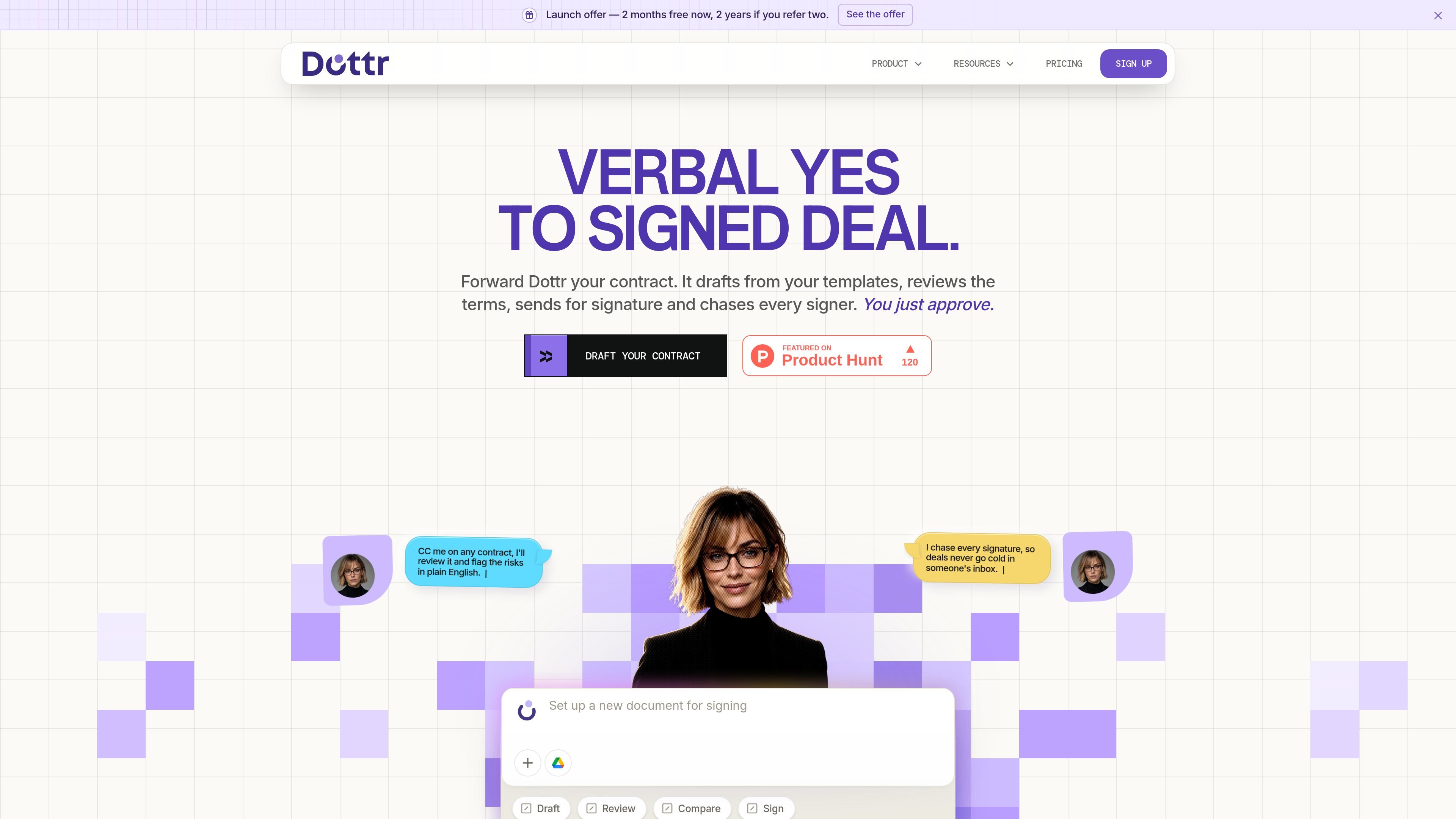
Dottr is an AI contract-workflow assistant that works through email. Teams can CC or forward a contract thread, provide notes or templates, and use Dottr to draft documents, review terms, coordinate signatures, and retain the completed contract.
Its core purpose is to move a contract from verbal agreement to signed document without requiring a separate login for the counterparty. Dottr flags issues in plain English, returns tracked document versions during negotiation, follows up with signers, and keeps contract information available for later questions and renewal reminders.
CC Dottr on an existing email thread or forward a message. It uses the conversation, notes, or attached documents to prepare a contract without requiring the counterparty to create an account.
Create documents from company templates, approved clauses, conversation context, or notes. The pricing page says rule-based creation supports the rules of any jurisdiction, but specific jurisdiction coverage is not detailed.
Review either party's paper, flag risks in plain English, and suggest changes. Users can accept, reject, or revise recommendations and receive tracked Word documents with changelogs across negotiation rounds.
Send documents for e-signature, track who has opened, viewed, and signed, and configure follow-up cadence. Signers do not need a Dottr account, and the workflow includes an audit trail and certificate of completion.
Keep a searchable contract log, compare versions, retain version history, and ask questions across the repository. Dottr also provides renewal reminders for contract expiry and auto-renewal windows.
Use named comments, shared review, roles, granular permissions, and multiple entities in a workspace. The pricing page says users are unlimited and seats are not billed.
Forward a deal thread or add Dottr to it with the agreed commercial terms. Dottr extracts the context and prepares an MSA, SOW, NDA, offer letter, or similar document from the company's templates for approval.
Send either your own contract or the other party's paper for review. Use plain-English explanations to assess issues such as uncapped indemnity, auto-renewal notice periods, or undefined deliverables, then decide which changes to make.
Manage multi-round negotiations when clauses change across exchanged drafts. Dottr returns tracked Word documents, changelogs, version comparisons, and collaboration tools so reviewers can identify what moved.
Send an approved document for signature and set how frequently Dottr follows up. It tracks signer status, nudges outstanding signers, and returns the completed document with an audit trail.
Use the repository after signing to search contract history, ask questions about stored agreements, and receive reminders before expiry or auto-renewal windows.
CC [email protected] on a contract thread or forward the email. Dottr uses the conversation context to draft or review the document and replies in the same thread; the other party does not need an account.
Dottr can draft from a conversation, notes, or company templates; review the document and flag risks in plain English; return tracked Word versions with changelogs; coordinate e-signature; and provide a signed copy with an audit trail and certificate of completion.
No. The first five contracts are free, and they include the full workflow rather than a preview. After that, contracts are purchased in packs, with no subscription, monthly minimum, or per-seat fee stated on the pricing page.
Workspace seats are not billed, and the pricing page says users can have admin and member roles, granular permissions, multiple entities, shared review, and collaboration. This supports use by a whole team, subject to the workspace's configured permissions.
No. The pricing page states that customer documents are used to answer customer questions, are not used to train AI models, and are not shared with other customers.

Termsy 是一款 Chrome 扩展,可扫描服务条款和隐私政策页面,高亮关键条款,并在侧边栏中展示,帮助你更快审查政策页,但不提供法律建议。

Harvey 是面向法律和专业服务团队的 AI 平台,支持检索、起草、文档审阅与工作流自动化,适合法律事务所及企业法务在关联文档、来源和企业工具中协作。

Legitt AI 是一款 AI 合同生成与合同生命周期管理平台,支持起草、审阅、签署和跟踪商务协议。提供常见合同类型、司法辖区条款及签后追踪,并有免费和付费方案。

Jotform Sign 是电子签名软件,可将 PDF 转为可签署文档、准备并发送文件,在任何设备上收集签名并跟踪进度,支持 ChatGPT 和 Claude 中的数字文档工作流。

GentleCase 是面向律师事务所的移民案件管理软件,提供客户档案、案件跟踪、签证模板、文档管理、消息沟通和品牌化客户门户,支持 Starter、Pro、Enterprise 方案及 30 天免费试用。

Artifact 是面向自由职业者、顾问和代理机构的文档工作流工具。可将笔记转成提案,并让客户通过一个链接完成审批、签署和付款。