
Artbreeder icon

Artbreeder

Artbreeder is a web-based collaborative AI image creation tool for making and editing images, characters, and artworks. It combines generative workflows with browsing, remixing, and contests, and offers Pro plans with higher-resolution downloads, privacy controls, and Google Drive sync.

Artbreeder

Overview

Artbreeder is a collaborative AI image creation tool for making characters, artworks, and other images. The site centers on an interactive workflow where users mix, branch, edit, and generate images rather than working from a single text prompt alone.

The product combines creation tools with a public community layer. Users can browse featured work, follow creators, enter contests, and remix images, while Pro plans add benefits such as higher-resolution downloads, private mode, Google Drive sync, and faster rendering options.

Core features

Image mixing and editing

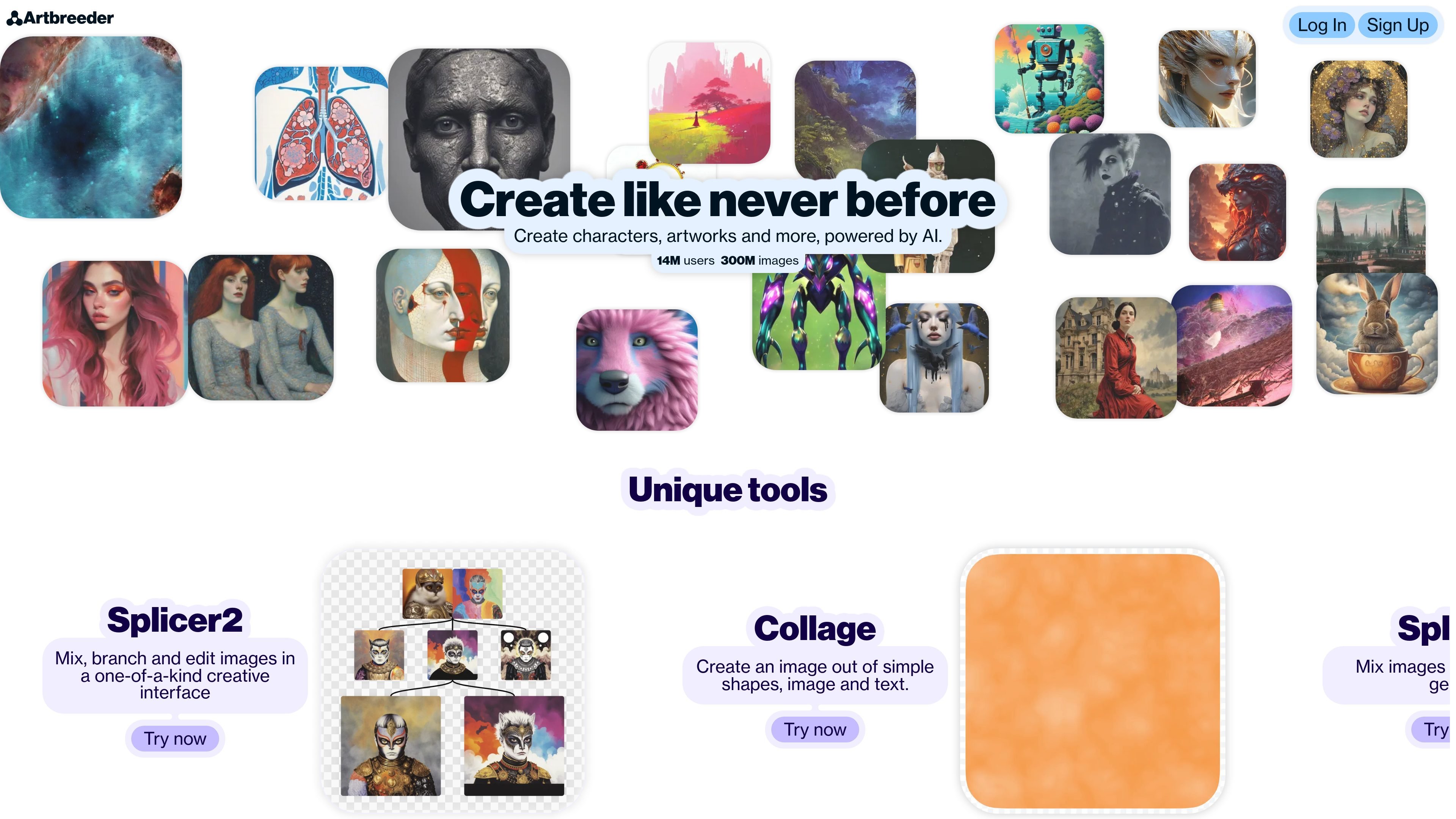
Artbreeder’s homepage highlights Splicer2 for mixing, branching, and editing images in a single creative interface.

Shape-and-text composition

Collage lets you create an image from simple shapes, images, and text, which gives you a more guided starting point than prompt-only generation.

Gene-style controls

Splicer is described as a way to mix images and edit their genes, exposing sliders such as age and gender in the interface shown on the homepage.

Multiple creation modes

The browse page shows multiple community models and creation modes, suggesting users can explore work made with different workflows such as Composer, Mixer2, Prompter, and Splicer2.

Pro export and privacy options

The pricing page offers Pro benefits including high-resolution downloads, private mode, and Google Drive sync for organizing output outside the app.

Contests and community participation

The contests page adds a voting and reward loop, where users can submit to themed prompts, vote on prior contests, and earn credits.

Common use cases

  • Iterative character and portrait design

    Use Splicer or Splicer2 when you want to combine source images and iterate on them with gene-style adjustments such as age or gender.

  • Structured image composition

    Use Collage when you want to build a scene from shapes, images, and text instead of starting from a blank canvas.

  • Community-led exploration

    Use the browse and remix features to study community work, follow creators, and adapt ideas into your own variations.

  • Prompt-based challenge participation

    Use contests to respond to themed prompts, submit private work when allowed, and vote on other entries to earn credits.

  • Publishing and asset management

    Use Pro features when you need higher-resolution downloads, private images, or automatic Google Drive sync for finished work.

Pros and Cons

Pros

  • Supports several different creation workflows, including Splicer, Collage, and other community models.
  • Combines image generation with editing and branching, which makes iterative exploration straightforward.
  • Includes community features such as browsing, remixing, contests, and following creators.
  • Pro plans add practical workflow benefits like higher-resolution downloads, private mode, and Google Drive sync.

Cons

  • Credits reset at the beginning of each billing period, and the site says credit roll-over is still being added.
  • Free usage is limited once credits run out, though some slower or basic features remain available.

FAQ

What is Artbreeder used for?

Artbreeder is a collaborative AI image creation tool. Its homepage highlights tools for creating characters, artworks, and other images, and the site includes browse, contest, and about pages centered on community image creation.

Does Artbreeder have paid plans?

The pricing page describes Pro plans with benefits such as no ads, privacy controls, Google Drive sync, unlimited image generation in Composer, and fast mode in Splicer.

What kinds of image workflows does Artbreeder support?

The site presents several creation modes, including Splicer, Collage, and tools shown on the browse page such as Composer, Splicer2, Mixer2, and Prompter. The homepage also describes mixing, branching, editing, and creating images from shapes, image, and text.

What happens if I run out of credits?

According to the pricing page, if credits run out you can still use free features like creating Splicer images or generating slow Collager images. You can renew early or upgrade to get more credits.

Do unused credits roll over?

The pricing page says credits reset at the beginning of the billing period. It also says Artbreeder is working on adding credit roll-over.

Quick Facts

Product type
Collaborative AI image creation tool
Primary use
Creating and editing images, characters, and artworks
Platforms
Web app
Source domain
artbreeder.com
Paid plans
Yes, Pro plans are listed on the pricing page
Community features
Browse, follow creators, contests, and remixing


