

Big-picture controller-first UI
ConsoleMini is built for a living-room setup where the Mac mini connects to a TV and a controller. Its interface is designed around large, controller-friendly navigation rather than mouse-first desktop use.
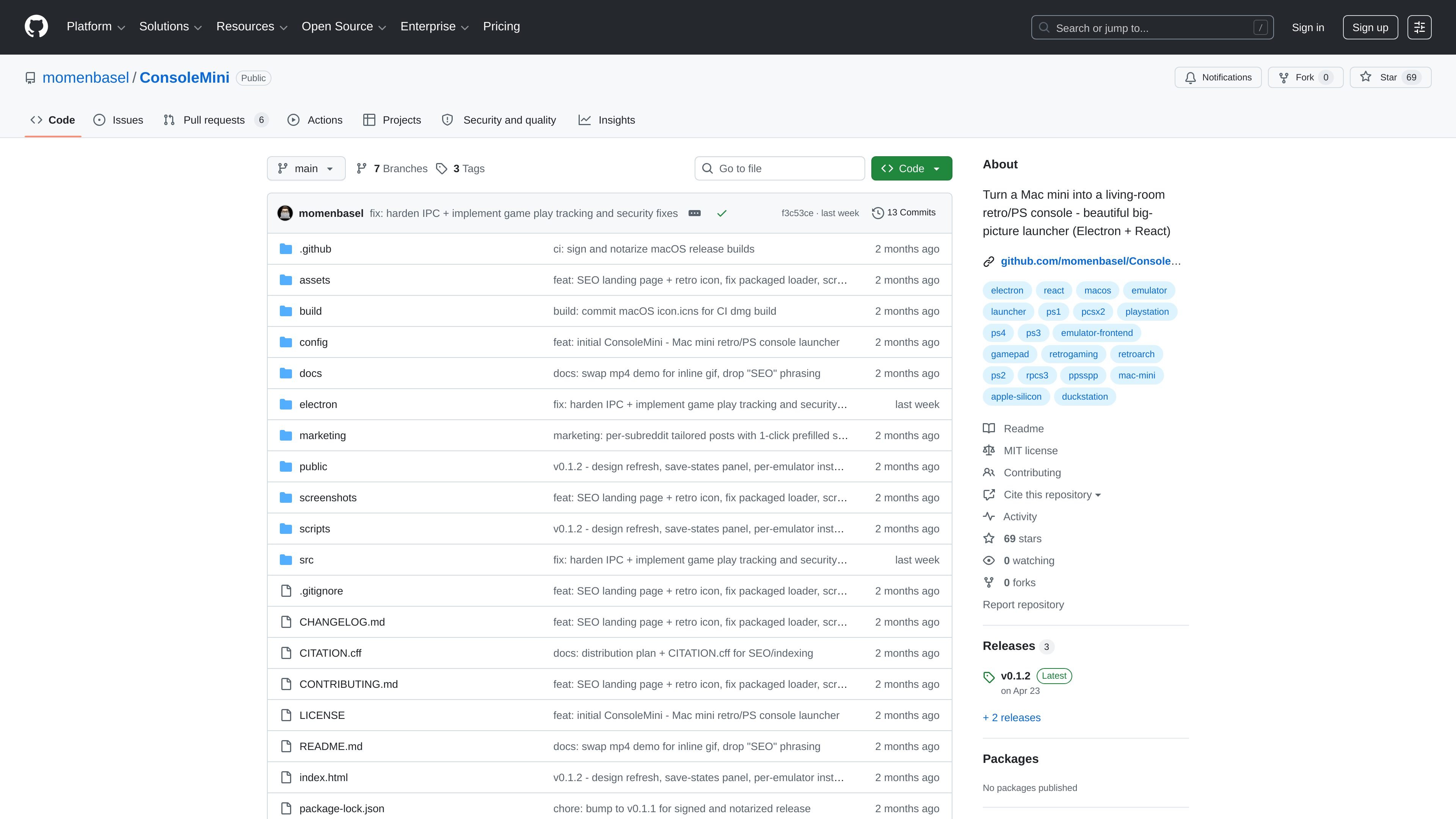
ConsoleMini is a macOS launcher that turns a Mac mini into a TV-friendly retro and PlayStation console interface. It is built with Electron and React and is positioned around a simple loop: plug in a controller, choose a system, and launch the emulator with your ROM.
The project focuses on a controller-first, big-picture UI for the Mac mini living-room setup. Rather than trying to replace emulators, it wraps supported macOS emulators, provides install and setup guidance, and offers a read-only view of save-state folders so users can see what is already on disk.
ConsoleMini is built for a living-room setup where the Mac mini connects to a TV and a controller. Its interface is designed around large, controller-friendly navigation rather than mouse-first desktop use.
The launcher covers ten systems across retro and PlayStation-era emulation, including PS1, PS2, PS3, PS4, PSP, N64, SNES/NES, GBA, and Dreamcast. Each system maps to a specific emulator and install path.
The app shows live install status in the Settings tab and can install supported emulators through the bundled `scripts/install-emulators.sh` flow. The README also lists exact Homebrew commands for each emulator.
Controller navigation uses the HTML5 Gamepad API for menu actions such as navigation, confirm, back, menu, and search. The README notes that in-game input is then handled by the emulator itself.
A kiosk script can auto-launch the app at login, disable sleep, and hide the Dock so a Mac mini can boot straight into the launcher. This supports a console-like living-room workflow.
The app includes a Save states panel that lists each emulator’s vault, counts files, shows last-modified times, and offers a Reveal button to open the folder in Finder. ConsoleMini reads the data but does not modify it.
Set up a Mac mini beside a TV and use it as a console-like gaming machine. ConsoleMini provides the front-end so you can boot into a controller-driven launcher instead of a desktop environment.
Browse supported systems and launch the matching emulator for a selected ROM. The app is meant to get you from controller input to gameplay with as little UI friction as possible.
Install and configure supported emulators from one place. The Settings tab shows install status and points to the scripts that automate emulator setup for the systems ConsoleMini supports.
Check save-state folders across emulators without opening each app individually. The save-state panel gives a consolidated, read-only view that helps you inspect what is stored on disk and open it in Finder when needed.
Use the launcher with common Bluetooth controllers such as DualShock, DualSense, Xbox, or 8BitDo pads. Menu navigation works through the Gamepad API, while each emulator handles the in-game controller mapping.
No. ConsoleMini is a launcher only; the README says it does not ship ROMs or BIOS and asks users to bring their own legally.
The README says controller navigation works with any controller exposed through the HTML5 Gamepad API, including DualShock 4, DualSense, Xbox, and 8BitDo controllers. In-game input is handled by each emulator directly.
ConsoleMini is designed for the Mac mini to TV setup. The README describes Apple Silicon native builds, but also says both arm64 and x64 builds are shipped, with M-series recommended for PS3 and PS4 use.
You can install it from Homebrew using the ConsoleMini cask, download the latest release .dmg, or build from source with the provided setup script and Electron dev command.
The app is centered on launching supported emulators and showing their save-state vaults. It does not replace the emulator’s own save-state system; instead, it indexes those files and lets you reveal them in Finder.

Cascadeur 是一款獨立 3D 關鍵影格動畫工具,適用於人形與其他角色製作。結合 AI 輔助擺姿與物理工具,協助動畫師在既有流程中建立、編輯與整理動作。

GameGrad turns PDF study material into quiz questions that appear inside arcade games, so users can practice active recall while they play. It offers a free tier with one PDF and a Pro plan with more uploads, more questions, and answer explanations.

DailyPlay.ai 是一個行為成長平台,透過 AI 網站掃描與微型遊戲,協助品牌提升互動與轉換。支援網頁、行動裝置與其他數位接觸點,並提供一行腳本設定與免費互動掃描。

MacSpoof 是 macOS MAC 位址變更工具,可改寫或隨機化 Wi‑Fi MAC 位址,重新連線並降低在公共 Wi‑Fi 被記錄的裝置識別。

NomNak 是一款餐廳探索 app,透過朋友推薦而非陌生評論,幫你發現好去處。iPhone 免費使用,支援收藏地點、美食護照與城市搜尋,查看朋友的美食地圖。

TyeGit 是以 Rust 與 Tauri 打造的原生 Git 用戶端,適合需要快速、精準控制暫存、提交、分支與遠端同步的開發者,支援 Windows、macOS 與 Linux,並提供可編輯的 diff 暫存與 GitHub Device Flow 登入。