
Git-native agent files
Defines agent identity, memory, rules, tools, and skills as plain files inside a git repository, so the full agent state can be read and reviewed like code.

GitAgentProtocol (GAP) is an open standard for git-native AI agents that keeps identity, memory, rules, tools, and skills in plain files inside a repository. It helps developers build, run, and govern agents with git-based review, rollback, and audit workflows.
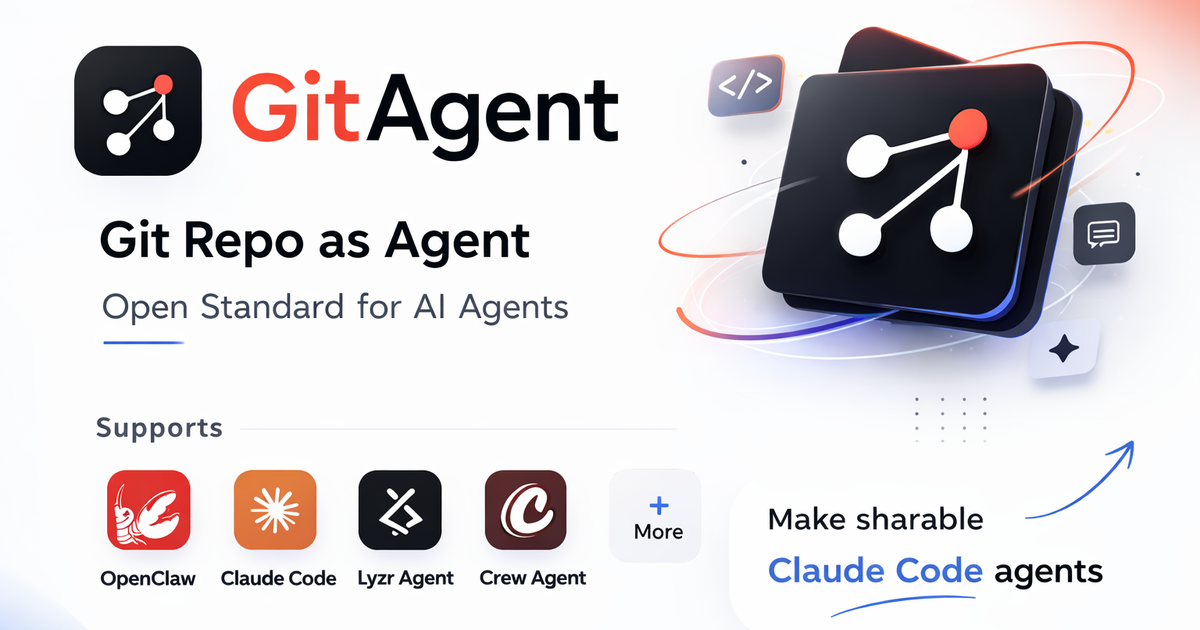
GitAgentProtocol (GAP) is an open standard for git-native AI agents. It defines agents as repositories, with identity, memory, rules, tools, and skills stored as plain files that can be versioned, reviewed, branched, and reverted with normal git workflows.
The product is presented as a git-native agent harness built in TypeScript for Node.js environments. It is meant to help developers build, run, and govern agents with an auditable file-based structure rather than scattered configuration inside a framework or vendor-specific cloud.
Defines agent identity, memory, rules, tools, and skills as plain files inside a git repository, so the full agent state can be read and reviewed like code.
Tracks changes through standard git workflows such as commit, branch, diff, revert, and tagged release, giving each agent version a clear history.
Supports human review patterns such as branch-and-PR flows for learning or memory changes, along with audit trail and control-oriented workflows.
Includes deterministic multi-step workflows defined in YAML through SkillFlow, with ordered steps and template-based data flow.
Provides a Node.js SDK entry point for embedding agents in applications and running prompts programmatically from code.
Can be run as a local assistant with terminal, browser, and messaging interfaces, including web UI and voice-oriented interaction modes.
Embed the SDK in a Node.js application when you want to send prompts programmatically and keep the agent configuration in a repository alongside code.
Run an assistant in a local repo when you want memory, rules, and skills to live in plain files that can be committed, reviewed, and rolled back.
Use branch, diff, and PR workflows to review rule changes, learned skills, or memory updates before they are merged into the main agent state.
Define deterministic multi-step automations in YAML when an agent workflow needs ordered steps, template data flow, and explicit dependencies.
Set up a shared monorepo agent model when multiple agents need common context, tools, and skills without duplicating configuration across projects.
GitAgent is designed to run as a git-native agent harness built in TypeScript. The source describes SDK use in Node.js, plus terminal, browser, and messaging-based interaction modes for the personal assistant setup.
The source describes GitAgent as framework-agnostic and says it works with Claude, OpenAI, CrewAI, Lyzr, and more. It is presented as an open standard built on OpenGAP.
The docs show a Node.js SDK entry point and a CLI-style personal assistant flow. The main repository also includes plain-file agent configuration such as `agent.yaml`, `SOUL.md`, `RULES.md`, and `memory/`.
The documentation emphasizes version control, branching, diffs, rollbacks, and audit trails. It also describes human-in-the-loop review patterns, so it is oriented toward teams that want reviewable agent changes.
The source does not provide a current pricing table. A `/pricing` URL was available in the collected sources, but it returned a 404, so plan details are not confirmed.

Codex Plugins 將可重用技能、應用程式整合與 MCP 伺服器打包成可安裝到 Codex app 或在 Codex CLI 使用的工作流程,方便延伸 Codex 的連線服務任務、重複使用指令與團隊共享流程。

CreateOS Sandbox 是以 Firecracker micro-VM 執行程式與 agent 工作負載的隔離運算環境,支援私有網路、SDK、CLI 與 MCP 程式化控制。

Wallie 是開源 AI streamer,可觀看你的螢幕、聆聽聊天室,並以可設定的人設即時生成直播評論;支援本機執行與自有金鑰,適合無真人出鏡、自治直播與即時互動。

ClawTick 是一個 AI agent 自動化平台,可從 CLI、儀表板或 REST API 排程工作。適合使用 LangChain、CrewAI、webhook 或自訂 agent 流程,並提供監控、警示與日誌。

Falconer 是 AI 驅動的公司知識中樞,透過與 GitHub、Slack、Linear 同步,讓內部文件保持正確、可搜尋且即時更新,協助工程與跨部門團隊集中知識並以單一事實來源回答問題。

OpenFlags 是一個開源、自架的功能旗標平台,專為現代 JavaScript 團隊打造。支援本地評估、分階段釋出與精準發佈,並將旗標資料保留在自有基礎架構中。