
Automatic background removal
Upload a single image or a batch, and the tool removes the background automatically after upload.

Icons8 Background Remover is a web-based AI tool that removes image backgrounds and can replace them with transparent, solid-color, or photo backgrounds. It’s aimed at designers and other users who need quick background cleanup for individual images or batch uploads.
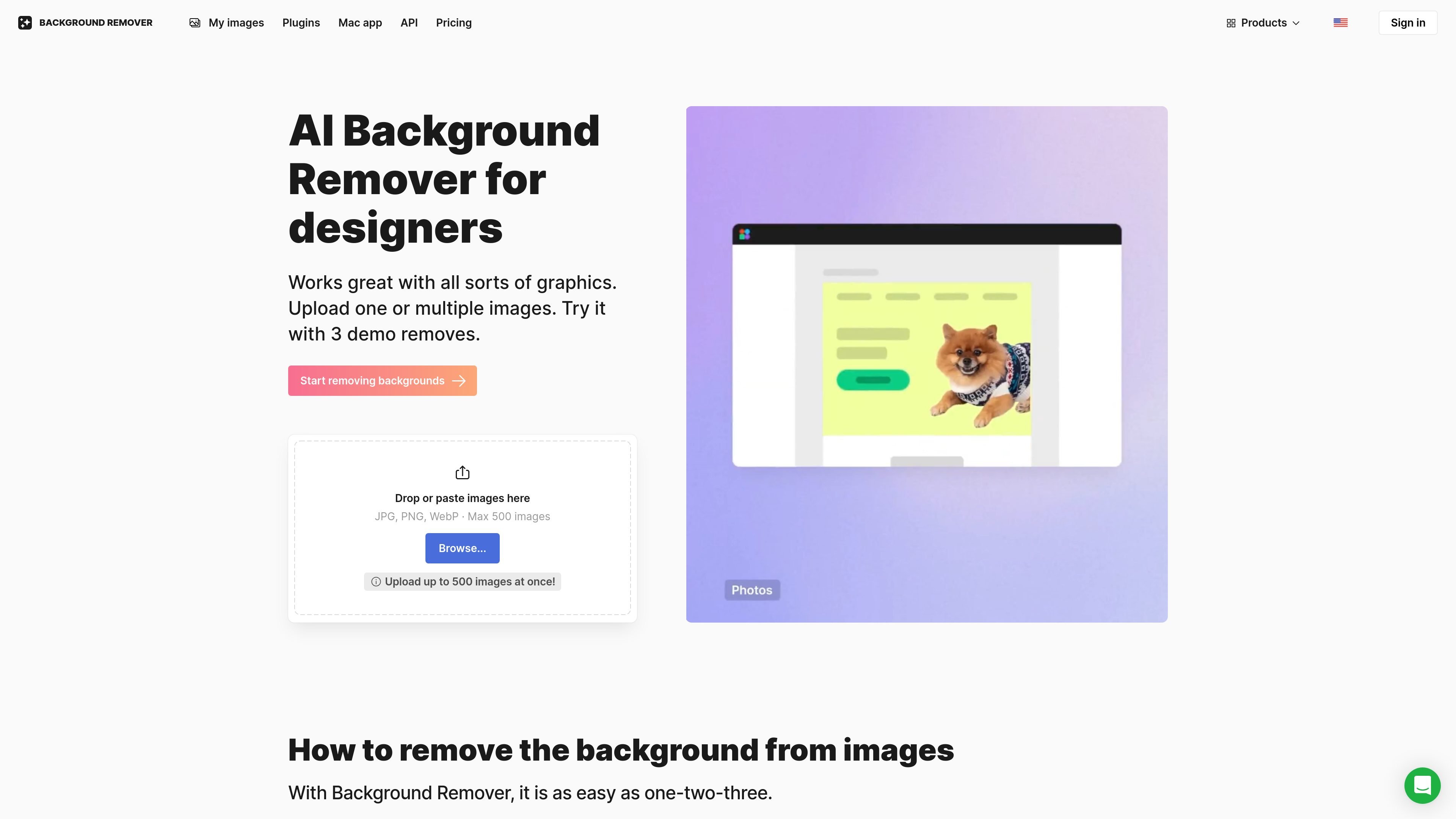
Icons8 Background Remover is an AI tool for removing image backgrounds online and replacing them with transparent, solid-color, or photo backgrounds. The product is positioned for designers, but the page also describes it as useful for a wide range of images, including logos, illustrations, product photos, portraits, and other graphics.
Users can upload one image or a batch of images, and the tool processes them automatically after upload. The page says it supports JPG, PNG, and WebP files, allows up to 500 images per batch, and offers 3 free background removals before requiring a paid plan.
Upload a single image or a batch, and the tool removes the background automatically after upload.
The tool accepts JPG, PNG, and WebP files and supports uploads of up to 500 images at once.
After removal, you can replace transparency with a solid color, a gallery photo, or your own background image.
The product says it is trained to handle logos, illustrations, lettering, signatures, portraits, product photos, and other graphics.
The tool keeps the original size and quality of the image during background removal, according to the product page.
Uploaded images are stored for history and re-downloads, reducing the need to process the same cutout again.
Prepare transparent cutouts for product listings, presentations, or marketing assets without manually tracing each image.
Clean up logos, illustrations, lettering, or signatures so they can be placed on new layouts with a transparent background.
Process a set of images in one upload when you need the same background-removal workflow repeated across a larger collection.
Replace transparency with a white fill, a solid color, or a gallery image when you need a different backdrop for the final asset.
Integrate background removal into another product or workflow using Icons8’s Background Remover API.
It uses artificial intelligence to detect the subject of an image, mask it, and remove the background automatically. You can drop a single image or a batch of images, then download the result.
Yes. The product page says you can remove backgrounds from 3 images for free. To process more images, you need to subscribe to one of the plans.
Images with clearly defined subjects, such as a person or an object, are the best fit. The product notes that images without a clear focal point may be handled incorrectly, and tricky details such as hair in motion may be cropped.
Uploaded images are securely stored so you can view your history and re-download cutouts without repeating the same background removal process.
Yes. Icons8 offers Background Remover API access, which lets you integrate background removal into your own products.

Pixelcut is an AI photo editor for creating and editing product images, social content, and video assets. It offers free and paid plans, plus mobile app and browser access for individual users and teams.

Airbrush is an AI-powered photo and portrait editor for web, desktop, and mobile. It helps creators, everyday users, and professionals retouch portraits, remove backgrounds, and enhance images with credit-based AI tools.

BgSub is a browser-based AI tool for removing or replacing image backgrounds. It supports automatic cutouts, background replacement, and color adjustment for people editing product images, photos, or web visuals.

Slazzer is an AI photo editor focused on automatic background removal, with access through the web app, API, desktop software, and plugins. It also includes related tools for upscaling, enhancement, relighting, shadows, sky replacement, and photo restoration.

Aaavatar is a macOS portrait editor for teams that need consistent staff photos. It removes backgrounds, applies backgrounds or brand colors, and exports finished portraits to common professional channels.

Hotpot.ai Remove Background uses AI to remove image backgrounds while preserving people and products. It supports transparent output, background replacement, API access, and self-hosted deployment for higher-volume or enterprise workflows.