
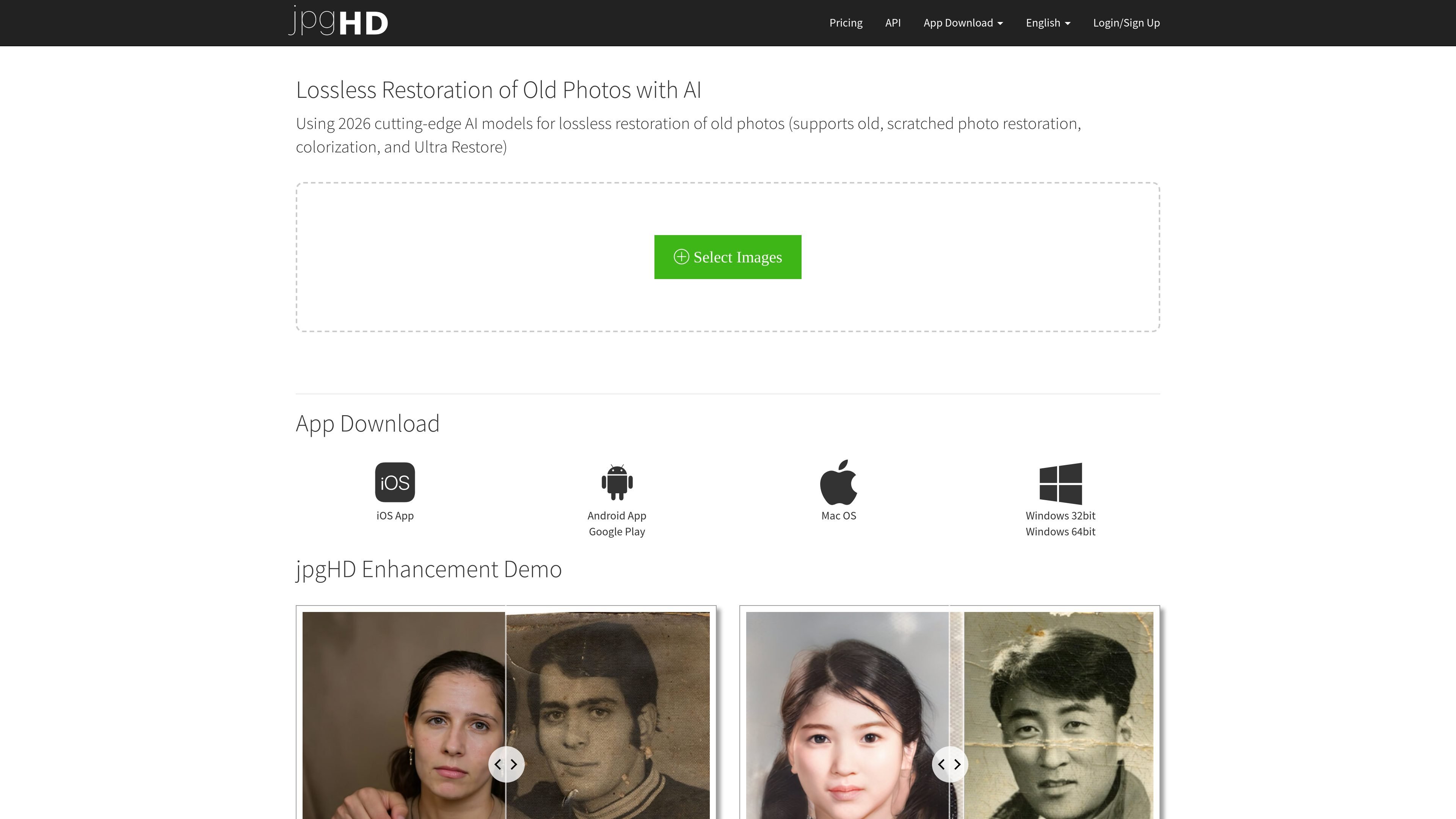
Old photo restoration
Restore scratched, damaged, and old photos with an AI workflow the site describes as lossless HD restoration.
jpgHD is an AI photo restoration service focused on old, scratched, and low-quality images. The homepage describes it as “lossless restoration of old photos with AI” and says it uses 2026 cutting-edge AI models for restoration, colorization, and Ultra Restore.
The product is built for people who want to improve damaged family photos, old portrait images, and other supported image types without manually editing them. The site also exposes an API and includes downloadable apps for iOS, Android, Mac OS, and Windows, along with a web interface for uploading images and downloading processed results.
Restore scratched, damaged, and old photos with an AI workflow the site describes as lossless HD restoration.
Apply colorization to monochrome or old photos as part of the restoration flow.
Run enhancement modes for different image types, including portrait/photo and artwork-oriented processing.
Use a super-resolution workflow that includes 2x and 4x enlargement options in the product and API labels.
Generate Magic Photo results that animate portraits; the site notes this mode needs more processing time and supports up to 10 faces per photo.
Access the service through the web app, downloadable desktop/mobile apps, and an API for task submission and status checks.
Upload family snapshots, damaged portraits, or scanned prints to repair scratches, noise, and age-related degradation.
Use the colorization path when working with black-and-white or faded photos that need a color pass in addition to restoration.
Choose the enhancement modes for artwork, illustrations, cartoons, logos, or other non-photo images when you want a cleaner, larger output.
Use Magic Photo when you want a portrait to animate; the site notes it is slower than standard enhancement and supports up to 10 faces.
Use the API when you need to submit tasks programmatically, check processing status, or retry failed jobs from another system.
jpgHD is a web-based AI photo restoration service. You upload an image, choose a processing mode, and the site returns a restored or enhanced result after processing.
The site says one image usually takes about 3 to 5 minutes. Smaller images and images with fewer faces are processed faster; AI enhancement is faster than old photo restoration, and Magic Photo takes longer.
jpgHD says it supports any images, including landscape photos, portraits, graphic design images, illustrations, cartoons, old photos, and scratched or damaged photographs.
The site says uploaded images and results are automatically deleted after more than 3 days, and users can also delete them manually.
Yes. The site exposes an API for creating, querying, and retrying tasks, and the account area shows task history and credits-based usage.
Upscale.media is an AI image upscaling and enhancement tool from Pixelbin that enlarges low-resolution or pixelated images and improves clarity in the browser. It offers free individual image use, paid credit plans, and team-oriented workflows such as bulk processing and API integration.
Pixelcut is an AI photo editor for creating and editing product images, social content, and video assets. It offers free and paid plans, plus mobile app and browser access for individual users and teams.
PhotoAid’s AI Image Enlarger is a free browser-based tool for upscaling images without a standard blur-heavy resize. It supports JPEG, WEBP, and PNG uploads and is described as working best for photos with faces.
Let's Enhance is an online AI image app for enhancing, upscaling, and restoring photos. It helps users clean up images, increase resolution, and process files through free credits, subscriptions, or pay-as-you-go bundles.
Airbrush is an AI-powered photo and portrait editor for web, desktop, and mobile. It helps creators, everyday users, and professionals retouch portraits, remove backgrounds, and enhance images with credit-based AI tools.
Aaavatar is a macOS portrait editor for teams that need consistent staff photos. It removes backgrounds, applies backgrounds or brand colors, and exports finished portraits to common professional channels.

