

Multi-format summarization
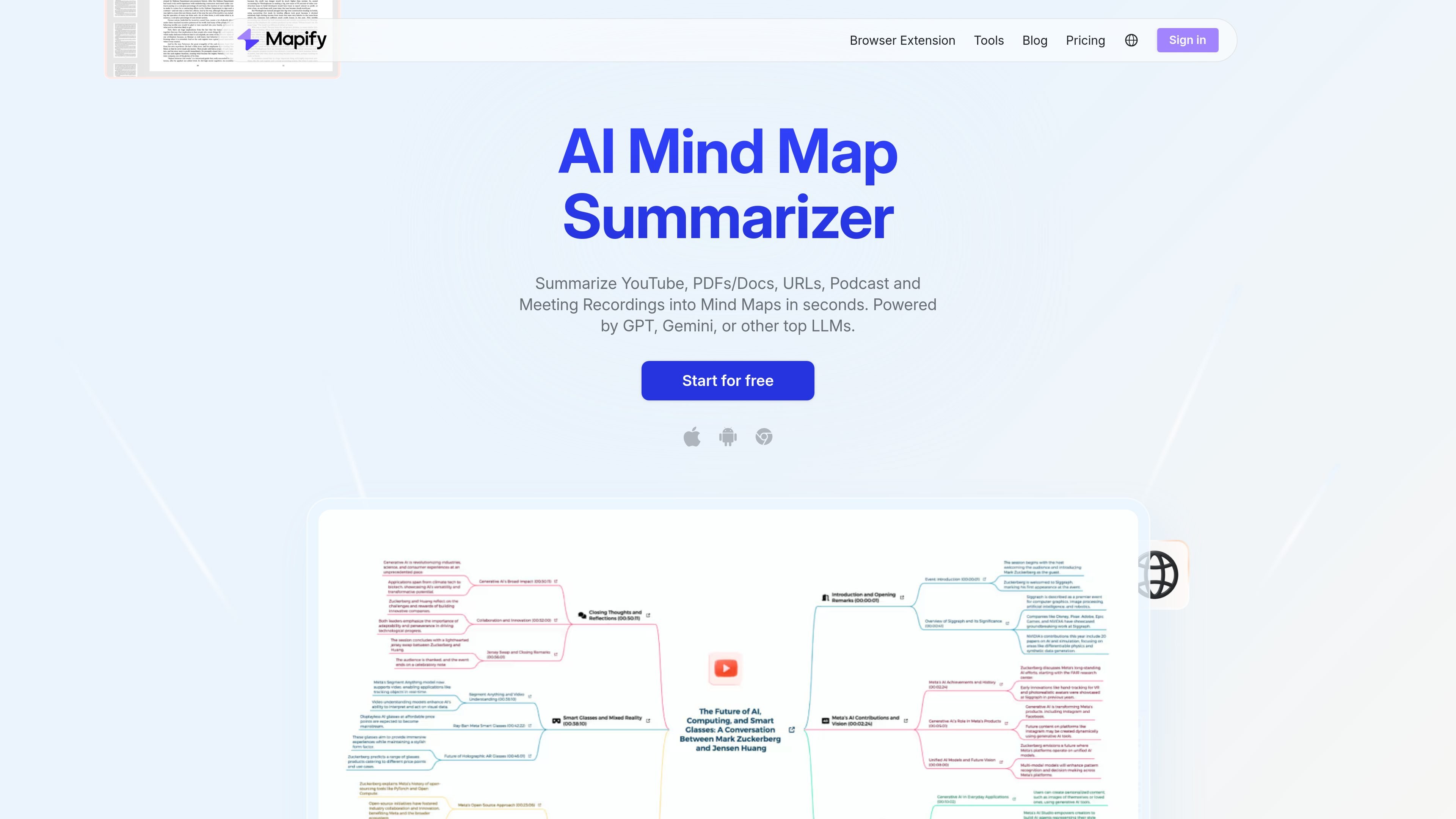
Convert PDFs, documents, webpages, YouTube videos, audio files, images, and pasted text into structured mind maps.
Mapify is an AI summarizer and mind map generator that turns PDFs, documents, webpages, YouTube videos, audio, images, and pasted text into structured mind maps. It is built for people who need to quickly extract key points, organize information, and review source material in a more visual format.
The product combines summarization, chat, transcript handling, web search, and export tools in one workflow. According to the site, it supports multiple LLMs, cross-platform access, and plan options ranging from a free trial tier to paid subscriptions and team sales contact.
Convert PDFs, documents, webpages, YouTube videos, audio files, images, and pasted text into structured mind maps.
Use AI chat to ask questions about your content, refine summaries, and expand branches with additional ideas.
Navigate video mind maps with timestamps, pull transcripts, and jump to relevant moments in the source video.
Create slides, export to PDF, Markdown, SVG, or share by link when you need to reuse the output outside Mapify.
Switch between GPT, Gemini, and other top LLMs, with a powerful model available on higher plans for deeper analysis.
Use the same subscription across Web, browser extension, iOS, Android, iPadOS, and macOS apps, with maps synced across platforms.
Turn readings, lecture notes, and articles into a visual outline that makes the main arguments easier to review and remember.
Summarize reports, webpages, and reference materials into a shared structure that can be edited, exported, or presented.
Convert YouTube videos, podcasts, or meeting recordings into mind maps so you can jump to key moments and review transcripts.
Draft presentation-ready slides or exportable summaries from structured maps when you need to share findings quickly.
Use AI chat, branch expansion, and web search to develop ideas from a starting document instead of working from a blank page.
Mapify uses AI credits when you generate a mind map, refine content, or chat with AI. Credits are not consumed just for uploading files or browsing existing mind maps. The amount used depends on the model, file size, content complexity, and output type.
Yes. Mapify offers a 3-day free trial for the Pro and Unlimited annual plans. You can cancel during the trial, and the plan will revert to the Trial version if you do.
Paid monthly and annual plans include recurring credits that refresh monthly. The exact refresh date depends on your subscription start date, and you can check it in Account & Settings.
Yes. You can cancel a subscription in your account settings to stop auto-renewal. After cancellation, you keep access to the plan features and credits until the current billing cycle ends.
Yes. Students and educators can get a 30% educational discount on monthly subscription plans by submitting eligible school documentation through Education Savings.

一款由人工智慧驅動的工具,能快速高效地總結PDF文檔,提供清晰的見解,並允許用戶與內容互動。

Tactiq is an AI note taker for Google Meet, Zoom, and Microsoft Teams that transcribes meetings live and turns them into summaries, action items, and follow-up outputs. It is built around a Chrome extension and supports team workflows through sharing and integrations.

心流AI助手是一款面向知识获取与内容处理的 AI 助手,可用于实时问答、长文总结和写作辅助。公开页面显示它覆盖日常百科、生活信息和学术论文相关场景,并提供 App 体验入口。

Scripta is a privacy-first AI notetaker that records, transcribes, and summarizes meetings directly on your device. The public site currently shows a Mac beta download and a Windows waitlist.

Magic Notebook is a desktop writing app for bloggers, journalists, authors, and other people who want to write in local files without a cluttered interface or cloud workflow.

Scribeist is an AI-powered writing platform with dedicated workspaces for novels, blogs, essays, and notes. It combines project-aware AI, fiction continuity tools, SEO-focused blog tools, and publishing integrations.