
Auto-pipeline for role review
Paste a job URL and the system produces an evaluation, a PDF, and a tracker entry in one pipeline.

Career-Ops is an AI-powered job search system that helps candidates evaluate roles, generate tailored PDF materials, scan job portals, and track opportunities in one workflow. It is built around human review rather than automatic application submission.
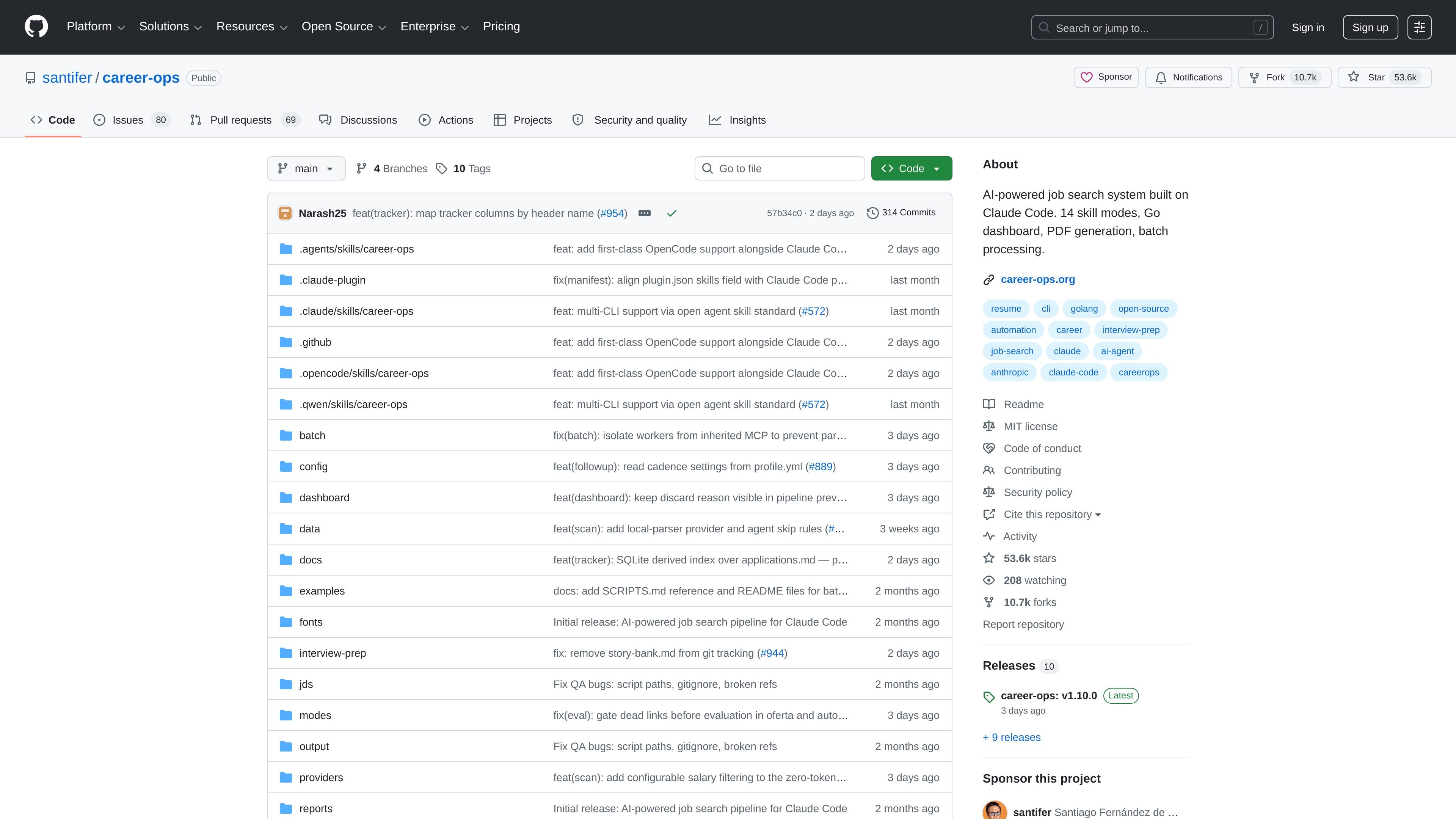
Career-Ops is an AI-powered job search system built on Claude Code and related AI coding CLIs. It is designed to help candidates evaluate opportunities, tailor application materials, and keep job-search data organized in one command center instead of spreading it across spreadsheets and manual notes.
The repository describes a workflow centered on role scoring, ATS-oriented PDF generation, portal scanning, batch evaluation, and a terminal dashboard. It also emphasizes human review: the system recommends opportunities, but the user makes the final decision and submits applications themselves.
Paste a job URL and the system produces an evaluation, a PDF, and a tracker entry in one pipeline.
Roles are scored with an A-F system that uses 10 weighted dimensions, plus a Block G legitimacy check for scams and ghost jobs.
The system can generate ATS-oriented CV PDFs and cover letters, including keyword mirroring and review before final generation.
It scans job portals and company pages, with preconfigured coverage for companies such as Anthropic, OpenAI, ElevenLabs, Retool, and n8n, plus Ashby, Greenhouse, Lever, and Wellfound queries.
It can evaluate multiple offers in parallel using headless CLI workers, and it keeps a single pipeline with merge, dedup, status normalization, and health checks.
A terminal dashboard lets you browse, filter, and sort the pipeline from one place.
A candidate can paste a job post URL, review the generated assessment, and decide whether the role is worth pursuing before spending time on an application.
Someone tailoring applications can use the pipeline to generate a role-specific CV PDF and a cover letter draft aligned to the job description.
A job seeker managing many leads can scan portals, evaluate offers in batch, and keep the results organized in a single pipeline.
A user who wants more structure than a spreadsheet can browse and sort the command center from the dashboard/TUI while keeping the underlying records intact.
A candidate who applies selectively can use the legitimacy checks and scoring system to avoid low-quality, scam, or ghost-job listings.
No. The repository describes Career-Ops as an AI-powered job search system that evaluates roles, generates tailored PDFs, scans portals, and tracks applications, but it does not submit applications for you.
The source says it turns an AI coding CLI into a job search command center and can be used with Claude, Gemini, Codex, Qwen, or Opencode. The quick-start examples show you run the installer, then open your chosen CLI.
The documentation shows the `examples/` directory is for reference only and not used at runtime. It includes templates such as `cv-example.md`, `article-digest-example.md`, and `sample-report.md` to help users structure their own files.
The repository includes a `docs/` area and a quick-start that references `npm run doctor`, but the provided source excerpt does not include full setup or configuration details beyond the installer flow.
The source states that GitHub's free plan includes public and private repositories, GitHub Actions minutes, packages storage, issues and projects, and community support. It does not provide Career-Ops pricing on the captured pages.

Ein KI-gestütztes Tool, das PDF-Dokumente schnell und effizient zusammenfasst, klare Einblicke bietet und es den Benutzern ermöglicht, mit den Inhalten zu interagieren.

HiringPartner.ai is an autonomous AI recruiting platform for sourcing, screening, and interviewing candidates 24/7. It supports ATS-connected workflows, bulk resume uploads, and reviewable interview outputs for hiring teams.

Paperpal 是一款面向学术写作的 AI 工具,提供文献阅读、语言润色、引用、查重、AI 检测和投稿前检查。它适合需要在英文论文和学术材料上进行写作、修改与合规自检的学生、研究人员和教师。

AakarDev AI helps teams manage AI provider access, project-level setups, logs, and analytics from one dashboard. It supports BYOK workflows and lists providers including OpenAI, Google Gemini, Anthropic, Groq, Mistral AI, and Perplexity AI.

BookAI ermöglicht es Ihnen, mit Ihren Büchern zu chatten, indem Sie einfach den Titel und den Autor angeben.

PDFTools is a browser-based suite of free and premium PDF utilities for editing, conversion, and document handling. It helps users work on PDFs locally in the browser without uploading files to a server.