
Prompt-to-app generation
Describe an app in plain language and GenMB generates a working web app rather than a single static screen. The product says it can produce full-stack apps with logins, data, automations, and bots.

GenMB is an AI web app builder that creates full-stack web apps with frontend, backend, database, authentication, and automations included. It is aimed at individuals and teams that want to build and publish working apps from a plain-language prompt.
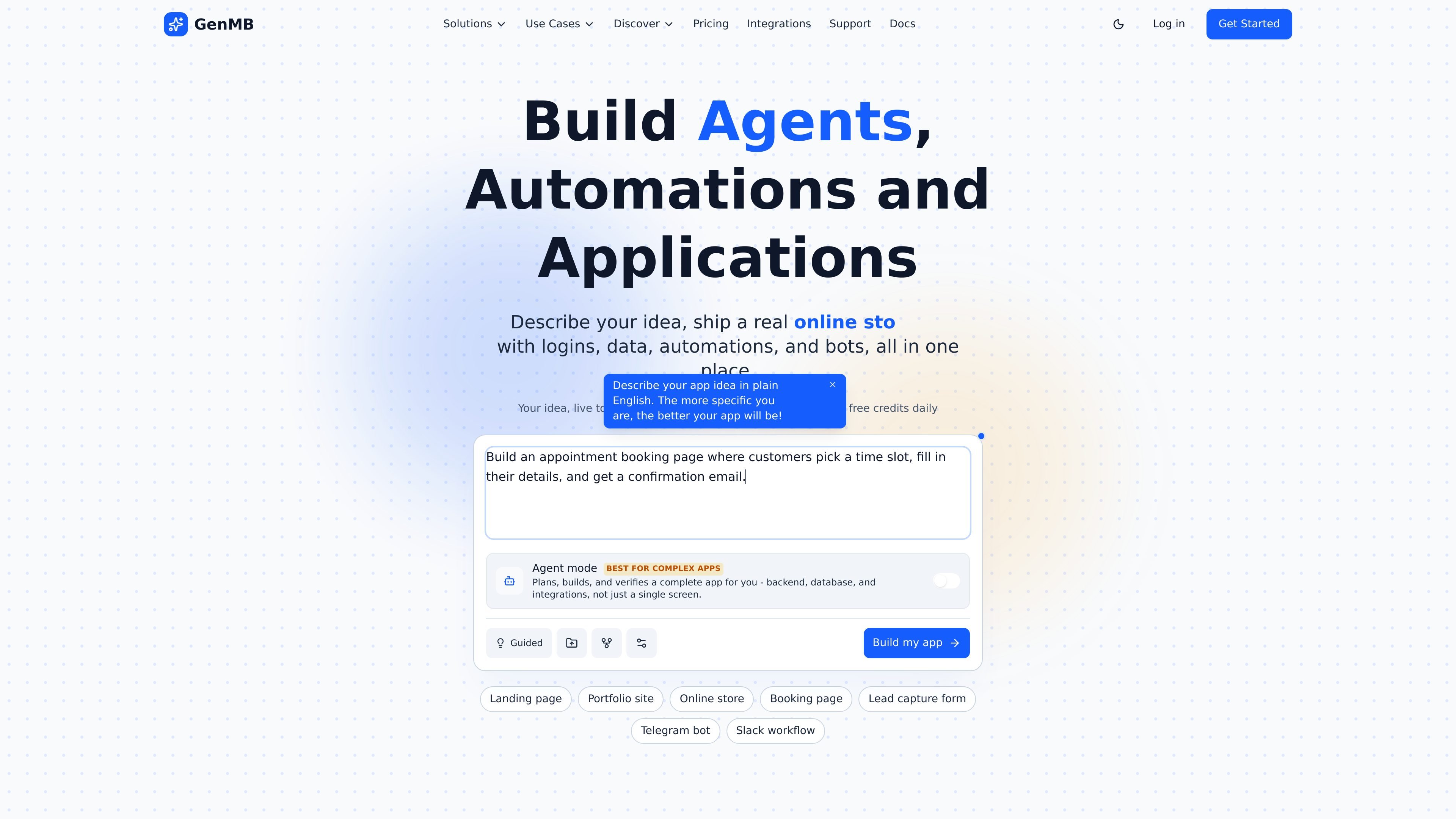
GenMB is an AI web app builder that generates full-stack web applications from a plain-language description. It is positioned for people who want to build and publish working apps with frontend, backend, database, authentication, and automations in one place.
The product emphasizes moving from idea to a live app without setting up infrastructure first. The site says GenMB can create apps with logins, data, workflows, bots, and integrations, and that users can export their code, deploy to a subdomain, or move up to paid plans for features like a real database, custom domains, and team collaboration.
Describe an app in plain language and GenMB generates a working web app rather than a single static screen. The product says it can produce full-stack apps with logins, data, automations, and bots.
Agent Mode breaks more complex requests into a sequence of tasks, with checkpoints and automatic retry handling. The pricing page also links this mode to GenMB Code for more involved builds.
GenMB can provision a zero-config key-value store for simple apps or a dedicated PostgreSQL database for data-heavy apps. The platform also supports database browsing and schema design for relational apps.
The platform includes automation features such as visual workflows and scheduled agents that can run on autopilot. Pro and higher plans also support connecting user accounts from services like Gmail, Outlook, Slack, Notion, and HubSpot.
Apps can be published to a free subdomain, made private on paid plans, or mapped to a custom domain. GenMB also supports ZIP export so the code can be taken elsewhere.
The platform supports generated apps built with HTML, CSS, JavaScript, Tailwind CSS, and frameworks including Vanilla JS, React, and React + TypeScript. It also supports built-in live preview while you create.
Create a landing page, portfolio site, or lead capture form from a short description, then publish it to a free subdomain while you test the idea.
Build a SaaS dashboard, CRM tool, or booking system that needs user accounts, persisted data, and CRUD-style workflows.
Set up Telegram or Slack workflows and scheduled agents for repetitive tasks that should run without manual intervention.
Assemble an online store or other public-facing site with integrations for payments, email, maps, and similar tools the platform references.
Use the shared credit pool, team dashboard, and unlimited members on Team and Business plans when several people need to work on the same project.
Yes. The Starter plan is free and includes 8 credits per day, unlimited apps, live preview, version history, and deployment to a free subdomain. No credit card is required.
Starter is aimed at building and publishing simple apps. Pro adds a real PostgreSQL database, Agent Mode and GenMB Code for complex apps, workflows and scheduled agents, premium add-ons, private apps, custom domains, custom branding, knowledge files, and more credits without a daily limit.
GenMB supports multiple app types, including landing pages, portfolios, online stores, booking pages, SaaS dashboards, CRM tools, and Telegram or Slack workflows. The home page and FAQ also describe both single-page and multi-page full-stack web apps.
Yes. GenMB says all plans include full ZIP export, so you can download your code and deploy it elsewhere. The pricing page states that you own your code and can cancel anytime.
Team adds unlimited team members with no per-seat fees, a shared credit pool, and a team management dashboard. Business adds chat agents, enterprise SSO, dedicated hosting, and dedicated support.

Make Real is a Next.js app that turns hand-drawn wireframes into working HTML prototypes using the tldraw SDK and AI models. It helps users sketch on a canvas, generate code, and review the result in an embedded preview.

Speculos is a deployment tool for Claude Code that publishes what you built to a shareable URL. It supports private, org-wide, or public apps and adds team controls for company domains, data connections, and customer-cloud deployments.

FigPrompt is an AI tool for creating production-ready Figma plugins from a written description. It helps Figma users move from idea to plugin logic without writing code.

Capacity is a no-code, AI-assisted app builder that turns plain-language ideas into working apps. It helps people ship apps with accounts, payments, and custom domains without writing code.

Prompty Town is a web product that turns a link into a building in a small internet city. It appears to let users buy a tile, add a prompt, and publish the result alongside other buildings.

beehiiv is a newsletter platform for creators, publishers, and brands that want to build, grow, and monetize email newsletters and websites from one place. It offers a free Launch plan, plus paid tiers for more advanced growth, monetization, and support features.