
Link-as-building format
The product centers on turning a link into a building, which frames each entry as a small web destination rather than a standard list item.

Prompty Town is a web product that turns a link into a building in a small internet city. It appears to let users buy a tile, add a prompt, and publish the result alongside other buildings.
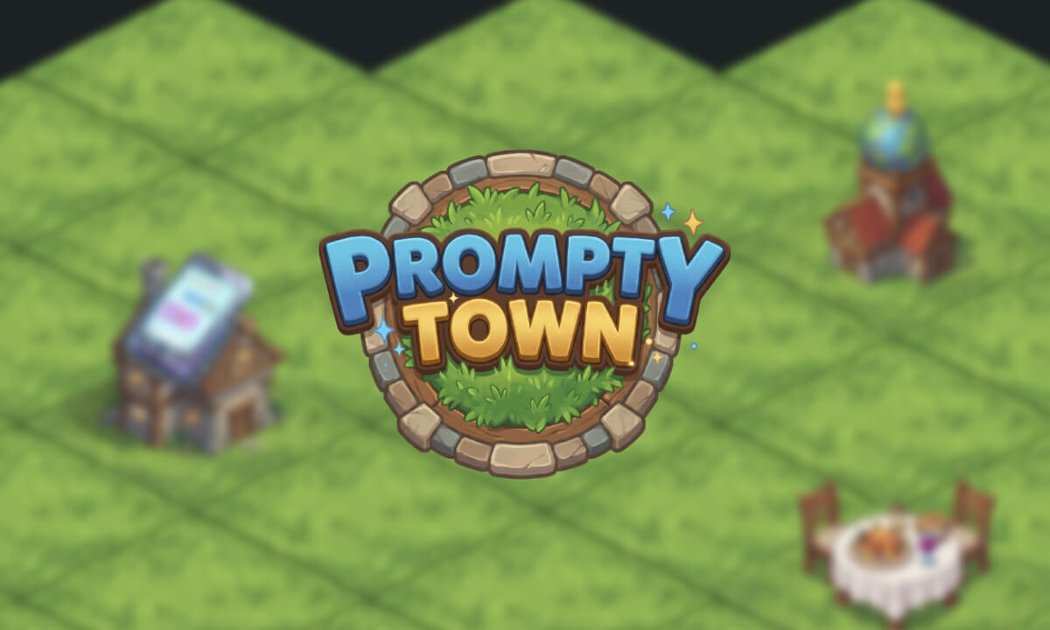
Prompty Town is a web-based product that turns a link into a building in a small internet city. The site positions each submission as a tile you can buy and prompt, then place as part of the larger town.
The captured homepage suggests a simple publishing workflow: choose or buy a tile, add a prompt, and view the result among other buildings. The product appears focused on presenting linked content in a playful city-style format rather than in a conventional directory or feed.
The product centers on turning a link into a building, which frames each entry as a small web destination rather than a standard list item.
Users can buy a tile and attach a prompt to it, according to the site’s meta description.
The homepage includes navigation for How it works, suggesting there is a documented workflow for creating and publishing buildings.
The site surfaces a Pricing area, indicating the product is organized around a defined offering, even though the captured pricing page itself returns a 404.
The homepage includes an All buildings view, which suggests a browsable gallery or directory of published items.
People who want a small, visually distinctive way to present a single link can use the building metaphor instead of a standard page title or bio link.
Creators who like playful web experiments can use the site to make a prompt-driven entry that appears in the town alongside other buildings.
Visitors browsing the site can explore the All buildings area to discover published entries and compare how different links are presented.
Someone evaluating the product can start at the homepage and use the How it works navigation to understand the intended workflow before trying it.
The site describes the product as a way to turn a link into a building: buy a tile, add a prompt, and publish it.
The homepage shows navigation for How it works, Pricing, Mayors, and All buildings, but the captured text does not provide a full step-by-step onboarding flow.
The captured pages do not confirm whether Prompty Town is meant for individuals, teams, or communities, so the intended audience is limited to people interested in the site’s link-to-building concept.
The pricing page returned a 404 in the captured source, so the available evidence does not confirm plan names, pricing, or limits.
No integrations, platform compatibility details, or output formats are described in the captured source.

Make Real is a Next.js app that turns hand-drawn wireframes into working HTML prototypes using the tldraw SDK and AI models. It helps users sketch on a canvas, generate code, and review the result in an embedded preview.

Creativly is a web-based AI creative studio for generating visual concepts, mockups, and stylized images from short inputs. It is aimed at designers, creators, and entrepreneurs who want fast visual ideation without writing long prompts.

beehiiv is a newsletter platform for creators, publishers, and brands that want to build, grow, and monetize email newsletters and websites from one place. It offers a free Launch plan, plus paid tiers for more advanced growth, monetization, and support features.

Edgee is an AI gateway for coding agents and LLM-powered apps. It compresses token traffic, routes requests across models, and provides observability and team controls to help reduce cost and keep sessions running.

findloc.ai publishes public AI reports for local markets and checks individual business websites for AI visibility signals. It helps owners, marketers, and agencies see which businesses AI assistants recommend and what their own site may be missing.

NanoCorp is a web-based autonomous AI company platform that turns a single prompt into a running business. It includes a free tier, a paid Founder plan, and tools for building, payments, outreach, ads, and reporting.