Socra icon

Socra

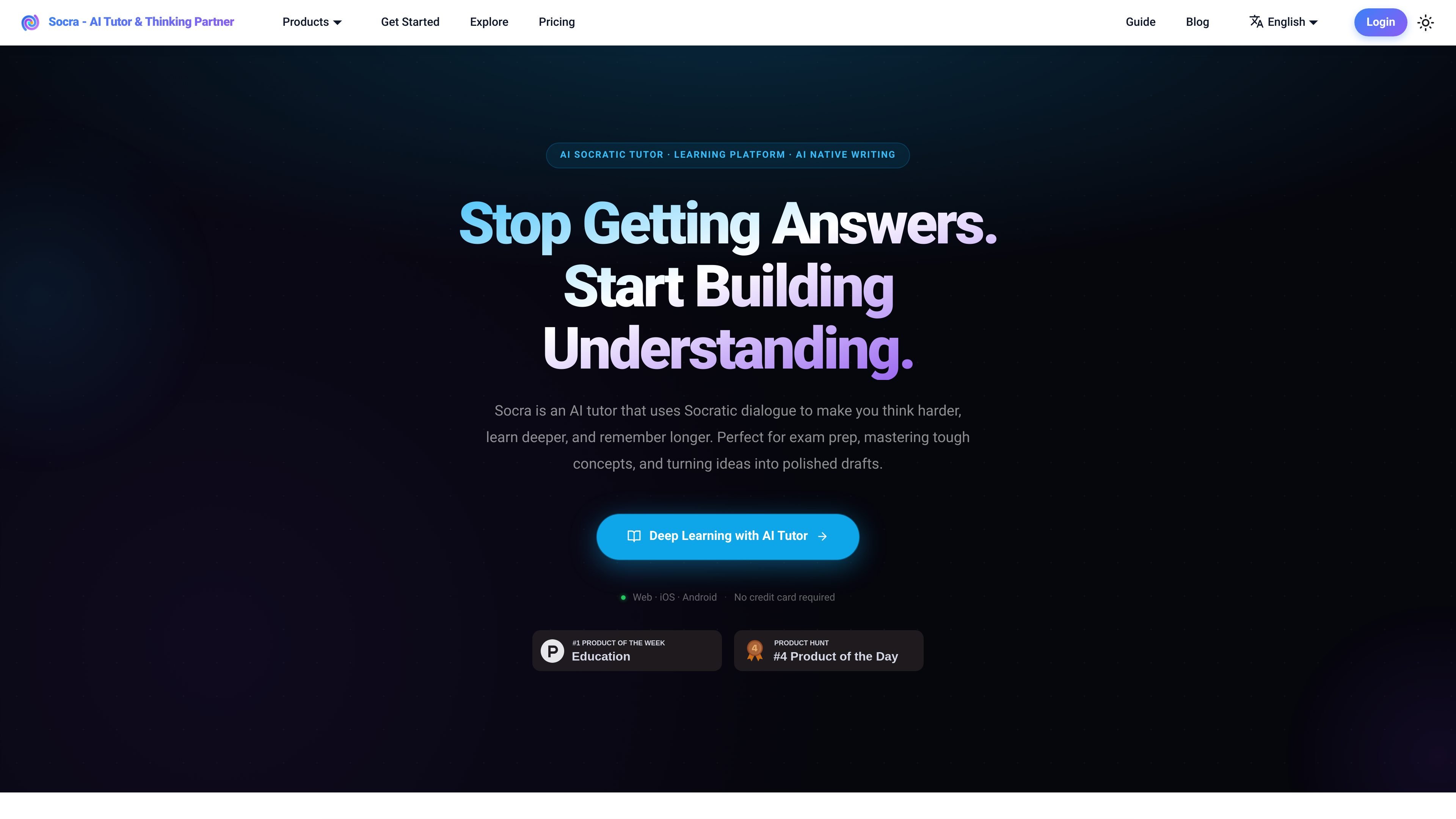
Socra is an AI learning platform built around Socra AI Tutor and SocraDraft, using guided questioning to help people understand concepts, organize thinking, and turn dialogue into notes or drafts. It supports web, iOS, and Android use with typed, spoken, or photo input.

Socra

Overview

Socra is an AI learning platform built around Socra AI Tutor and SocraDraft. Its core idea is to use guided questioning, active recall, and structured follow-up to help people understand concepts deeply rather than copy isolated answers.

The platform supports web, iOS, and Android use, and it accepts typed, spoken, or photographed input. Across both products, Socra turns dialogue into reusable study notes, concept artifacts, memos, and publish-ready drafts so the output is easier to revisit and build on later.

Socra AI Tutor is aimed at students, researchers, and lifelong learners who need help with exam prep, self-study, and difficult concepts. SocraDraft is aimed at writers, strategists, creators, and other knowledge workers who want to turn scattered thoughts into organized, polished work through an AI-assisted drafting process.

Core capabilities

Goal-driven sessions

Start from a topic, question, or problem and let Socra draft a clear goal and milestones before the session begins. This keeps the conversation focused on the learning objective instead of forcing you to structure everything yourself.

Guided Socratic dialogue

Socra uses Socratic questioning to prompt recall, comparison, explanation, and reasoning in your own words. The workflow is designed to reveal weak understanding instead of skipping straight to a finished answer.

Text, voice, and photo input

You can type, speak, or snap a photo to begin a session. Image input uses OCR to extract text from screenshots, notes, or printed material and feed it into the dialogue.

Reusable knowledge outputs

Sessions can be turned into summaries, study notes, memos, drafts, and other reusable artifacts based on the reasoning that happened in the conversation. The product frames these as outputs you can review, share, and build on later.

SocraDraft creation workflow

SocraDraft is set up to capture rough thoughts, refine them through dialogue, and generate structured writing outputs such as memos, blogs, action items, reading lists, and podcast scripts. It is positioned as a writing workspace rather than a simple notes app.

Shareable learning sessions

When you share a dialogue, you share the topic plus the AI-generated and human-refined goals, giving others a customized tutor for that objective instead of a static answer.

Common use cases

  • Exam prep and subject mastery

    Use Socra AI Tutor to work through a concept step by step before an exam or class discussion. The product is positioned for active learning, self-study, and deeper understanding of subjects that need more than memorization.

  • Drafting from rough ideas

    Capture scattered notes, voice thoughts, or a photo of a page or whiteboard in SocraDraft, then let the system organize the material and ask follow-up questions. This is useful when you want to turn loose thinking into a clearer draft or plan.

  • Structured writing and output creation

    Use the SocraDraft workflow to turn a refined conversation into a memo, blog post, podcast script, action list, or reading list. The output is meant to move an idea from capture to something you can use or publish.

  • Teaching and shared tutoring

    Share a Socratic tutor built around a specific topic or objective with students, friends, or collaborators. Instead of sending a finished answer, you can pass along the guided learning setup itself.

  • Critical thinking for knowledge work

    Use Socra as a thought partner when you need to pressure-test a decision, clarify assumptions, or turn a messy idea into a more defensible argument. The docs and landing page both frame it as useful for critical thinking and strategic work.

Pros and Cons

Pros

  • Uses guided questioning to build understanding instead of stopping at an answer.
  • Supports multiple input modes, including typing, speaking, and photo capture with OCR.
  • Turns sessions into reusable outputs such as study notes, memos, drafts, and scripts.
  • Covers both learning and creation workflows through Socra AI Tutor and SocraDraft.
  • Lets users share a custom Socratic tutor for a specific goal or topic.

Cons

  • The pricing page in the provided sources returns a 404, so plan details, limits, and paid tiers are not clearly documented here.
  • The product is intentionally not designed for one-shot copied answers or passive use, so it may feel slower than a standard answer engine for users who only want a quick response.

FAQ

How is Socra different from a standard AI chatbot?

Socra is designed around guided questioning rather than one-shot answers. It starts from a topic or rough question, drafts a goal, and then uses Socratic dialogue to help you reason through the idea before turning the session into notes or output.

What platforms and input methods does Socra support?

The source describes Socra as usable through the web and mobile apps on iOS and Android. It also supports typing, speaking, and snapping a photo, with OCR used to extract text from images.

What can SocraDraft produce from a draft or note?

SocraDraft captures ideas first, then refines them through Socratic dialogue, and can generate outputs such as memos, blog drafts, action items, reading lists, and podcast scripts.

What does Socra charge?

The published pages emphasize free-to-start access, but the pricing page itself returns a 404, so no reliable plan details or limits are available from the provided sources.

Can Socra be used for teams, teaching, or sharing with others?

The docs highlight use cases for students, researchers, writers, strategists, founders, educators, coaches, and other knowledge workers. They also describe sharing a custom Socratic tutor with others rather than a static answer.

Quick Facts

Category
AI learning platform
Core products
Socra AI Tutor and SocraDraft
Platforms
Web, iOS, and Android
Input methods
Typing, speaking, and photo capture with OCR
Primary users
Students, researchers, writers, strategists, creators, and other knowledge workers
Source domain
hisocra.com