
API-based speech generation
Generate speech through the Smallest.ai API using text input, a selected voice, sample rate, and output format. The homepage includes a direct `fetch` example that returns audio data for saving or playback.

Smallest.ai Lightning TTS is a text-to-speech API for generating spoken audio from text with low latency, multilingual support, and fast voice cloning. It is aimed at developers and product teams building voice agents, narrated content, and other production speech workflows.
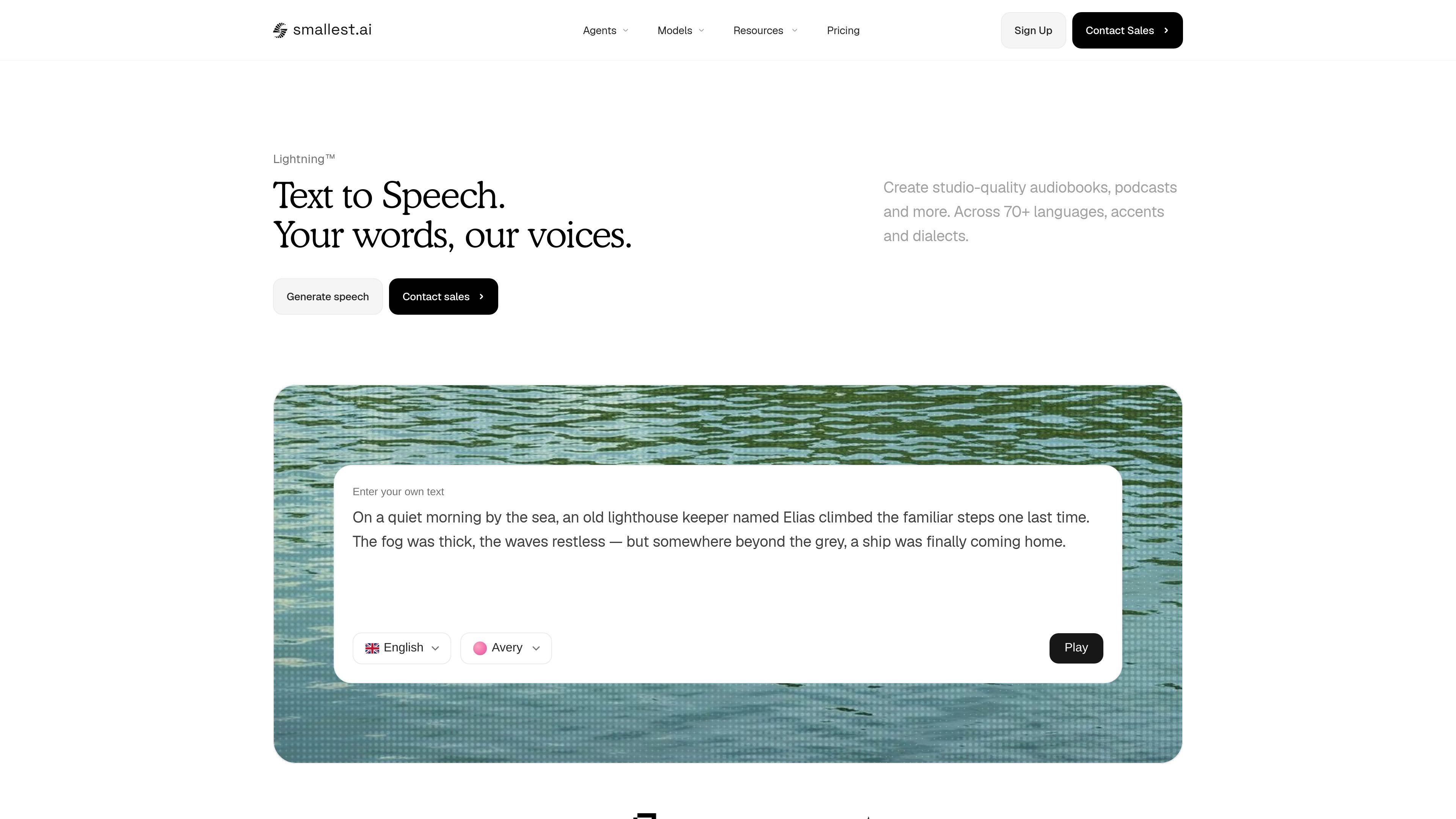
Lightning TTS is Smallest.ai’s text-to-speech API for turning written text into generated speech through a developer-facing endpoint. The homepage positions it as a low-latency service for building voice agents, automating calls, creating narrated audio, and cloning voices without a studio setup.
The product page emphasizes studio-quality output, support for multilingual speech, and a workflow that can be used directly from an application or service. A sample API request shows text input, a voice ID, sample rate, and output format, while the pricing page confirms both pay-as-you-go and enterprise options for teams that need higher limits or production deployment features.
Generate speech through the Smallest.ai API using text input, a selected voice, sample rate, and output format. The homepage includes a direct `fetch` example that returns audio data for saving or playback.
The homepage highlights sub-100ms latency for Lightning TTS, positioning it for interactive use rather than only offline rendering.
Smallest.ai says Lightning TTS can create speech across 70+ languages, accents, and dialects, with automatic detection and mid-sentence code-mixing support.
The site says a voice clone can be created in under 10 seconds from a sample, without studio equipment.
The product is presented as production-ready for studio-quality audiobooks, podcasts, game characters, voice agents, ads, and accessibility workflows.
The pricing page shows a paid API model with pay-as-you-go and enterprise options, plus enterprise controls such as on-premise deployment and compliance features.
Build conversational voice agents that need fast response times and speech that sounds natural in back-and-forth interactions.
Generate narration for podcasts, audiobooks, and long-form spoken content where the page emphasizes studio-quality output and natural pacing.
Create character voices for games or interactive media, where the site highlights dynamic voices and emotional range.
Produce voiceovers for marketing, media intros, ads, and video content from a text input and selected voice.
Create speech output that works with screen readers and assistive tools, using the product’s accessibility-oriented positioning on the homepage.
Lightning TTS is designed for direct API use. The homepage shows a JavaScript `fetch` example that posts text, a `voice_id`, `sample_rate`, and `output_format` to the Smallest.ai endpoint, then writes the returned audio to a file.
The pricing page lists Lightning V3.1 and Lightning V3.1 Pro, and the homepage shows an API example using `output_format: "wav"`. The available formats beyond that example are not detailed in the provided sources.
The homepage states that Lightning TTS supports 70+ languages, accents, and dialects, and also mentions automatic language detection and code-mixing mid-sentence. A separate feature panel also references 15 languages, so the exact language count may vary by model or section.
The homepage says voice cloning can produce a production-ready clone in under 10 seconds, with no studio or professional equipment required. The pricing page lists voice cloning as available, but does not provide a separate workflow description.
The pricing page shows a pay-as-you-go plan and an enterprise plan. It also indicates that enterprise adds custom setup, priority support, prompt engineering support, on-premise deployment, higher reliability terms, and compliance options such as SSO, RBAC, and SOC2.

蓝藻AI是一款在线AI配音与语音合成产品,可将文字转成语音,并支持自助声音克隆。页面信息显示它面向短视频、有声书等需要配音的内容场景。

Noiz AI is an AI text-to-speech, voice cloning, and voice design tool for creating lifelike speech from text. It also lets users shape voice delivery, including emotion, within the same workflow.

Fylom is an AI podcast generator that turns a topic or question into a researched narrated episode. It supports typed or spoken prompts, voice selection, and recurring show-style listening.

Gemini 3.8 Text-to-Speech is Google’s pair of expressive audio models for turning scripts into customizable spoken audio. Creators, developers and enterprises can design voices, direct delivery line by line, and generate dialogue for content, dubbing and voice-agent applications.

Kugel 3.5 is KugelAudio’s text-to-speech model for voice agents and phone conversations, with controls for short replies, IPA pronunciation, timed pauses and character-by-character codes. It retains Kugel 3’s documented voices, languages, dictionaries and API while charging €0.0525 per audio minute excluding VAT, billed per second.

Gemini 3.1 Flash TTS is Google’s preview text-to-speech model for generating expressive AI speech with fine-grained control over style and delivery. It is available across the Gemini API, Google AI Studio, Vertex AI, and Google Vids.