
On-device AI document chat
LocalPDF uses Apple Intelligence and Apple’s FoundationModels framework to analyze documents on your Mac without sending them to a cloud service.

LocalPDF is a native macOS app for chatting with PDFs and other documents entirely on-device using Apple Intelligence. It supports seven file formats and is aimed at users who want offline, privacy-focused document analysis on their Mac.
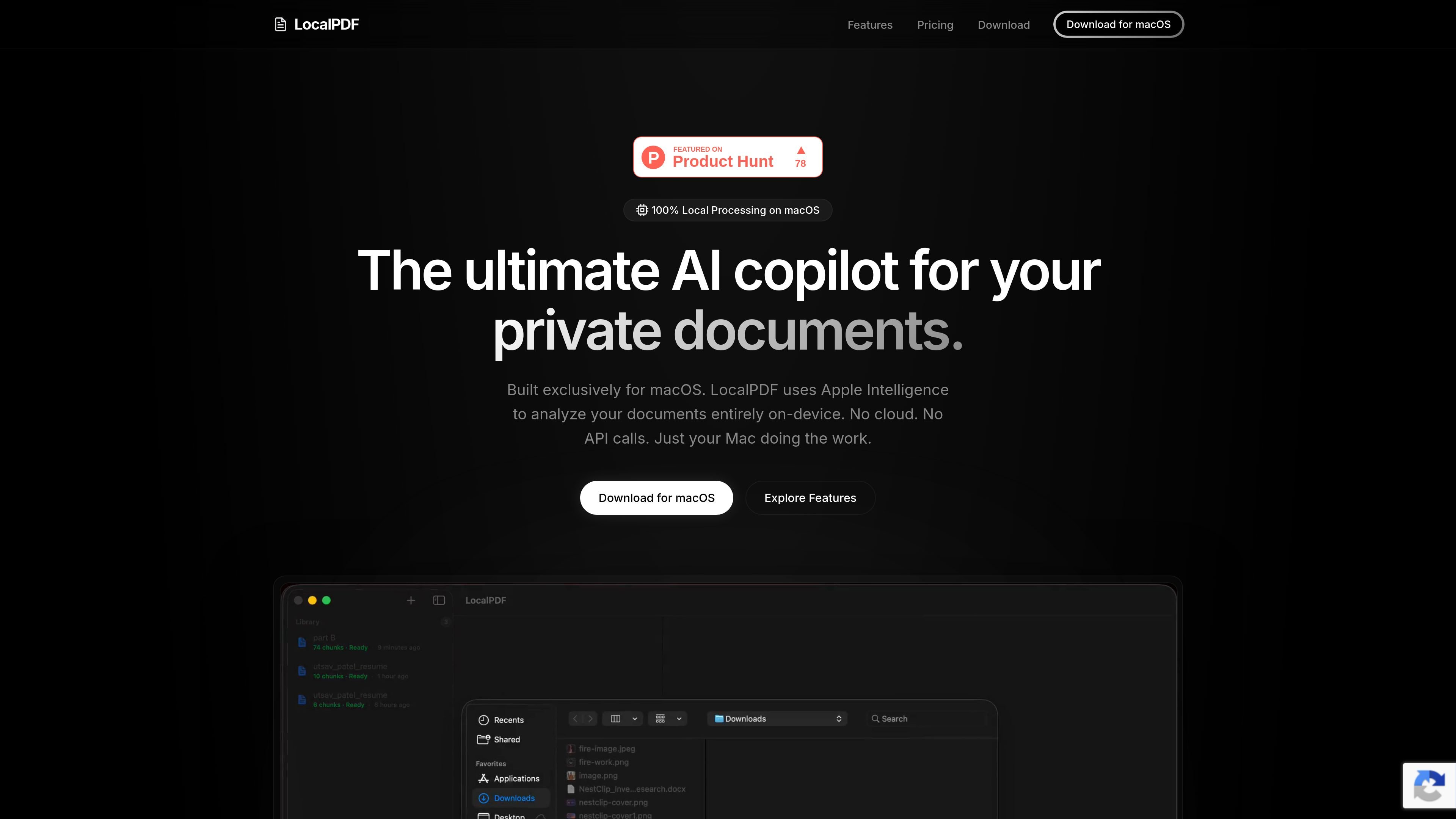
LocalPDF is a native macOS app for chatting with PDFs and other documents using Apple Intelligence. It is built to analyze files entirely on-device, so document processing, embeddings, and chat stay on your Mac rather than in a cloud service.
The product is positioned for people who want a local document analysis workflow with broad file support and offline operation. The site says LocalPDF works with PDF, TXT, MD, CSV, JSON, DOC, and DOCX files, and it uses Apple’s native frameworks for fast performance on Apple Silicon.
LocalPDF uses Apple Intelligence and Apple’s FoundationModels framework to analyze documents on your Mac without sending them to a cloud service.
The app supports PDF, TXT, MD, CSV, JSON, DOC, and DOCX files, letting you work across several common document types in one workflow.
The site says LocalPDF provides streaming responses and AI chat powered by Apple Intelligence, NaturalLanguage embeddings, and on-device vector search.
LocalPDF is built with SwiftUI and native Apple frameworks, with the product positioned as a macOS-only app rather than an Electron wrapper.
The product emphasizes offline operation with no telemetry, no cloud analysis, and no hidden API calls.
LocalPDF Pro is offered as a monthly or yearly subscription and includes unlimited document analysis in the plan details shown on the site.
Review long PDFs or mixed document sets locally and ask questions about their contents without uploading files to a server.
Search across text files, CSVs, JSON, and office documents in one macOS app when you want a single local analysis workflow.
Work on files that should stay on your machine, such as legal, financial, or personal records, while keeping the analysis offline.
Use the app on a personal Mac as a local research assistant when you need quick answers without a separate ChatGPT or Claude subscription.
Activate a LocalPDF Pro license on your owned Macs and move the license between devices when needed.
Yes. LocalPDF is designed to run entirely on-device with Apple Intelligence and the FoundationModels framework, so it does not require an internet connection after Apple Intelligence is enabled in macOS System Settings.
Yes. The help center says a LocalPDF Pro license key can be activated on personally owned Mac devices, and you can deactivate and reactivate it from within the app.
LocalPDF supports PDF, TXT, MD, CSV, JSON, DOC, and DOCX files.
The site lists a 14-day trial for LocalPDF Pro, after which the app offers monthly or yearly subscription options.
You can contact the LocalPDF engineering team through the support channel listed in the help center for billing questions or technical issues.

PDFTools is a browser-based suite of free and premium PDF utilities for editing, conversion, and document handling. It helps users work on PDFs locally in the browser without uploading files to a server.

Goldfish is an AI memory app for macOS that helps you reply, write, summarize, and continue using the context already on your Mac. It stores memory locally and writes in your tone.

Lasso is an ecommerce product data platform for enriching catalog records, processing supplier files, generating product content, and monitoring competitors. It combines a web app with a REST API, SDK, and MCP server for teams and developers.

Struere is an AI-native platform for turning spreadsheet data into structured operational software with dashboards, alerts, and automations. It is aimed at teams that want to replace manual spreadsheet workflows without building custom tools from scratch.

Ein KI-gestütztes Tool, das PDF-Dokumente schnell und effizient zusammenfasst, klare Einblicke bietet und es den Benutzern ermöglicht, mit den Inhalten zu interagieren.

garden-md is an open-source Node.js CLI that turns meeting transcripts into a local company wiki. It links entities across transcripts, keeps the original text intact, and renders the result as a browsable wiki.