
Project-based workspace
Organize projects in a sidebar, with separate windows, color-labeled tabs, deeply nested horizontal or vertical splits, and workspace restoration after restart.

Trellis is a native macOS terminal workspace for developers, combining organized project windows, tabs, nested panes, task launching, SSH access, a scratchpad, and local automation. It is free, open source under the MIT license, and supports macOS 14 or later on Apple silicon and Intel Macs.
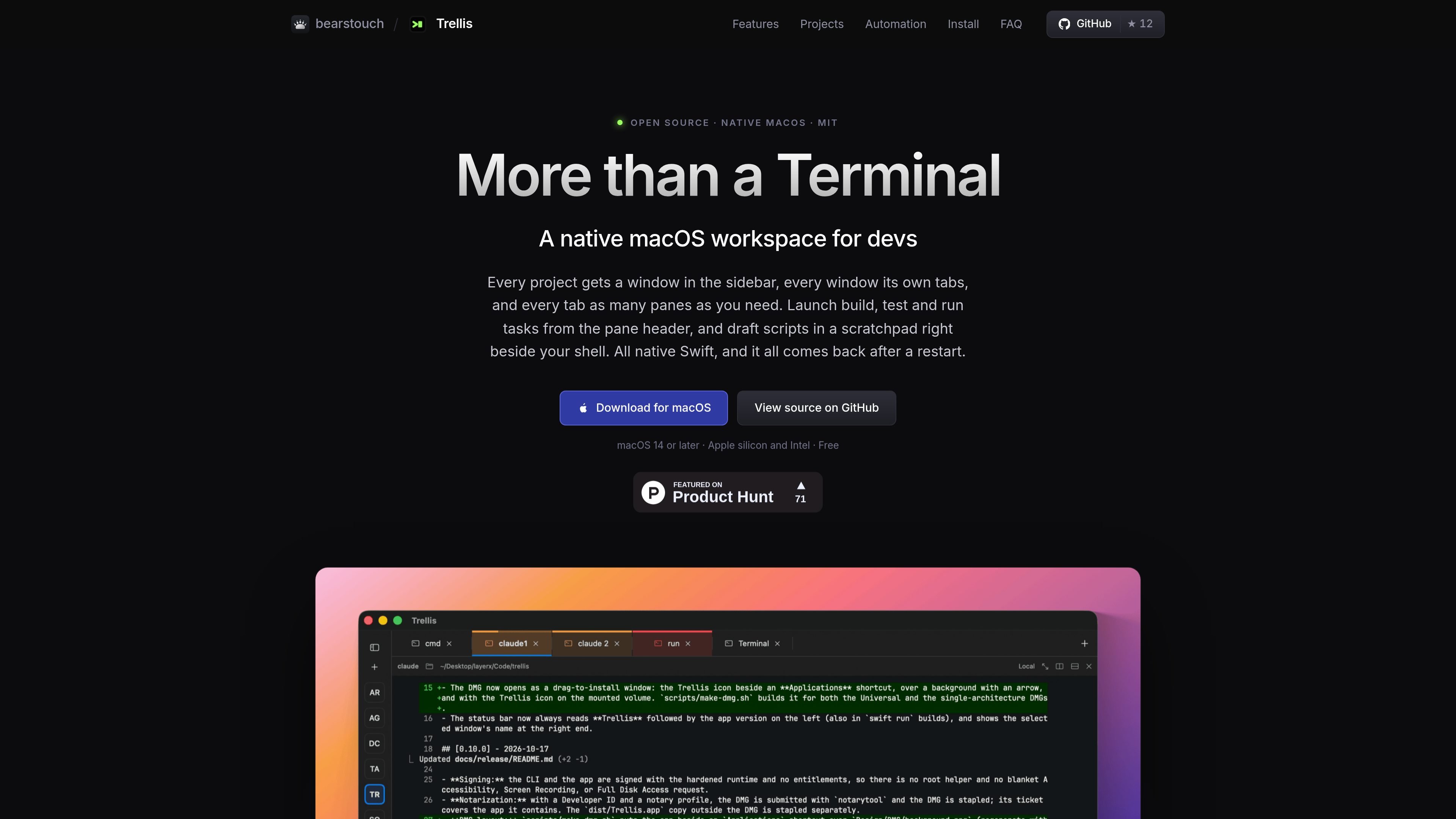
Trellis is a native macOS terminal workspace for developers who need more structure than a single terminal window. It organizes projects into sidebar windows, tabs, and resizable nested panes, while restoring the workspace after a restart without replaying typed input or automatically rerunning commands.
The application combines terminal sessions with project configuration, task launching, SSH host access, a scratchpad, and local automation. Project layouts and commands can be stored in a `.trellis` folder, allowing teams or individuals to review a shared setup alongside source code. Trellis is built with Swift and SwiftUI, distributed as a free MIT-licensed open-source Mac app, and operates without telemetry.
Organize projects in a sidebar, with separate windows, color-labeled tabs, deeply nested horizontal or vertical splits, and workspace restoration after restart.
Use zsh, bash, or fish integration to report working directories and command exit status, flag failed commands, and navigate between prompts without editing shell dotfiles.
Define build, test, and run commands in `.trellis/launch.json`, or detect scripts and build tools such as npm, pnpm, yarn, bun, Make, CMake, SwiftPM, Python, and Cargo. Tasks run only when a pane is idle.
Drive windows, tabs, panes, sessions, layouts, themes, input, output, and events through a local JSON-RPC API, the `trellis` CLI, or an optional MCP server for clients such as Claude Code.
Work with terminal capabilities including inline images, searchable 10,000-line-per-pane scrollback by default, safe paste review, link opening, desktop notifications, and font support for ligatures, emoji, CJK, and combining marks.
Save shell scripts, JavaScript, or Markdown notes beside a pane, validate syntax without running, and save working scratchpad content as a project task.
Keep a project’s frontend, backend, logs, and supporting services in separate panes and tabs, with named tasks available from each pane’s header.
Store windows, tabs, splits, starting directories, and build, test, or run commands in `.trellis` files so a cloned repository can provide a consistent reviewed workspace.
Use the scratchpad to draft shell commands, JavaScript, or Markdown notes, validate syntax without execution, and save a working script as a project task.
Connect to saved SSH hosts or discovered aliases from `~/.ssh/config`, while using the standard `/usr/bin/ssh` path and macOS Keychain support for optional host passwords.
Expose a local workspace to scripts or an MCP client when repetitive terminal operations need to be coordinated across panes, layouts, sessions, and events.
Yes. Trellis is free and open source under the MIT license, with its code, issues, and releases available on GitHub.
Trellis requires macOS 14 Sonoma or later and supports Apple silicon and Intel Macs through Universal 2 builds. It is distributed as a DMG.
Download the DMG, drag Trellis to Applications, and optionally install the command-line link with `/Applications/Trellis.app/Contents/Helpers/trellis cli install-link`. Trellis does not edit shell startup files.
Trellis can save project windows, tabs, splits, pane titles, starting folders, and commands in a `.trellis` folder. Projects can be opened from the project directory or with File → Open Project, after reviewing and trusting the commands.
No. The source states that Trellis has no telemetry, and terminal output and typed input are not logged or persisted. Diagnostic reports are previewed in an allow-listed format before export.