
Video creation
Create finished videos from ideas, blog posts, decks, PDFs, or product pages, including scripts, scenes, visuals, avatars, voiceover, subtitles, and short-form cuts.

Vitra Universe is an AI-powered platform for creating, translating, personalizing, reviewing, and publishing video, image, document, website, and app content. It is designed for teams managing multilingual content workflows across connected design, document, CMS, commerce, developer, video, and social tools.
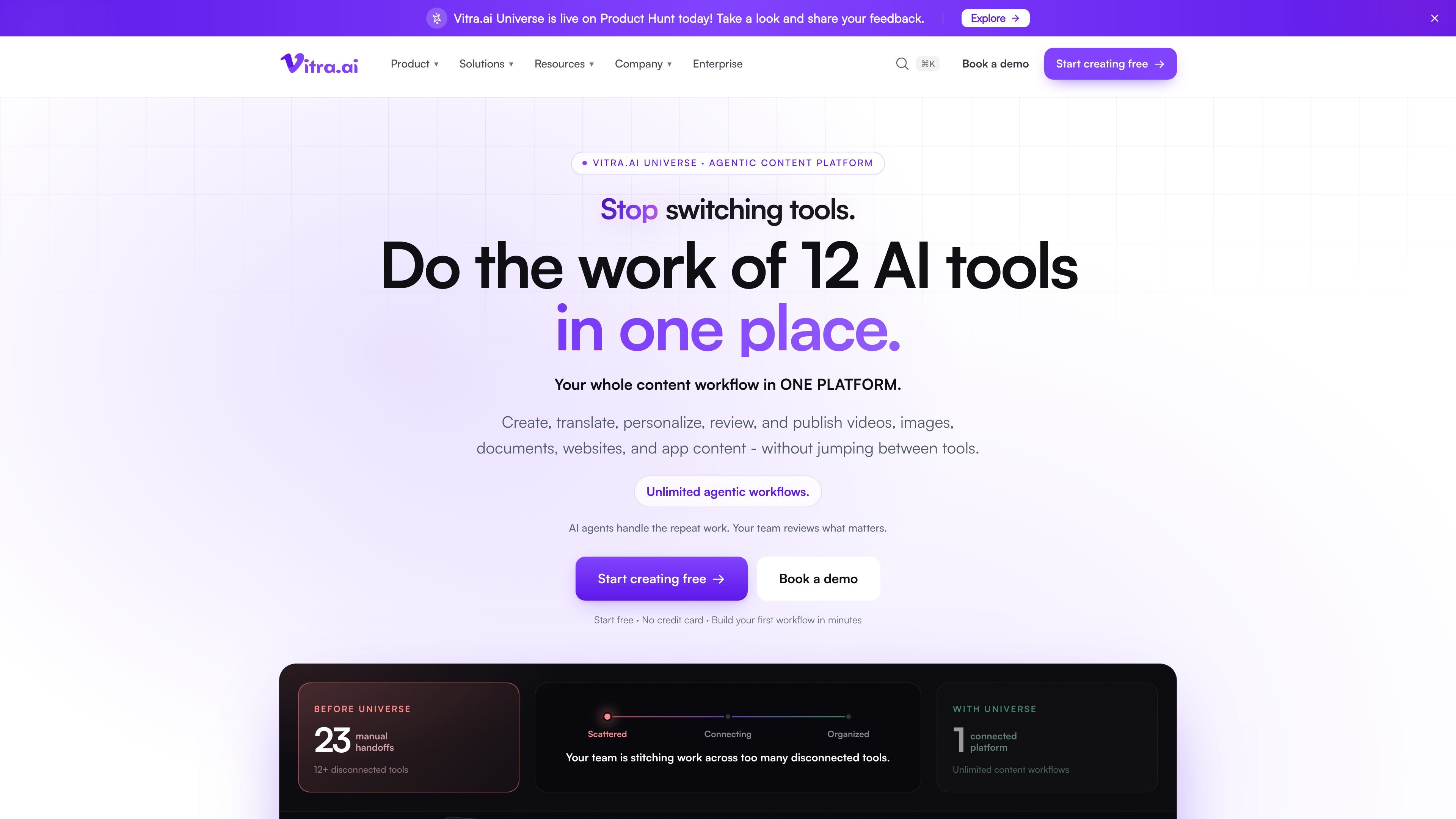
Vitra Universe is an AI-powered content creation and localization platform for teams that need to produce, adapt, review, and publish content across multiple formats. It brings video, image, document, website, and mobile-app workflows into one platform with shared memory, assets, brand rules, and quality controls.
The product combines individual tools—such as text-to-speech, voice cloning, transcription, subtitle translation, and file-format translation—with broader workflows for content creation, multilingual adaptation, personalization, quality control, human approval, and delivery. Vitra describes integrations, plugins, APIs, SDK support, and production-ready file formats for connecting the platform to existing design, document, CMS, commerce, developer, video, and social workflows.
Create finished videos from ideas, blog posts, decks, PDFs, or product pages, including scripts, scenes, visuals, avatars, voiceover, subtitles, and short-form cuts.
Dub videos with emotion-aware voices or cloned speakers, then generate subtitles and synchronize mouth movement to the new audio.
Translate text within images, designs, and layouts into 75+ languages while preserving layers, fonts, positions, and overall layout; supported design connections include Figma, Adobe tools, and Canva.
Translate Word, PowerPoint, PDF, XLIFF, XML, JSON, HTML, DITA, and other content while preserving structure, tags, placeholders, or formatting as applicable.
Localize websites through a snippet and mobile apps through an SDK, with the site describing support for text, images, video, documents, and live app screens.
Use shared memory, assets, brand rules, quality checks, and approvals across workflows, with personalization for audiences, markets, placements, or individual recipients.
Start with one campaign brief or master creative, adapt it to different placements, markets, audiences, or distributors, and apply brand rules while generating variants.
Translate and dub existing video, preserve timing and mouth movement, and create subtitles or alternate-language versions for video and social distribution.
Localize product pages, blogs, storefront content, and other web material through the website translation workflow, including text and supported media.
Translate structured files and creative assets for global operations while retaining formatting, layers, tags, formulas, placeholders, or layout details relevant to the source format.
Use shared context, automated checks, and approval gates to move content from creation through review and publishing while reserving human attention for exceptions.
Vitra Universe is presented as a connected platform for creating, translating, personalizing, reviewing, and publishing videos, images, documents, websites, and app content. Specific setup details vary by capability: the site describes a website snippet, a mobile SDK, plugins, native connections, APIs, and production-ready file formats.
The platform can start from inputs such as an idea, blog post, presentation, PDF, product page, design, document, website, or app screen, depending on the selected feature. Outputs include videos, localized creative files, translated documents, multilingual web content, app translations, subtitles, and personalized media.
Vitra states that its translation features support 75+ languages. The documented capabilities include website and mobile-app translation, video dubbing, image translation, document translation, subtitle translation, and text translation.
Vitra describes agentic workflows in which agents handle repeat work and people review important decisions. Its quality-control feature checks image, text, audio, and video, with human approval and an audit trail described as part of the platform workflow.
The available pricing page does not provide plan prices or limits. The site offers a free-start path and a demo or sales contact path, but the specific commercial terms should be confirmed with Vitra.

蓝藻AI是一款在线AI配音与语音合成产品,可将文字转成语音,并支持自助声音克隆。页面信息显示它面向短视频、有声书等需要配音的内容场景。

CAMB.AI Streams dubs live audio in multiple languages in real time for broadcasts on platforms like YouTube, Twitch, and X. It plugs into existing live workflows using common streaming protocols and avoids a post-production step.

Official HeyGen API documentation for building AI avatar videos, translations, lipsync, and interactive video-agent sessions. It supports direct API use plus MCP and CLI-style workflows for developers and AI agents.

Talkpal is an AI-powered language learning web and mobile app for practicing speaking, listening, writing, and pronunciation. It offers guided courses, roleplays, and call-style conversation practice across 130+ languages.

Fylom is an AI podcast generator that turns a topic or question into a researched narrated episode. It supports typed or spoken prompts, voice selection, and recurring show-style listening.

Gemini 3.8 Text-to-Speech is Google’s pair of expressive audio models for turning scripts into customizable spoken audio. Creators, developers and enterprises can design voices, direct delivery line by line, and generate dialogue for content, dubbing and voice-agent applications.