
Connect an AI coding agent
Connect Claude Code, Cursor, Codex, Antigravity, ChatGPT, or another MCP-compatible agent through an MCP client configuration.

WeWeb MCP connects Claude Code, Cursor, Codex, Antigravity, ChatGPT, and other MCP-compatible AI agents to WeWeb projects. It helps developers and teams turn briefs, designs, and app logic into editable WeWeb applications while using the connected agent's account, model, and tokens.
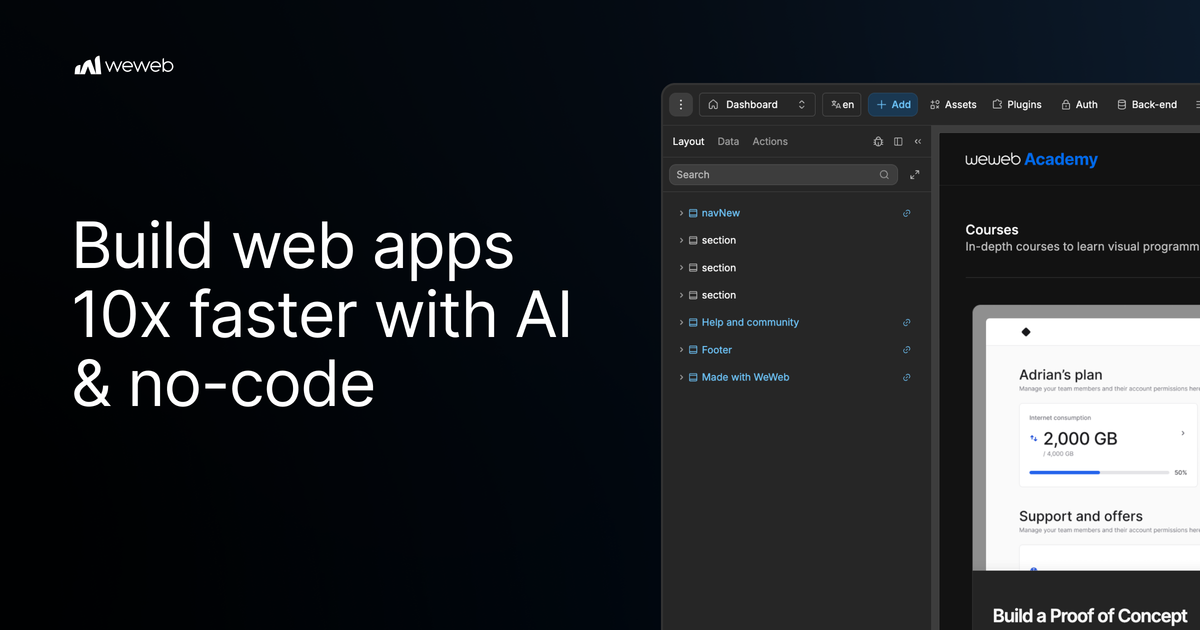
WeWeb MCP is an MCP server for building inside WeWeb with an external AI agent. It connects named clients including Claude Code, Cursor, Codex, Antigravity, and ChatGPT, while also supporting other MCP-compatible agents. The agent can work from briefs, designs, and application logic to make changes to a WeWeb project.
The workflow is designed to combine agent-assisted development with WeWeb's visual editor. Users configure the MCP server in their client, sign in to authorize access, select a workspace and project, and describe the work they want done. Agent changes can then be reviewed in WeWeb, refined through further prompts, or edited manually. The service uses the connected agent's account, model, and tokens rather than WeWeb AI credits.
Connect Claude Code, Cursor, Codex, Antigravity, ChatGPT, or another MCP-compatible agent through an MCP client configuration.
Use the connected agent to turn briefs, designs, product requirements, and app logic into pages, forms, states, workflows, and other WeWeb project changes.
Choose whether the agent works across the full project or focuses on a specific page, workflow, data area, or design-system task.
Review agent output in WeWeb and continue prompting or make changes directly in the visual editor instead of treating generated work as final.
Bring design rules from sources such as Figma, Google Stitch, Claude Design, or design.md, then create reusable components with no-code properties using shadcn, React references, or custom coded components.
Work across an MCP stack by pairing WeWeb with backend MCP services such as Xano, Supabase, or Airtable, as well as APIs and product context from documents, websites, Figma files, and media assets.
Give an agent a product brief or PRD and have it structure the initial application around user journeys, pages, forms, states, and flows, then refine the result in WeWeb.
Provide brand rules from Figma, Google Stitch, Claude Design, or design.md so the agent can build reusable components and a more consistent interface instead of relying on default styling.
Pair WeWeb with backend MCP services such as Xano, Supabase, or Airtable to create a frontend in the context of data, fields, relationships, authentication, storage, and backend workflows.
Use an agent to identify unused variables, outdated workflows, test components, naming inconsistencies, and leftover build artifacts while keeping the project available for visual inspection.
Limit an agent to a defined page, workflow, data area, or design-system task when a team wants targeted changes rather than broad project access.
WeWeb MCP is a Model Context Protocol server that connects compatible AI agents to WeWeb so they can help build and modify WeWeb projects. Changes remain reviewable in the WeWeb visual editor.
The page names Claude Code, Cursor, Codex, Antigravity, and ChatGPT, and says the service works with any MCP-compatible agent. The agent uses its own account, model, and tokens.
The product page says WeWeb MCP runs on the connected agent's tokens rather than WeWeb AI credits. The pricing page lists a 14-day WeWeb MCP Server trial on the Free plan and unlimited MCP Server access on the Pro plan; other plan behavior is not specified in the source.
Yes. You can give the agent access to the full project or focus it on a particular page, workflow, data area, or design-system task. The agent must be authorized after you sign in to WeWeb.
Yes. You can inspect the generated result in WeWeb, continue prompting the agent, or edit the project yourself in the visual editor. The page also describes working with other MCP servers, including backend MCP services such as Xano, Supabase, and Airtable.

Speculos is a deployment tool for Claude Code that publishes what you built to a shareable URL. It supports private, org-wide, or public apps and adds team controls for company domains, data connections, and customer-cloud deployments.

CreateOS Sandbox is an isolated compute environment for running code and agent workloads inside Firecracker micro-VMs. It is designed for workflows that need machine-level isolation, private networking between sandboxes, and programmatic control through SDK, CLI, or MCP.

GitBot is a local browser-based workspace for creating reusable coding bots powered by Claude Code, Codex, or OpenCode. It helps developers run those agents across repository folders with persistent threads and configurable permissions.

Codex Plugins bundle reusable skills, app integrations, and MCP servers into workflows you can install in the Codex app or use from Codex CLI. They help extend Codex with connected-service tasks, reusable instructions, and shared team workflows.

Wallie is an open-source AI streamer that watches your screen, hears chat, and generates live commentary in a configurable persona. It runs locally on your machine with your own keys and is aimed at faceless content, autonomous streams, and real-time reactions.

Make Real is a Next.js app that turns hand-drawn wireframes into working HTML prototypes using the tldraw SDK and AI models. It helps users sketch on a canvas, generate code, and review the result in an embedded preview.