
24/7 AI phone answering
Zinng answers business calls around the clock with a natural American voice and can respond to questions about services, hours, and pricing based on the information you provide.

Zinng is an AI phone receptionist for small businesses that answers calls 24/7, books appointments, captures leads, and supports two-way SMS follow-up. It can work with an existing number, a new Zinng number, or call forwarding, with setup help included.
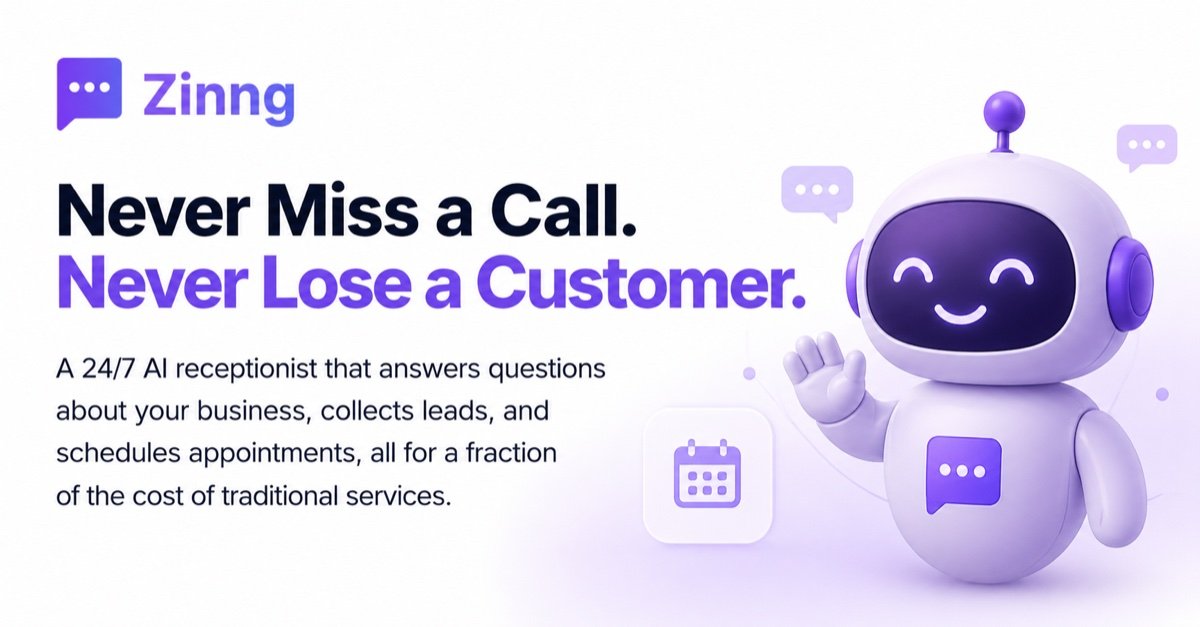
Zinng is an AI phone receptionist for small businesses. It answers calls 24/7, responds to common questions about your business, captures leads, books appointments, and can transfer callers to a person when needed.
The product is positioned as a done-for-you alternative to handling every call manually. The site says Zinng can work with your existing number, a new Zinng number, or call forwarding, and that setup help is included on every plan.
Zinng answers business calls around the clock with a natural American voice and can respond to questions about services, hours, and pricing based on the information you provide.
The agent can book appointments during a call or send callers a scheduling link. The site specifically mentions integrations with Calendly and Cal.com, plus support for dental and field-service tools.
Zinng collects caller name, phone number, email, and reason for calling, then sends that information to your inbox or connected tools.
Calls are recorded and transcribed so you can review what happened after the fact, including how each conversation was handled.
The system supports two-way SMS for confirming, rescheduling, following up, or answering quick questions without another phone call.
Zinng can transfer callers to a human, filter spam and robocalls, and let you place outbound web calls from your browser using your business number.
A business that misses calls during busy hours can let Zinng answer, capture the caller’s details, and record the reason for calling for later follow-up.
Service businesses can use Zinng to book appointments during the initial call instead of asking customers to call back or wait for a reply.
Teams that want fewer manual handoffs can have Zinng collect caller information and push it into connected tools through Zapier or direct integrations.
Front desks and small teams can use Zinng to handle common questions by phone while staff focuses on in-person customers.
Businesses that need to confirm or reschedule after the call can continue the conversation by text from the Zinng inbox.
Zinng provides a 7-day free trial, and the site says there are no contracts and you can cancel anytime. The pricing page itself was unavailable, so only the trial and cancellation terms on the homepage are confirmed here.
Yes. The homepage says Zinng can use your existing business number, provide a new Zinng number, or forward calls, depending on your setup.
Zinng can answer questions about your services, hours, and pricing, book appointments, capture caller details, send two-way SMS, and transfer calls to a person when needed.
The site says Zinng integrates with Calendly, Cal.com, Eaglesoft, Dentrix, Open Dental, Yardbook, Zapier, Jotform, and ShopMonkey, with a page for each integration or a general integrations directory.
Zinng says setup is done-for-you and that its team provides free setup assistance for every customer. The homepage describes a process where you tell Zinng about your business, connect your number, and then review and start taking calls.

Gemma AI is a phone call reminder app that calls you with scheduled reminders instead of push notifications. It helps people who want a more direct way to stay on schedule, with Google Calendar sync and conversational call interactions.

ClawEase is an AI business operator that captures requests across calls, email, SMS, WhatsApp, LINE, and web forms, then completes booking and service workflows in existing web systems. It is aimed at appointment-based businesses that need intake, follow-up, and execution without API changes.

Flunkey is a voice-first productivity layer for Windows that converts speech into text, AI-assisted outputs, and remembered context. It is built for users who want to capture ideas and actions without leaving the app they are working in.

Liam is an AI copilot for managing inboxes, writing replies, prioritizing email, and scheduling meetings. It is offered free for individuals, with custom pricing for teams and enterprise.

Topple.lol is a public pay-to-rank leaderboard where listings start at $1 and their bid balance decays over time and with clicks. It helps makers and marketers buy short-term visibility for product sites or X profiles while tracking live board stats.

Eine All-in-One AI-Plattform, die Werkzeuge für Bild, Video, Sprache, Schreiben und Chat kombiniert, um Kreativität und Zusammenarbeit zu fördern.