

Lindy AI
Lindy is an AI assistant that proactively manages your inbox, meetings, and calendar, saving professionals up to two hours daily by handling administrative busywork.
What is Lindy AI?
What is Lindy AI?
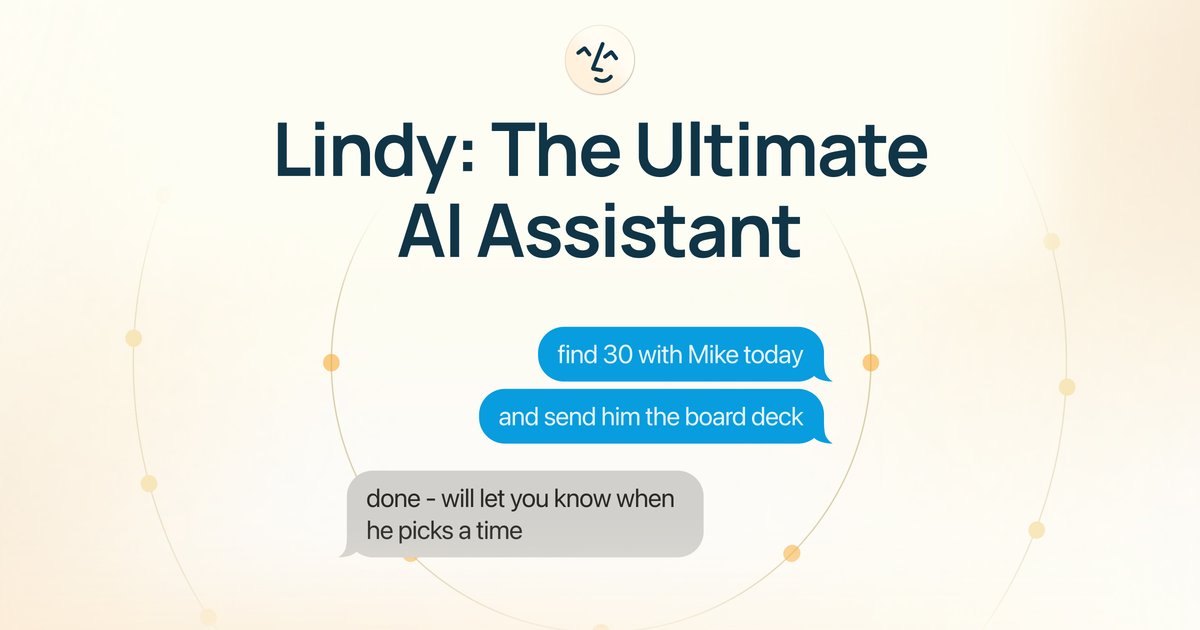
Lindy AI is positioned as the ultimate AI assistant designed specifically for professionals drowning in administrative overhead. It functions as a proactive, always-available digital executive assistant that communicates primarily via text message, allowing users to delegate tasks using plain English commands. Lindy's core mission is to eliminate the time wasted on calendar shuffling, email management, and meeting administration, freeing up users to concentrate on high-value, revenue-generating work. By integrating deeply with existing work applications, Lindy transforms complex workflows into simple conversational requests.
This powerful tool goes beyond simple automation; it learns from user feedback, saving memories, preferences, and priorities over time to refine its assistance style. Whether you need to schedule a complex meeting across multiple time zones, draft a detailed follow-up email, or extract actionable data from a recorded conversation, Lindy takes immediate action. It ensures users stay informed through proactive text notifications about important emails, meeting context, and deal updates, making it an indispensable 'cheat code' for modern productivity.
Key Features
- Conversational Task Delegation: Simply text Lindy what you need done—schedule appointments, send emails, update CRMs, or create tasks—and watch it execute the action.
- Proactive Day Management: Lindy anticipates needs, fixing potential scheduling conflicts or reminding you of crucial context before issues arise, keeping your day on track.
- Inbox and Meeting Automation: Significantly reduces time spent on email triage (claiming to save 1.2 hours daily) and meeting administration (saving an average of 45 minutes daily).
- Actionable Meeting Summaries: Integrates with meeting recordings to turn raw conversations directly into structured, actionable data, such as CRM updates or follow-up tasks.
- Deep Integration Ecosystem: Connects with hundreds of essential business applications (Slack, Gmail, Calendar systems, CRM tools) to read, cross-reference, and act across your entire digital workspace.
- 24/7 Availability via Text: Works seamlessly regardless of where you are—in a meeting, on a walk, or offline—as long as you can send a text, you can manage your work.
- Adaptive Learning: Utilizes saved memories and continuous feedback to adapt its assistance style, tone, and prioritization to match individual user preferences.
How to Use Lindy AI
Getting started with Lindy AI is designed to be rapid, often requiring only about 60 seconds for initial setup. The workflow centers around simple, natural language interaction:
- Sign Up and Connect: Start the 7-day free trial and connect Lindy to your primary work applications, including your email client, calendar, and communication tools (like Slack).
- Delegate via Text: Once connected, you communicate with Lindy as you would a human assistant. For example, you might text: "Find 45 minutes next week for John and me to discuss Q3 results and send the invite," or "Draft a polite rejection email to the last sales lead."
- Review and Refine: Lindy executes the task and often sends a confirmation or the drafted output back via text. If the result isn't perfect, provide feedback (e.g., "Make the tone slightly more formal").
- Receive Proactive Updates: Allow Lindy to manage your notifications. It will text you important reminders, context for upcoming meetings, or alerts about critical emails that require immediate attention.
Use Cases
- Executive and Founder Productivity: CEOs and founders who are constantly pulled into back-to-back meetings can delegate all scheduling logistics, follow-up drafting, and CRM data entry to Lindy, reclaiming hours previously lost to administrative overhead.
- Sales and Business Development: Sales professionals can automate the entire prospect engagement lifecycle—from initial scheduling and sending personalized follow-ups based on meeting outcomes to updating pipeline stages in the CRM automatically.
- Project Management: Project managers can use Lindy to quickly summarize key decisions from team meetings, automatically generate task lists assigned to relevant team members, and ensure all documentation is filed correctly in integrated cloud storage.
- Consulting and Client Services: Consultants can ensure timely and professional client communication. Lindy can draft detailed proposals, schedule recurring client check-ins, and summarize client feedback sessions into structured reports.
- Recruiting and HR: Recruiters can offload the tedious process of coordinating interviews across multiple candidates and hiring managers, allowing Lindy to manage the back-and-forth scheduling and send automated confirmation/reminder emails.
FAQ
Q: How secure is Lindy AI, given it accesses my email and calendar? A: Lindy emphasizes security, often being compared favorably to other tools regarding data handling. It connects to your apps via secure APIs, and users are assured that the AI learns from your data to assist you better while maintaining privacy standards necessary for professional use.
Q: Does Lindy require me to use a specific messaging app, or does it work with standard SMS? A: Lindy is designed to work via standard text messaging (SMS) on your mobile phone, ensuring accessibility and immediacy without requiring users to open a separate application every time they need to delegate a task.
Q: Can Lindy handle tasks that require context from multiple applications simultaneously? A: Yes. A core strength of Lindy is its ability to integrate and cross-reference data from hundreds of apps. For instance, it can check your Slack history, cross-reference your calendar availability, and draft a Gmail response all in one action.
Q: What happens to the data and learned preferences after my free trial ends? A: If you choose not to subscribe after the 7-day free trial, your access will cease. If you subscribe, all learned preferences, memories, and integrations are maintained, ensuring continuity in the personalized assistance Lindy provides.
Q: Is Lindy AI a replacement for a human virtual assistant? A: Lindy aims to replace the busywork traditionally handled by a human VA, such as scheduling and drafting routine emails. However, it excels at high-volume, repetitive administrative tasks, allowing human assistants to focus on complex strategic support.
Alternatives

Gemma AI
Gemma AI is a smart application that calls you directly with personalized, intelligent voice reminders to ensure you never miss important tasks, appointments, or deadlines.

Time Ledger
Time Ledger is a productivity app designed to help users manage their time effectively by tracking their daily activities like a budget.

Tavus
Tavus introduces PALs: AI humans that remember, empathize, and grow with you, bridging the human-machine divide.

Planndu: Daily Task Planner
Planndu is an intuitive productivity application designed to help users organize tasks, manage projects, build routines, and enhance focus using tools like AI generation and a built-in Pomodoro timer.

Wishlisted.ai
Wishlisted.ai is an AI gift concierge designed to discover what people genuinely desire, enabling users to give and receive better gifts.
MealTime
MealTime is your personal, offline-first recipe companion designed to help you save, organize, plan meals, and generate smart grocery lists, all while keeping your data private.