

Drop in
Drop in is a no-code Chrome extension that allows you to add custom features, workflows, and integrations to any web application directly from your browser.
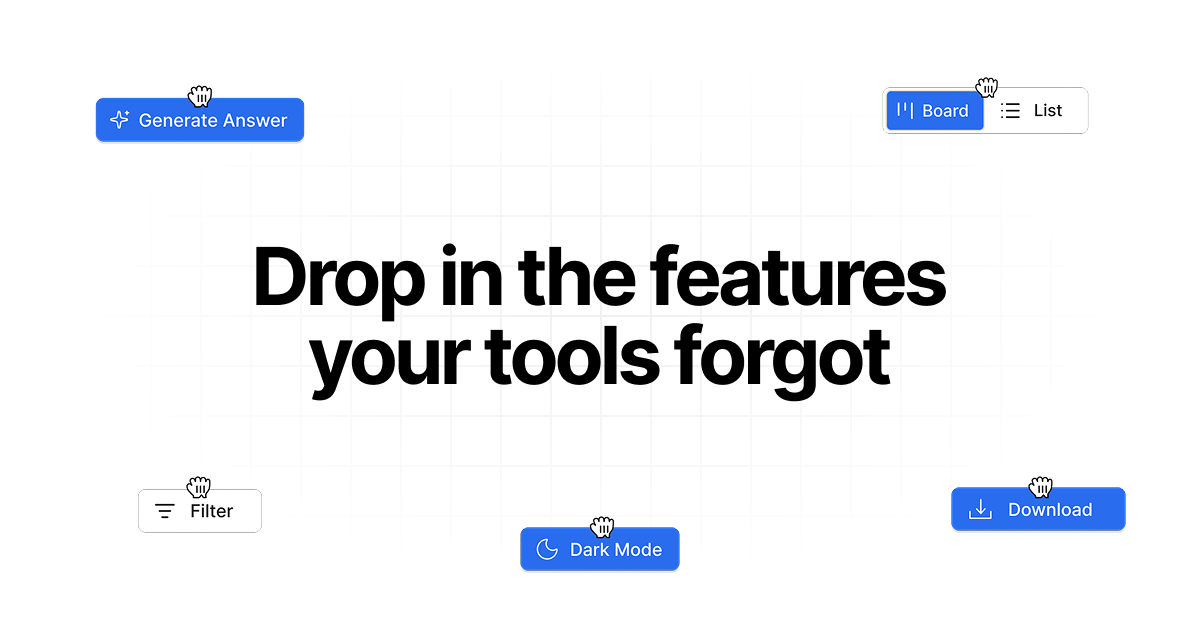
What is Drop in?
What is Drop in?
Drop in is a revolutionary no-code Chrome extension designed to empower users by adding missing functionalities and custom features to any web application they use. Imagine enhancing your favorite tools with custom buttons, automated workflows, or seamless integrations without writing a single line of code. Drop in makes this a reality by acting as a flexible layer on top of existing web apps, allowing you to tailor your digital workspace to your exact needs.
Whether you're looking to streamline your sales process in HubSpot, automate tasks in Slack, or add useful utilities to Google Maps, Drop in provides the flexibility to build and deploy these enhancements quickly. It's built for real-world workflows, enabling you to describe what you need and watch it materialize within your browser. This means you can boost productivity, improve data management, and create a more efficient online experience across all your essential web tools.
Key Features
- No-Code Feature Addition: Easily add custom functionalities to any web app without any programming knowledge. Simply describe what you need, and Drop in handles the rest.
- Custom Workflows & Automations: Build automated sequences and smart workflows to streamline repetitive tasks and improve efficiency.
- Seamless Integrations: Connect your web apps with other services, enabling data transfer and enhanced functionality between platforms.
- Browser-Based Operation: Works with any web application that runs in your browser, offering broad compatibility.
- User-Controlled Access: You have full control over what features can access and modify, with the ability to revoke permissions per site for enhanced security.
- Team Sharing: Share custom features and UI improvements with your team to standardize workflows and enhance collaboration.
- Ready-to-Use Examples: Access a library of pre-built examples for popular tools like HubSpot, LinkedIn, Slack, and Google Maps to get started quickly.
- Non-Intrusive: Drop in adds a visual layer that doesn't alter the underlying web application, ensuring the original app remains unaffected.
How to Use Drop in?
Getting started with Drop in is designed to be straightforward and intuitive:
- Install the Extension: Download and install the Drop in Chrome extension from the Chrome Web Store.
- Describe Your Need: Navigate to the web application where you want to add a feature. Open the Drop in extension and describe the functionality you require in plain language. For example, "Add a button to export this chat to a file" or "Show a count of open roles on this company card."
- Review and Deploy: Drop in will interpret your request and generate the feature. You can review the proposed changes and deploy them with a click.
- Customize and Manage: Once deployed, you can manage your features through the extension, turning them on or off, editing them, or revoking access as needed.
Use Cases
- Sales & CRM Enhancement: Add custom buttons to HubSpot to automatically pull LinkedIn data, create tasks based on specific triggers, or display key metrics directly on company records, streamlining the sales process.
- Customer Support Efficiency: Implement quick reply suggestions in platforms like Slack or Intercom, or add buttons to export chat transcripts for easier record-keeping and faster response times.
- Productivity Boost: Enhance tools like Google Maps by adding direct links to other services or creating custom data collection forms. Automate data entry from various web sources into your preferred tools.
- Data Management & Export: Easily add export buttons to any web page or application to save data in formats like CSV or JSON. Collect information from platforms like Google Maps or social media profiles and send it directly to databases like Airtable.
- Personalized Web Experience: Tailor your browsing experience by adding features like dark mode to websites that don't offer it, or creating custom dashboards that aggregate information from multiple sources.
FAQ
What is Drop in? Drop in is a no-code Chrome extension that allows you to add custom features, smart workflows, and integrations to any web application you use directly from your browser. Think of it as a way to enhance your existing tools with functionalities they were missing, like export buttons, dark mode, or custom automations, without needing to touch the source code.
Does this change the underlying product? No, Drop in adds a visual layer on top of the web application you are using. It does not modify the original app's code. You can enable or disable features at any time without affecting the core functionality of the web app itself.
Is it safe to use? Yes, Drop in prioritizes user security. You have granular control over what a feature can read and modify on a website, and you can revoke access permissions on a per-site basis. This ensures you remain in control of your data and browsing experience.
Do you send my data to your servers? Your data primarily stays local. Data is only sent to Drop in's servers when a specific feature explicitly requires it, such as when calling an external API. You can review the access permissions for each feature to see exactly what data is being accessed.
Which apps does it work with? Drop in is designed to work with virtually any web application that runs within your browser. While it offers broad compatibility, the team is actively optimizing its performance and features for popular tools like ChatGPT, HubSpot, and LinkedIn.
Can I use this with my team? Absolutely. Drop in supports team functionalities, allowing you to share custom-built features and ensure consistent UI improvements and workflows across your entire team.
Alternatives

Exa
Exa is a modern AI search engine and API providing realtime web data retrieval, comprehensive website crawling, and deep research capabilities for powering AI applications.

Superset
Superset is the code editor for AI agents, enabling you to run and orchestrate multiple AI coding agents in parallel on your machine.

Claude Remote Control
Continue your local Claude Code sessions seamlessly from any device, including your phone, tablet, or another browser. Remote Control allows you to access your full local environment, filesystem, and tools from anywhere, ensuring your work stays local and secure.

Perplexity AI
Perplexity is a free, AI-powered answer engine that delivers accurate, trusted, and real-time answers to complex questions by synthesizing information from the web.

Nano Banana 2
Nano Banana 2 is Google DeepMind's latest state-of-the-art image generation model, combining the advanced capabilities of Nano Banana Pro with the lightning-fast speed of Gemini Flash.

Hacker News (macOS Client)
A native, modern macOS client for browsing Hacker News, built entirely using SwiftUI.