
One-click listening mode control
Switch between Quiet, Aware, and Immersion from the Mac menu bar, with immediate feedback while the headphones confirm the change.

ANCBuddy is a macOS menu-bar utility for Bose QC Ultra headphones and earbuds. It lets users switch listening modes, view status, and optionally apply track-aware Auto-EQ from their Mac.
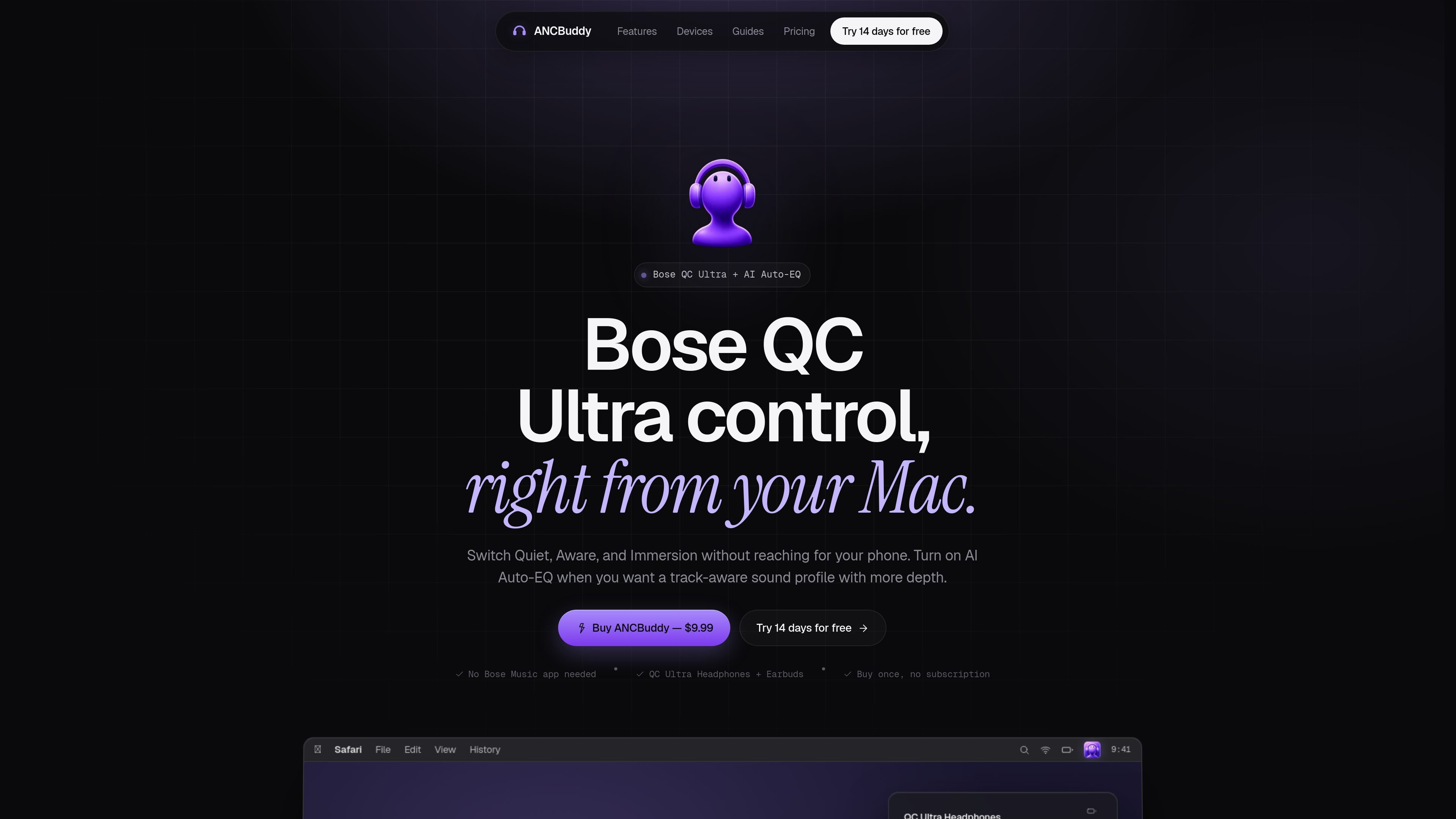
ANCBuddy is a macOS menu-bar utility for Bose QC Ultra headphones and earbuds. It is designed to bring the controls people use most often — listening modes, battery status, connection state, and optional sound shaping — into one place on the Mac.
The core workflow is simple: keep your Bose QC Ultra paired to your Mac, then switch between Quiet, Aware, and Immersion without reaching for your phone. For music playback, you can optionally turn on AI Auto-EQ, which reads the current track and applies a song-specific 3-band EQ profile.
The product is positioned as a direct, third-party control layer for supported Bose hardware. It works on macOS 12 and newer, supports both Apple Silicon and Intel Macs, and is sold as a one-time purchase with a 14-day trial.
Switch between Quiet, Aware, and Immersion from the Mac menu bar, with immediate feedback while the headphones confirm the change.
See headphone status and battery information alongside the controls you use most often, without opening the Bose phone app.
Enable an optional AI Auto-EQ mode that reads the current track and applies a visible Bass/Mid/Treble profile for that song.
Use Launch at Login and Check for Updates directly inside the app panel so ANCBuddy behaves like a small macOS utility.
Work with supported Bose QC Ultra devices across headphones and earbuds, including Gen 1 and Gen 2 headphones and 2nd Gen earbuds.
Keep Bose QC Ultra controls in the menu bar while working on a Mac, so you can switch noise cancellation modes without picking up your phone.
Use Quiet, Aware, and Immersion from the Mac during calls, meetings, or focused work when you want to change ambient awareness quickly.
Turn on AI Auto-EQ while streaming music if you want track-specific Bass, Mid, and Treble shaping without manually adjusting settings for each song.
Check battery, connection status, and update actions from the app panel when you want a lightweight utility that stays close to your audio workflow.
ANCBuddy is an independent third-party utility, not an official Bose product. It is not affiliated with, endorsed by, or sponsored by Bose Corporation.
ANCBuddy supports macOS 12 Monterey and newer on both Apple Silicon and Intel Macs.
No. ANCBuddy talks directly to paired Bose QC Ultra headphones or earbuds over Bluetooth for mode control, so the Bose Music app does not need to be open.
The trial lasts 14 days. After that, the product is a one-time $9.99 purchase with no subscription, and updates are included.
ANCBuddy supports Bose QuietComfort Ultra Headphones Gen 1, QuietComfort Ultra Headphones Gen 2, and QuietComfort Ultra Earbuds 2nd Gen. It is built for Bose QC Ultra hardware and does not support other brands.

Goldfish is an AI memory app for macOS that helps you reply, write, summarize, and continue using the context already on your Mac. It stores memory locally and writes in your tone.

ArtDeck is a visual reference board app for iPhone, iPad, and Mac that lets artists collect mixed reference material on one canvas and study it with ToolBox lenses. It works offline, supports optional iCloud sync, and is sold as a one-time purchase with no account required.

Biji es una plataforma versátil diseñada para mejorar la productividad a través de herramientas y características innovadoras.

Malyatko is a baby tracker for logging feeding, sleep, growth, teething, and milestones in one app. It works on iPhone, Apple Watch, and widgets, with no sign-up, offline use, and family sharing through iCloud.

CAMB.AI Streams dubs live audio in multiple languages in real time for broadcasts on platforms like YouTube, Twitch, and X. It plugs into existing live workflows using common streaming protocols and avoids a post-production step.

Redline is a budgeting tool for Claude Code that paces sessions to stay within time, token, cost, or plan-percentage limits. It uses Claude Code’s native hooks and statusline to help sessions finish with a usable result instead of stopping abruptly.