bawkterm icon

bawkterm

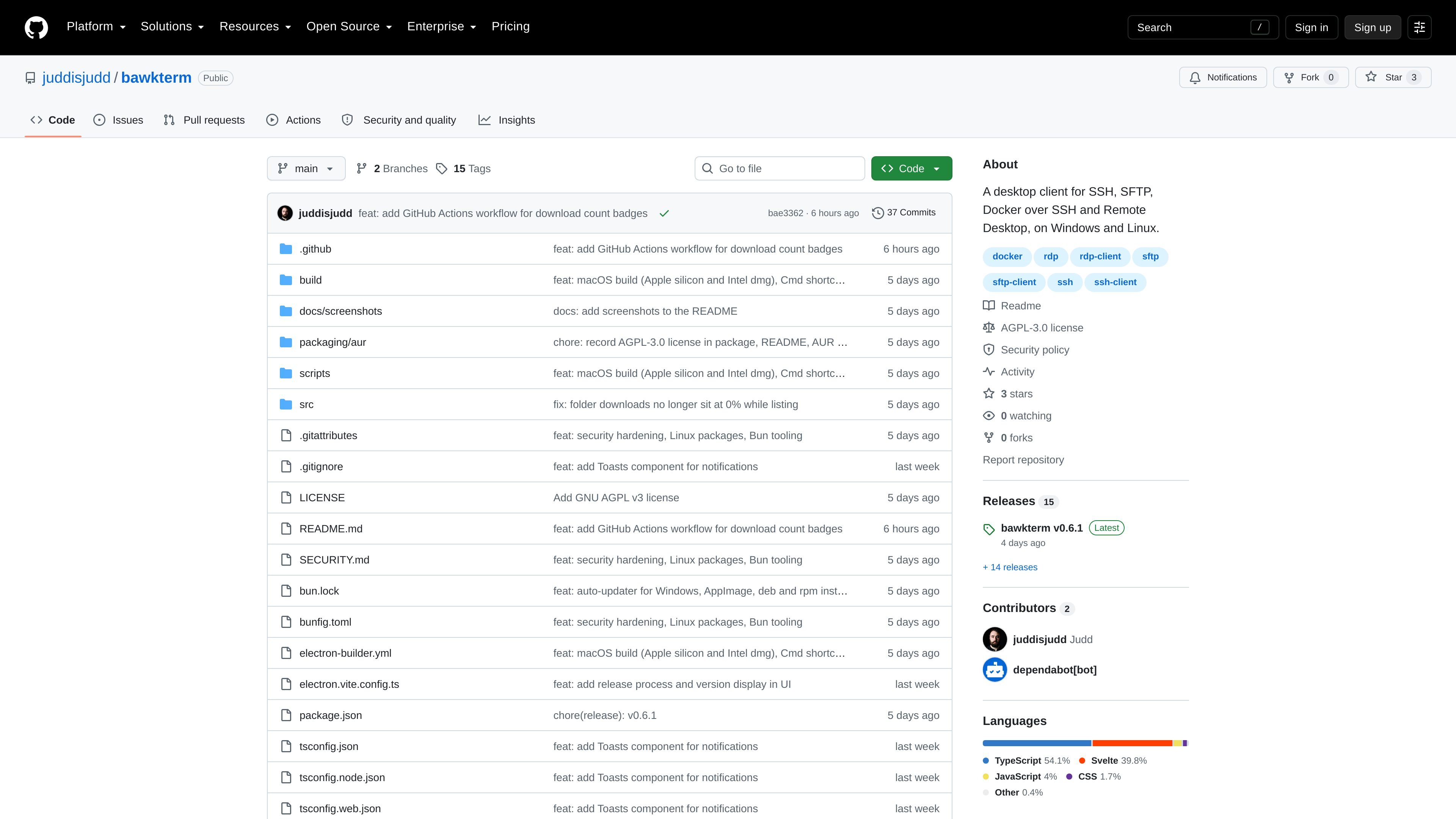
bawkterm is a desktop client for SSH, SFTP, Docker over SSH, and Remote Desktop on Windows, macOS, and Linux. It also provides remote file editing, encrypted credential storage, and optional synchronization through a self-hosted bawksync server.

bawkterm

Desktop access for SSH and remote systems

bawkterm is a desktop client for managing remote systems from Windows, macOS, and Linux. It combines SSH terminal sessions, SFTP transfers, remote file editing, Docker-over-SSH controls, and Remote Desktop access in one application.

Connection details, passwords, private keys, identities, snippets, and trusted host keys are stored in an encrypted local vault. A separately hosted bawksync server can synchronize the encrypted data between devices, while the project remains a personal project and notes that users should expect rough edges.

Key features

SSH terminal

Open tabbed SSH sessions with WebGL rendering, chained jump hosts, OpenSSH agent or Pageant authentication, keyboard-interactive and key authentication, auto-reconnect, startup commands, scrollback search, paste protection, per-tab zoom, and reopened tabs.

SFTP file management

Browse local and remote files in side-by-side panes, transfer folders recursively with replace, keep-both, or skip choices, filter entries, save favorite folders, and open a terminal in a selected remote directory.

Remote file editor

Edit remote files in an in-app tab with syntax highlighting for about 100 languages, search, and save-back support. Users can also choose an installed editor such as VS Code, Cursor, Zed, Sublime Text, or BBEdit where supported.

Keys and host identities

Generate Ed25519, RSA, and ECDSA keys, import OpenSSH, PEM, and PuTTY keys, create reusable username-and-credential identities, and import hosts from ~/.ssh/config.

Docker over SSH

View containers on SSH-accessible hosts, grouped by Compose project, with CPU and memory information plus start, stop, restart, shell, and live-log actions.

Remote Desktop and snippets

Open Windows Remote Desktop or FreeRDP 3 sessions, optionally routed through an SSH jump host, and keep frequently used commands as runnable snippets.

Practical use cases

  • Multi-host SSH administration

    Open several remote shells in tabs, use jump hosts to reach systems behind an intermediate server, reconnect automatically, and run a configured startup command for recurring administration tasks.

  • Remote file operations

    Move project files between a workstation and a server with side-by-side panes, recursive transfer conflict handling, favorites, and an option to open a terminal in the current remote folder.

  • Remote Docker maintenance

    Inspect containers on a remote Docker host, identify them by Compose project, check CPU and memory information, and start, stop, restart, shell into, or follow logs from the desktop.

  • Server-side code and configuration edits

    Open a remote file for quick changes in the built-in editor or a supported local editor, then save the edited content back to the server without switching to a separate transfer workflow.

  • Personal multi-device setup

    Keep connection records and credentials consistent across personal computers by running a bawksync server, with the vault contents encrypted locally before synchronization.

Pros and Cons

Pros

  • Combines SSH, SFTP, remote file editing, Docker-over-SSH management, and Remote Desktop access in one desktop client.
  • Provides a broad range of SSH workflows, including chained jump hosts, multiple authentication methods, auto-reconnect, terminal search, and per-host startup commands.
  • Stores connection data in an AES-256-GCM-encrypted vault and supports device-side encryption before self-hosted synchronization.
  • Offers installation packages for Windows, macOS, and multiple Linux distribution formats.

Cons

  • The project describes itself as a personal project and warns that it has rough edges.
  • Windows and macOS installers are not currently code-signed, so first launch may require bypassing operating-system warnings.
  • Some workflows have platform limits: macOS updates are manual, Flatpak cannot launch external editors or Remote Desktop, and passkey unlock is currently Windows-only.

FAQ

How is bawkterm installed?

bawkterm is distributed from the project's GitHub Releases page. Packages include a Windows installer, macOS DMG files, Linux DEB and RPM packages, an AppImage, a Flatpak, and an AUR package.

Which platforms does bawkterm support?

The application supports Windows, macOS, and Linux. Remote Desktop hosts require Windows Remote Desktop on Windows or FreeRDP 3 on macOS and Linux.

How does bawkterm protect saved credentials?

Yes. Hosts, passwords, private keys, identities, snippets, and trusted host keys are stored in a vault encrypted with AES-256-GCM. Optional unlock methods include Windows Hello, passkeys, Windows DPAPI, macOS Keychain, and Linux keyrings, depending on platform.

Can bawkterm sync connection data between devices?

Cross-device synchronization uses a bawksync server that you run yourself. Data is encrypted on the device before synchronization and remains end-to-end encrypted through the sync service.

How does bawkterm handle updates?

The Windows installer, Linux AppImage, DEB, and RPM packages can update themselves. Flatpak and AUR installations use their respective package-update workflows, while macOS updates currently require downloading a new release manually.

Quick Facts

Category
Developer tool
Platforms
Windows, macOS, and Linux
Primary workflows
SSH, SFTP, Docker over SSH, Remote Desktop
Distribution
GitHub Releases; Windows installer, macOS DMG, Linux DEB/RPM/AppImage/Flatpak, and AUR package
Data storage
Local AES-256-GCM-encrypted vault
Sync
Optional self-hosted bawksync server with device-side encryption

Alternativas a bawkterm

ByteAsk icon

ByteAsk

ByteAsk is a terminal-first AI coding agent for C and C++ that edits repositories and verifies changes with the real compiler, debugger, sanitizers, and tests before showing a diff. It offers a free tier plus paid plans, with editor connectors and zero-retention handling described in the source.

CreateOS Sandbox icon

CreateOS Sandbox

CreateOS Sandbox is an isolated compute environment for running code and agent workloads inside Firecracker micro-VMs. It is designed for workflows that need machine-level isolation, private networking between sandboxes, and programmatic control through SDK, CLI, or MCP.

GitBot icon

GitBot

GitBot is a local browser-based workspace for creating reusable coding bots powered by Claude Code, Codex, or OpenCode. It helps developers run those agents across repository folders with persistent threads and configurable permissions.

hob icon

hob

hob is an independent workspace for coding agents that keeps agent sessions, terminals, history, and follow-up work organized around the tools and providers you already use. It is aimed at developers who want local control over routing, history, and workspace structure rather than a bundled model stack.

Ably Chat icon

Ably Chat

Ably Chat is a chat API platform for building custom realtime chat applications. It supports room-based messaging, typing indicators, presence, reactions, and message updates, with usage-based pricing options for different deployment stages.

Manta AI icon

Manta AI

Manta AI is an autonomous web app testing tool for teams that want to map application behavior, catch regressions, and generate tests without writing scripts or maintaining selectors. It works from a URL and supports plain-English test flows, run results with screenshots, and scheduled or deployment-triggered checks.