
Continuous attack-surface mapping
Vortex rebuilds the target map on every run, identifying endpoints, API routes, authentication flows, admin interfaces, and dependencies so coverage stays current as the code changes.

BestDefense is a continuous security validation platform that tests applications, APIs, and networks on each deploy, validates exploitable findings, and generates remediation pull requests and proof records for audit use.
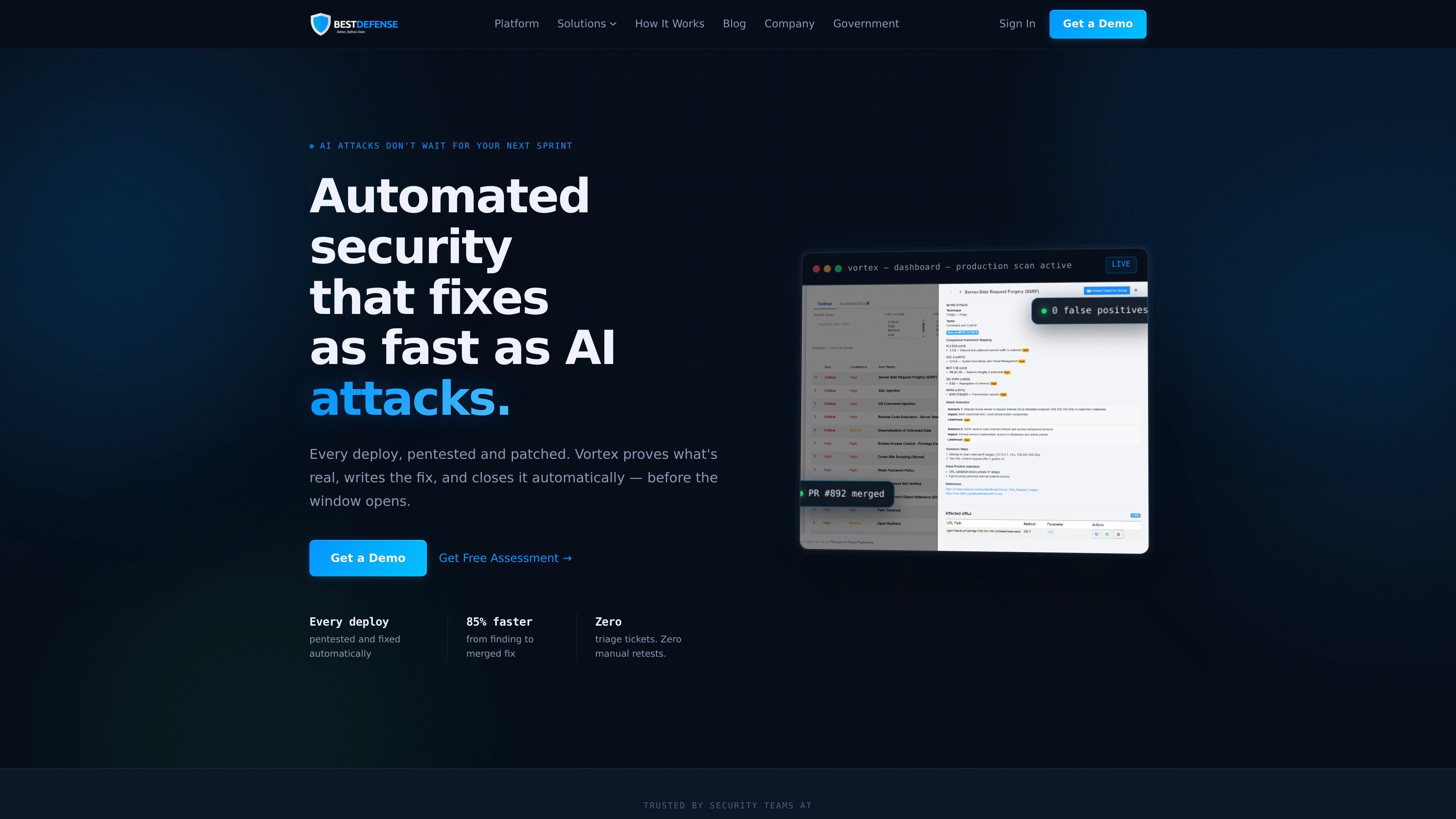
BestDefense is a continuous security validation platform built around its Vortex workflow. The product runs automated security tests on every deploy, validates findings with live exploit attempts, writes remediation pull requests, and records proof that fixes were checked again after they landed.
The site positions the product as an alternative to one-off pentests and noisy scanner output. Instead of handing teams a PDF or a long list of alerts, it focuses on a closed loop: discover the attack surface, confirm what is exploitable, generate the fix, retest the patch, and preserve evidence for audit and compliance needs.
Vortex rebuilds the target map on every run, identifying endpoints, API routes, authentication flows, admin interfaces, and dependencies so coverage stays current as the code changes.
The platform executes adversarial tests such as SQL injection, SSRF, privilege escalation, auth bypass, business logic flaws, and prompt injection, then validates whether the exploit actually succeeds.
When a vulnerability is confirmed, Vortex generates a production-ready pull request with the code change, test coverage, and remediation context, and can block merges until the issue is resolved.
After a fix merges, the original exploit chain runs again on the patched build so the team can verify that the issue is closed rather than only marked closed.
Each closed loop creates a timestamped proof record mapped to frameworks such as SOC 2 Type II, NIST 800-53, ISO 27001, PCI DSS, and CMMC.
The software security page describes a four-phase workflow that combines reconnaissance, scanning, exploitation, and reporting in CI/CD, with the output prioritized for developers and auditors.
Use Vortex to test newly shipped code on each deploy, so exploitable issues are found and confirmed before they sit in production for weeks or months.
Use the platform when your team wants a pentest-style workflow without waiting for a quarterly or annual engagement. The source describes daily or every-deploy testing against a live environment.
Use Vortex to turn confirmed vulnerabilities into mergeable fixes with evidence attached, reducing back-and-forth between security reviewers and application engineers.
Use the proof records and mapped evidence when auditors or security leads need continuous control evidence for frameworks such as SOC 2, ISO 27001, PCI DSS, or CMMC.
Use the live demo workflow to observe findings on an application, API, or network target and see what an attacker could actually validate in that environment.
BestDefense’s Vortex is presented as a continuous security testing platform that runs on every deploy. The source describes automated testing, proof-of-exploit validation, remediation PRs, and compliance evidence generation, but it does not show a public setup guide or deployment model beyond those workflow descriptions.
The site positions the product for DevSecOps, security, and engineering teams that want continuous validation of applications, APIs, and networks. The demo page also shows it being used against a live environment, with findings surfaced for engineering to fix.
The software security solution page says Vortex runs on every deploy, on a scheduled scan, or on demand. The continuous penetration testing page says it can run every day and against a live environment, so it is designed for continuous validation rather than a single annual assessment.
The source says Vortex produces a confirmed exploit, a merged fix, and a timestamped compliance record. It also maps evidence to SOC 2, NIST, ISO 27001, PCI DSS, and CMMC, but the public pages do not describe every export format or integration destination in detail.
The pricing URL currently returns a 404, so the source does not provide pricing details. The available pages instead focus on demos and product workflow, so pricing shape remains undisclosed from the captured content.

ByteAsk is a terminal-first AI coding agent for C and C++ that edits repositories and verifies changes with the real compiler, debugger, sanitizers, and tests before showing a diff. It offers a free tier plus paid plans, with editor connectors and zero-retention handling described in the source.

Manta AI is an autonomous web app testing tool for teams that want to map application behavior, catch regressions, and generate tests without writing scripts or maintaining selectors. It works from a URL and supports plain-English test flows, run results with screenshots, and scheduled or deployment-triggered checks.

ClawTick is an AI agent automation platform for scheduling jobs from the CLI, dashboard, or REST API. It is aimed at developers and teams running LangChain, CrewAI, webhook, or custom agent workflows that need monitoring, alerts, and logs.

Falconer is an AI-powered company brain that keeps internal documentation accurate, searchable, and up to date by syncing with tools like GitHub, Slack, and Linear. It helps engineering and cross-functional teams centralize knowledge and answer questions from a shared source of truth.

OpenFlags is an open-source, self-hosted feature flag platform for modern JavaScript teams. It supports local evaluation, targeted rollouts, and controlled launches while keeping flag data in your own infrastructure.

Speculos is a deployment tool for Claude Code that publishes what you built to a shareable URL. It supports private, org-wide, or public apps and adds team controls for company domains, data connections, and customer-cloud deployments.