
Automatic Downloads sorting
Boo monitors Downloads in the background and sorts files automatically after they land there, so you do not need to drag them into folders yourself.

Boo is a Mac menu-bar app that watches your Downloads folder and automatically sorts files into the right place. It learns file-type destinations, remembers them, and leaves you with a cleaner Downloads folder.
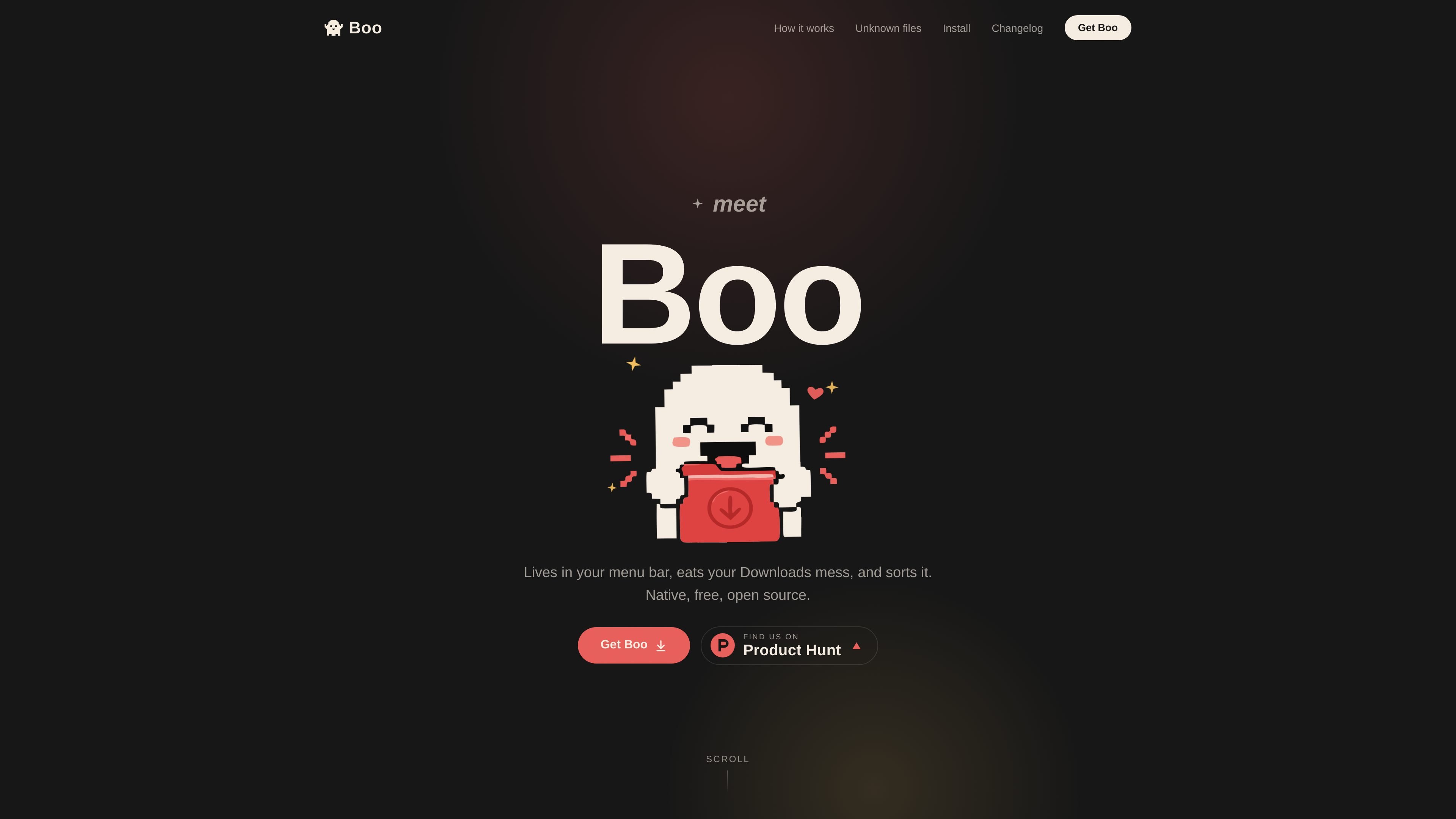
Boo is a tiny Mac menu-bar app that watches the Downloads folder and sorts incoming files into the right places. Its job is simple: reduce the pile-up in Downloads without making you maintain rules up front.
The product is designed around a low-friction workflow. Known file types are moved automatically, new types are handled once through a prompt, and Boo remembers the choice so the same kind of file goes to the same place next time. The site also presents Boo as free, open source, and MIT licensed, with source code available on GitHub.
Boo monitors Downloads in the background and sorts files automatically after they land there, so you do not need to drag them into folders yourself.
After Boo learns a file type once, it reuses that destination the next time it sees the same type and does not prompt again.
For an unknown file type, Boo prompts you once to choose a folder or create a new one, then saves that choice for future downloads.
If you prefer to keep a file where it is, Boo lets you leave it in Downloads instead of forcing a move.
The site says Boo is native, open source, MIT licensed, and built with Swift and SwiftUI, which makes it easy to inspect, fork, theme, and extend.
Useful for people who want their Downloads folder cleaned up automatically after every download, without building a manual folder rule set first.
Helpful when you regularly download the same kinds of files and want them sent to the same destination without repeating the same decision.
Good for users who are still deciding where a new file type should live, because Boo asks once and then remembers the answer.
Appropriate for people who sometimes prefer to keep a file in Downloads, since Boo allows files to remain there instead of forcing a move.
Boo is a Mac menu-bar app that watches your Downloads folder and automatically sorts files into the right place after you download them.
The source says Boo is a native Mac app built with Swift and SwiftUI, and it can be downloaded directly or built from source with the included GitHub clone/build instructions.
If Boo has seen a file type before, it remembers the destination folder and sends that type there again without asking.
When Boo finds a file type it has not seen before, it asks you once where that type should go. You can pick a folder or create a new one, and you can also leave the file in Downloads.
The site describes Boo as free, open source, and MIT licensed, but the separate pricing page currently returns a 404, so there is no published plan structure to extract from the site pages provided.

Codex Plugins bundle reusable skills, app integrations, and MCP servers into workflows you can install in the Codex app or use from Codex CLI. They help extend Codex with connected-service tasks, reusable instructions, and shared team workflows.

Snapmark is a VS Code extension that lets you annotate clipboard screenshots before pasting them into AI chats. It supports blur redaction, numbered callouts, and automatic resizing for large images.

PDFTools is a browser-based suite of free and premium PDF utilities for editing, conversion, and document handling. It helps users work on PDFs locally in the browser without uploading files to a server.

Open Computer Use is an open-source Computer Use service wrapped as MCP for macOS, Linux, and Windows. It helps AI agents and MCP clients run desktop automation workflows through client setup commands or manual MCP configuration.

Osaurus is a native macOS AI agent platform for Apple Silicon that keeps models and data on your Mac. It can also connect to ChatGPT, Claude, or Gemini when a task needs a cloud model.

Privacy-First Toolbox is a free browser-based collection of file and text conversion tools that processes data locally on your device. It is designed for users who want common utilities without uploading files or creating an account.