
Browse a large cask catalog
Browse Homebrew casks through curated shelves, a rotating hero pick, a Featured top 100, and category-based navigation.

CaskHub is a native macOS app for browsing and managing Homebrew casks. It helps users search, install, update, and uninstall Mac apps through a SwiftUI interface while staying compatible with the command line.
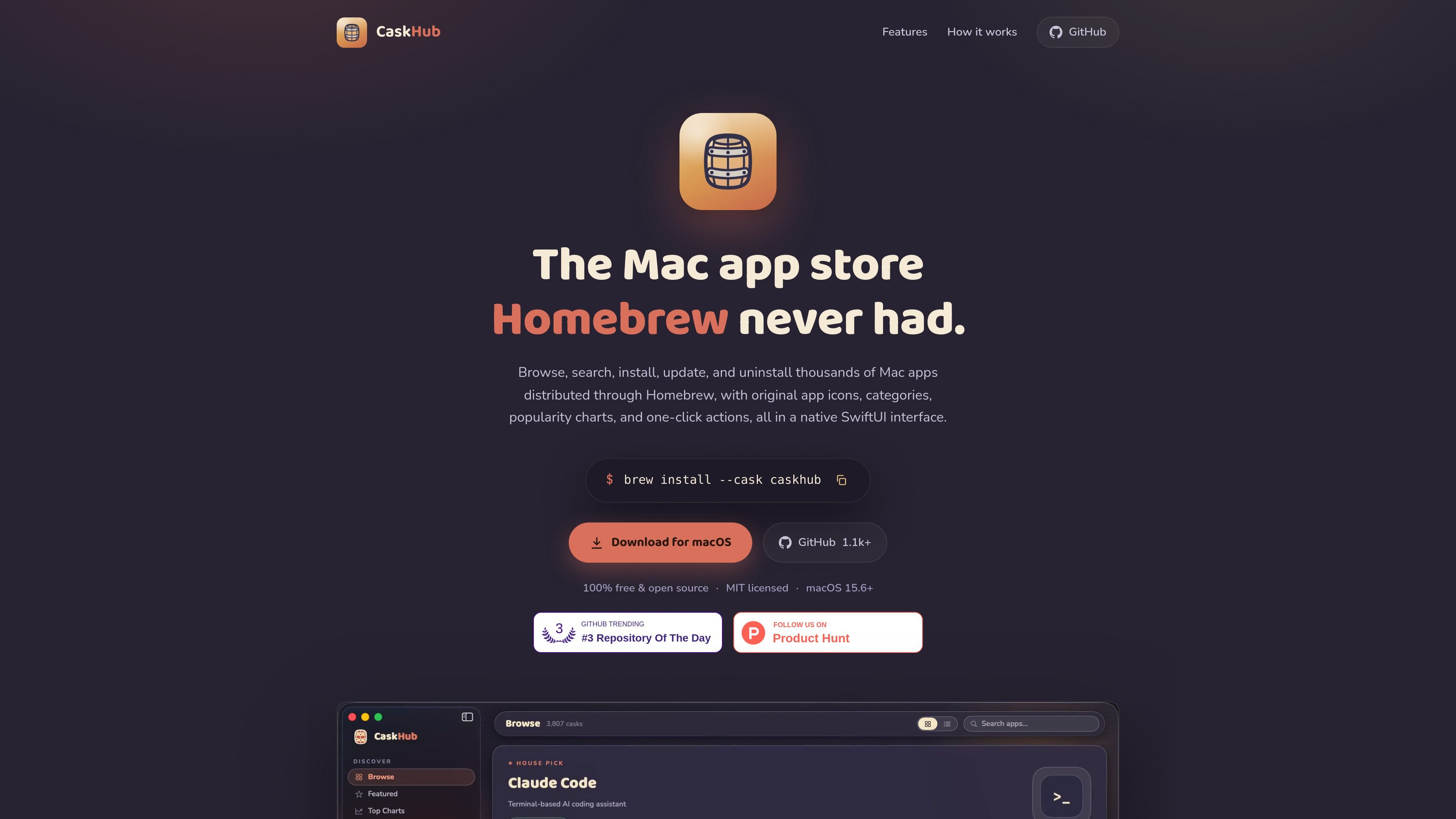
CaskHub is a native macOS app for browsing and managing Homebrew casks. It presents Homebrew's software catalog in a SwiftUI interface so you can search, install, update, and uninstall Mac apps without working in the terminal.
The app uses your real brew binary for actions, which keeps it aligned with the command line workflow. It can also detect apps already installed through Homebrew, and it shows catalog data, install charts, and category browsing even before Homebrew is set up on the machine.
Browse Homebrew casks through curated shelves, a rotating hero pick, a Featured top 100, and category-based navigation.
See the most-installed casks using Homebrew's public analytics, with 30-, 90-, and 365-day ranking windows.
View new casks added in the last 30 to 90 days to find recent apps sooner.
Install, update, and uninstall casks with live progress states, cancellable downloads, and native password prompts for pkg installers.
Search by name, token, or description from within the app, with original icons and rich metadata for scanning results quickly.
Read and manage the same Homebrew casks you use in Terminal, because CaskHub runs through your real brew binary and reads your Caskroom directly.
Browse Homebrew's app catalog visually when you want categories, featured picks, and install charts instead of terminal commands.
Install, update, or uninstall apps from a native interface while keeping the underlying changes synchronized with Homebrew on the command line.
Adopt apps you installed outside Homebrew so they can be managed in one place without moving the files themselves.
Check which apps have real updates available and avoid noise from self-updating software or packaging quirks.
Search by name, token, or description to find a cask quickly when you know the app but not the exact Homebrew name.
No. Browsing works without Homebrew. You only need Homebrew if you want to install apps, and the app will walk you through setup if it is missing.
CaskHub is free and MIT-licensed. The site says there is no subscription, no premium tier, and no ads.
CaskHub requires macOS 15.6 or later and supports both Apple Silicon and Intel Macs.
CaskHub uses your real brew binary and reads your actual Caskroom, so installs, updates, and uninstalls stay compatible with the command line.

ByteAsk is a terminal-first AI coding agent for C and C++ that edits repositories and verifies changes with the real compiler, debugger, sanitizers, and tests before showing a diff. It offers a free tier plus paid plans, with editor connectors and zero-retention handling described in the source.

CreateOS Sandbox is an isolated compute environment for running code and agent workloads inside Firecracker micro-VMs. It is designed for workflows that need machine-level isolation, private networking between sandboxes, and programmatic control through SDK, CLI, or MCP.

hob is an independent workspace for coding agents that keeps agent sessions, terminals, history, and follow-up work organized around the tools and providers you already use. It is aimed at developers who want local control over routing, history, and workspace structure rather than a bundled model stack.

Ably Chat is a chat API platform for building custom realtime chat applications. It supports room-based messaging, typing indicators, presence, reactions, and message updates, with usage-based pricing options for different deployment stages.

MacSpoof es un cambiador de MAC para macOS: cambia o aleatoriza tu MAC Wi‑Fi para reconectar y reducir el registro de identidad en redes públicas.

Manta AI is an autonomous web app testing tool for teams that want to map application behavior, catch regressions, and generate tests without writing scripts or maintaining selectors. It works from a URL and supports plain-English test flows, run results with screenshots, and scheduled or deployment-triggered checks.