
Output compression for agent responses
Compresses model output so agents can answer in fewer tokens while keeping code, commands, and errors byte-for-byte exact on the Skill surface.

Caveman is a developer-focused stack for compressing AI output, wrapping local agent traffic, and tracking token spend across gateways and enterprise deployments. It includes free local components, a TypeScript SDK, and preview cloud features for savings verification.
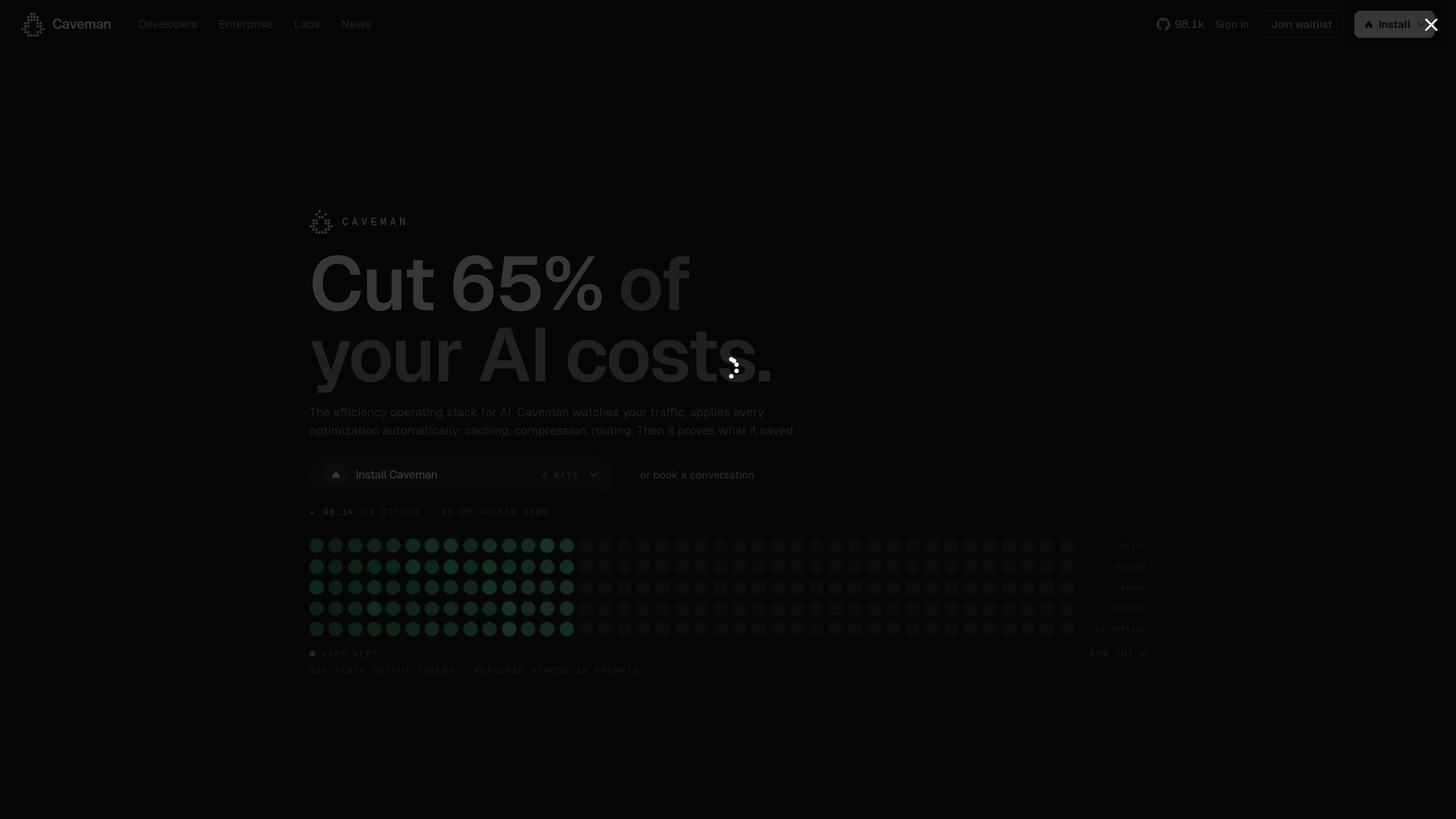
Caveman is a stack for reducing and proving AI token spend across local agents, gateways, SDKs, cloud, and enterprise deployment. The site presents it as an efficiency operating stack for agent-native development, with separate surfaces for compression, billing visibility, rollout control, and savings verification.
The product family includes Caveman Skill for output compression, Caveman Proxy for recoverable local context compression, Caveman Agent SDK for production agents, Caveman Cloud as a managed gateway, and Caveman Enterprise for on-prem or datacenter use. The pricing page shows a free local wrap and MIT skill, while cloud and higher-trust features such as the verified ledger, eval-gated rollout, receipt verification, and gainshare charging are in preview or disabled states.
Compresses model output so agents can answer in fewer tokens while keeping code, commands, and errors byte-for-byte exact on the Skill surface.
Wraps existing agent traffic locally and stores original bytes so recoverable context compression can be applied on eligible content.
Tracks spend from provider-reported usage and public catalog pricing, then shows the modeled spend by key, workflow, model, and member.
Uses eval-gated rollout, fail-closed gates, and rollback controls for gateway changes before optimized traffic is applied automatically.
Provides an SDK for production agents with local catalog-price guards, token bills, and declared evals in TypeScript.
Supports proof-oriented workflows in the cloud and enterprise products, including signed receipts, verification, and on-prem deployment options.
Use Caveman Skill when you want Claude Code, Cursor, Codex, or similar agents to produce shorter answers while preserving code and command exactness.
Use Caveman Proxy when you already have a local agent workflow and want recoverable context compression without starting from a new platform.
Use Caveman Agent SDK when you are building a production agent and need local controls around token spend, context plans, and declared evals.
Use Caveman Cloud when you want a managed gateway that can apply caching, compression, and routing automatically with eval-gated rollout.
Use Caveman Enterprise when the stack needs to run in your cloud or datacenter with on-prem or BYOC deployment and zero data retention controls.
The pricing page shows a free local wrap and MIT-licensed skill for one seat, plus paid cloud and team offerings that are currently in design-partner preview or waitlist status. Automatic receipt signing and gainshare charging are disabled for now.
The home and product pages describe Caveman Skill for installable output compression, Caveman Proxy for recoverable local context compression, Caveman Agent SDK for production-agent controls, Caveman Cloud as a managed gateway, and Caveman Enterprise as the on-prem / datacenter option.
The pages show Claude Code, Codex, and Cursor explicitly for Caveman Skill, and mention 30+ agents on the product pages. The source does not provide a full supported-integration list beyond that.
Caveman Code is presented as a terminal coding agent with a command-line install and a GitHub project page. The product page emphasizes token reduction, code-preserving rewrites, and a benchmarked terminal workflow.
The pricing page says telemetry is token counts only and never prompts for the local wrap. It also states that the verified ledger only accepts approved provider-causal Anthropic cache evidence at present.

CreateOS Sandbox is an isolated compute environment for running code and agent workloads inside Firecracker micro-VMs. It is designed for workflows that need machine-level isolation, private networking between sandboxes, and programmatic control through SDK, CLI, or MCP.

ByteAsk is a terminal-first AI coding agent for C and C++ that edits repositories and verifies changes with the real compiler, debugger, sanitizers, and tests before showing a diff. It offers a free tier plus paid plans, with editor connectors and zero-retention handling described in the source.

hob is an independent workspace for coding agents that keeps agent sessions, terminals, history, and follow-up work organized around the tools and providers you already use. It is aimed at developers who want local control over routing, history, and workspace structure rather than a bundled model stack.

Manta AI is an autonomous web app testing tool for teams that want to map application behavior, catch regressions, and generate tests without writing scripts or maintaining selectors. It works from a URL and supports plain-English test flows, run results with screenshots, and scheduled or deployment-triggered checks.

SonOf connects to your repo and PM tool, audits the codebase and surrounding product context, and turns approved work into shipped tickets with senior engineering review. It is aimed at founders and engineering leaders who need backlog help without hiring a full team immediately.

Ghost es un asistente de IA para terminal para chatear, generar código y ejecutar tareas en la línea de comandos. Incluye modelos gratuitos, es compatible con Linux, macOS y Windows, y es de código abierto.