
Virtual silicon for the target chip
Run firmware on a virtual instance of the real target chip rather than a generic CPU emulator. The page emphasizes matching the same binary, peripherals, and interrupt timing as the physical board.

Chiplab is an MCP platform for running embedded firmware workflows on a virtual instance of the target chip. It helps AI agents and embedded developers test, debug, and validate code without physical hardware, while saving results into a shared corpus.
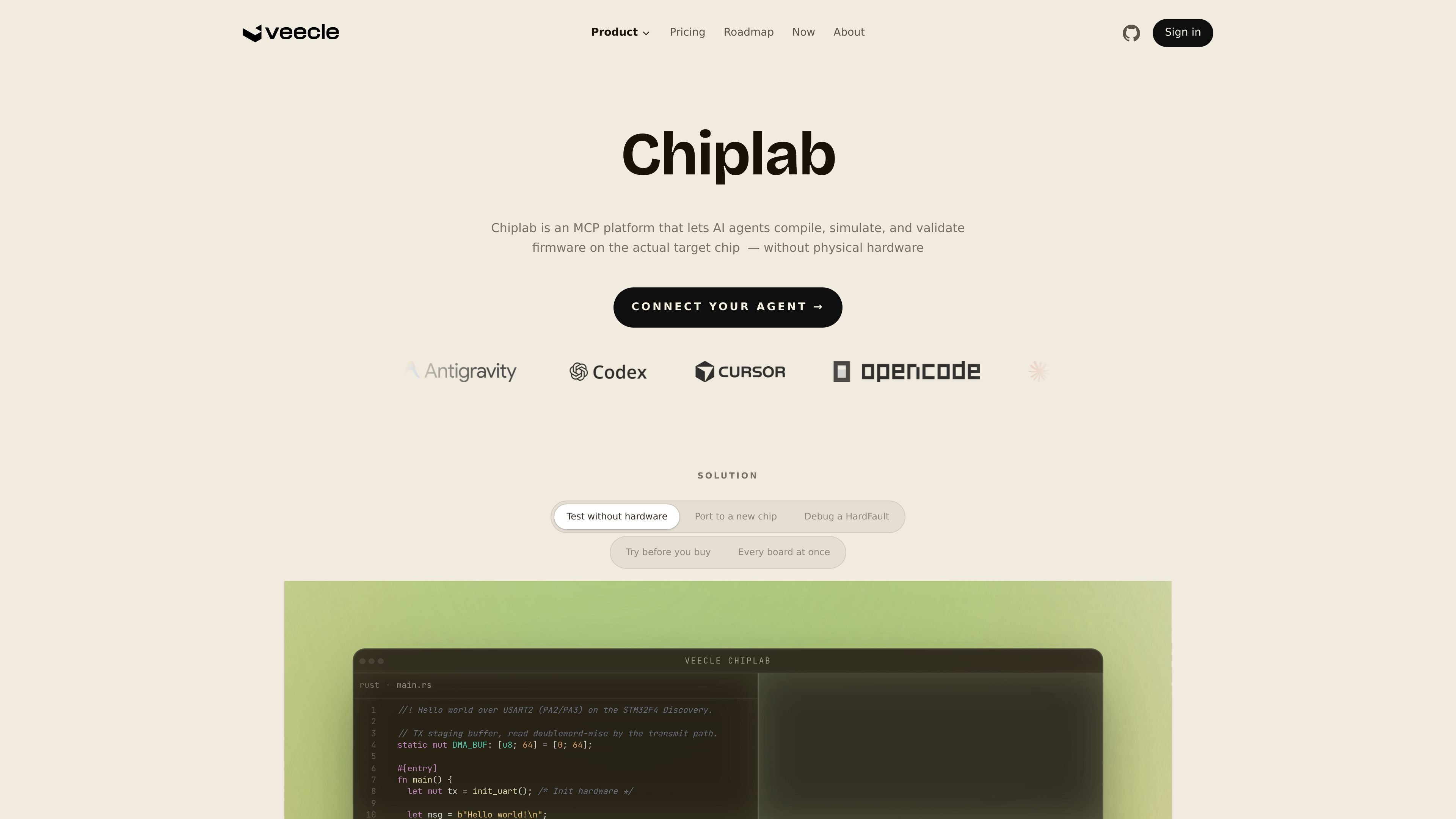
Chiplab is an MCP platform for embedded firmware workflows. It lets AI agents compile, simulate, validate, and query firmware on a virtual instance of the actual target chip, with no physical hardware required for the core loop shown on the site.
The product is positioned as "the API between agents and silicon." Instead of emulating a generic processor, Chiplab presents virtual silicon tied to a specific chip, then records each run into a shared corpus that later agent calls can reuse. The site frames it as useful for hardware-free testing, bring-up, porting to a new chip, debugging faults, and trying firmware before buying a board.
Run firmware on a virtual instance of the real target chip rather than a generic CPU emulator. The page emphasizes matching the same binary, peripherals, and interrupt timing as the physical board.
Use a single MCP endpoint to look up corpus knowledge and execute firmware workflows. The current shipped verbs are ask and run, with additional verbs shown on the roadmap.
Search a shared corpus of validated fixes, chip-specific gotchas, and architecture decisions. Each call adds to the corpus so later runs can inherit prior context.
Compile against production toolchains remotely, including licensed toolchains referenced on the page such as IAR and ARMCC. The site says the agent does not need to install or handle the license locally.
Run unit and integration tests on virtual hardware and receive coverage and regression information. The roadmap also describes root-cause matching against the corpus.
Inject synthetic sensor or bus data into live simulations to observe firmware behavior. The page mentions camera frames, CAN bus, and IMU data as examples of generated inputs.
An embedded team can run firmware on a virtual instance of the target chip to catch faults before a prototype exists. The site specifically frames this as testing without hardware.
When code hits a HardFault or similar issue, an agent can run the firmware, inspect traces, and use the corpus to find validated fixes or chip-specific gotchas.
Teams moving software to a new chip can cross-compile and validate against the target’s peripherals and timing instead of relying on a generic CPU simulation.
A team can use the corpus and shared runs to reuse prior fixes, architecture decisions, and hardware behavior notes across multiple agent sessions.
Developers can inject synthetic sensor or bus data into live simulations to observe timing violations, I/O behavior, and fault handling before hardware is available.
Chiplab is designed for agents running embedded firmware workflows through an MCP endpoint. The page shows agent hosts such as Cursor, Claude Code, and Windsurf, but it also frames Chiplab as usable from any MCP host.
Chiplab can compile, simulate, validate, test, and query firmware on a virtual instance of the actual target chip. The current surface on the site shows ask and run as shipped verbs, with build, test, bench, simulate, generate, and automate listed as later capabilities.
Chiplab returns outputs such as verdicts, traces, register state, stdout, stderr, telemetry, fault traces, binaries, diagnostics, and coverage reports depending on the verb used.
The pricing page says Chiplab uses credits rather than seats. The free tier includes daily credits, while paid usage is presented as pay-as-you-go and enterprise pricing is custom.
The page positions Chiplab around embedded firmware workflows on supported chips. It explicitly mentions STM32 and Nordic today, with Infineon, Renesas, and NXP on the roadmap, so coverage is not universal.

ByteAsk is a terminal-first AI coding agent for C and C++ that edits repositories and verifies changes with the real compiler, debugger, sanitizers, and tests before showing a diff. It offers a free tier plus paid plans, with editor connectors and zero-retention handling described in the source.

Manta AI is an autonomous web app testing tool for teams that want to map application behavior, catch regressions, and generate tests without writing scripts or maintaining selectors. It works from a URL and supports plain-English test flows, run results with screenshots, and scheduled or deployment-triggered checks.

Hoplite is a cloud coding agent platform for teams that want to run software tasks in isolated sandboxes with repository context and imported local setup. It offers published Pro, Scale, and Enterprise plans.

CreateOS Sandbox is an isolated compute environment for running code and agent workloads inside Firecracker micro-VMs. It is designed for workflows that need machine-level isolation, private networking between sandboxes, and programmatic control through SDK, CLI, or MCP.

hob is an independent workspace for coding agents that keeps agent sessions, terminals, history, and follow-up work organized around the tools and providers you already use. It is aimed at developers who want local control over routing, history, and workspace structure rather than a bundled model stack.

SonOf connects to your repo and PM tool, audits the codebase and surrounding product context, and turns approved work into shipped tickets with senior engineering review. It is aimed at founders and engineering leaders who need backlog help without hiring a full team immediately.