
Read-only Azure onboarding
Connect client Azure tenants with read-only access, using either Enterprise App consent or a service principal. The product says it supports multi-tenant and multi-subscription setups and does not need write access.

Cloud Halo is an Azure FinOps platform for MSPs, consultancies, and Azure-first teams that need read-only cost visibility, alerts, savings tracking, and client-ready reporting. It is designed around managed Azure workspaces rather than write access or a generic dashboard.
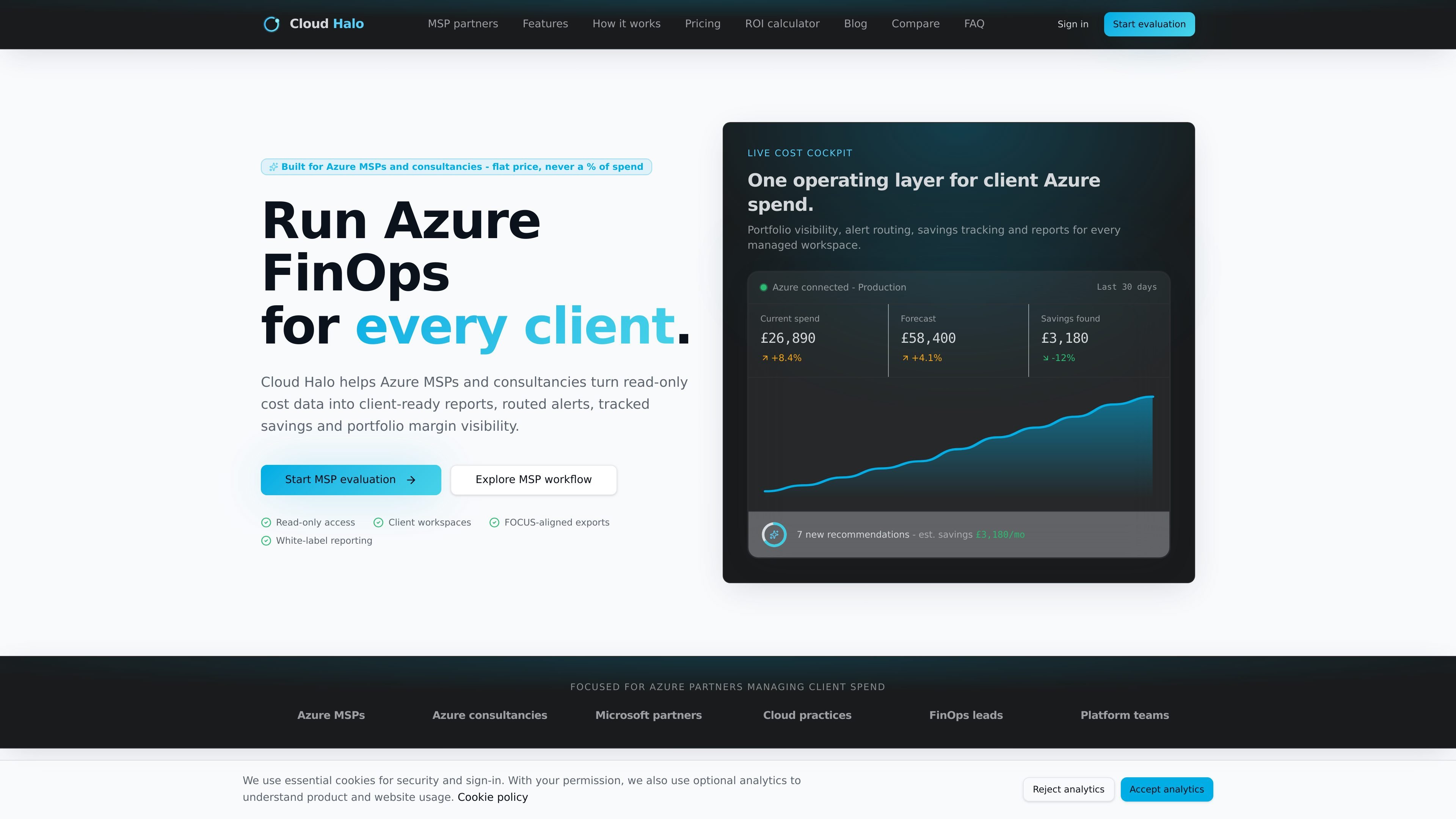
Cloud Halo is an Azure FinOps platform for MSPs, consultancies, and Azure-first teams that need a repeatable way to review spend, route alerts, and produce client-ready reports. It connects to Azure with read-only access and is built around managed workspaces rather than a generic dashboard.
The product focuses on the operational work around Azure cost management: cost visibility across subscriptions and resources, forecast and anomaly checks, savings tracking, and monthly reporting. On the MSP pages, that workflow is framed as a way to run managed FinOps for multiple clients without spreadsheet rebuilds or write access to the tenant.
Connect client Azure tenants with read-only access, using either Enterprise App consent or a service principal. The product says it supports multi-tenant and multi-subscription setups and does not need write access.
Organize spend by client workspace and break it down by subscription, resource group, service, region, tag, team, or department. This helps partners and finance teams review the same data at the level they actually manage.
Set thresholds at workspace, service, or resource-group level and route notifications by email or Slack webhook. The site also highlights exception handling for failed syncs, stale data, and cost spikes.
Use month-to-date projections, trend-based forecasts, and anomaly detection to review likely month-end spend and catch unusual cost changes after each sync. Forecasts include confidence scoring sourced from synced history.
Track Azure Advisor recommendations, Cloud Halo heuristics, and commitment opportunities through to resolution with owners, status, evidence, and monthly value. The product frames this as a savings ledger for follow-up and review.
Create client-ready exports and FOCUS-aligned reporting packs, including a white-label monthly FinOps report. The sample report includes executive summary, budgets, reservation and savings-plan sections, right-sizing evidence, and an action plan.
Use separate client workspaces to keep each tenant’s subscriptions, alert routes, reports, and audit history organized while you manage multiple customers from one operating layer.
Package cost reviews, optimization sprints, and monthly stakeholder reporting into a repeatable service without rebuilding spreadsheets for each account.
Track budgets, forecasts, anomalies, recommendations, and cost allocation internally when the goal is to manage Azure spend for your own team rather than external clients.
Review month-to-month spend, projected spend, reservation opportunities, and savings actions in a report that is designed for executive or client circulation.
Surface cost spikes, stale data, failed syncs, and ignored recommendations early so the issue can be resolved before the next customer review.
Cloud Halo is set up with read-only Azure access, using either Enterprise App consent or a service principal. The product says it supports multi-tenant and multi-subscription environments, and it does not require write access to the tenant.
The site says you can see data after the first sync, with a target time to first insight of about 5 minutes after a client Azure connection. It also describes a same-day first report for the sample evaluation flow.
Yes. The MSP-focused pages describe separate client workspaces, white-label monthly reports, routed alerts, savings tracking, and portfolio visibility for partners managing multiple customers.
The source describes client-ready reports and FOCUS-aligned exports, plus monthly executive reporting packs. It also shows budget, forecast, anomaly, savings, and right-sizing evidence in the sample report.
Cloud Halo is offered as self-serve trial and subscription plans, and the pricing page states annual billing includes two months free. For larger teams it also offers a custom Scale plan and sales contact flow.

PromptScout tracks how ChatGPT, Gemini, Google AI Overviews, and Perplexity mention your brand or competitors, then pairs those results with source analysis and website audits. It helps teams decide what to fix in content, positioning, or site readiness next.

SaveMRR is a Stripe retention tool for SaaS teams that scans billing data for churn and MRR leaks, then automates recovery through dunning, cancel-save offers, win-back emails, and onboarding nudges. It is built for founders and bootstrapped teams using Stripe.

Hype is a web tool for finding trending YouTube topics by category, time range, and scoring mode. It helps creators spot emerging ideas, inspect source videos, and decide what to cover next.

Sleek Analytics is a privacy-friendly web analytics tool with real-time visitor tracking, Core Web Vitals, and revenue attribution. It helps site owners understand traffic and conversions without cookie banners or a heavy setup.

Struere is an AI-native platform for turning spreadsheet data into structured operational software with dashboards, alerts, and automations. It is aimed at teams that want to replace manual spreadsheet workflows without building custom tools from scratch.

ClayHog es una plataforma de visibilidad en AI search para seguir cómo aparecen las marcas en ChatGPT, Gemini, Perplexity, Claude y Google AI Overviews. Centraliza citas, competidores, sentimiento y oportunidades de contenido.