
Batch palette swapping
Load folders of sprites and apply multiple target palettes in one run, which is intended to generate many variations without manual one-by-one edits.

ColorCraft is a batch sprite recoloring and palette tool for pixel artists and game developers. It supports palette import, dithering, masking, and Aseprite-oriented workflows on Windows, macOS, and Linux.
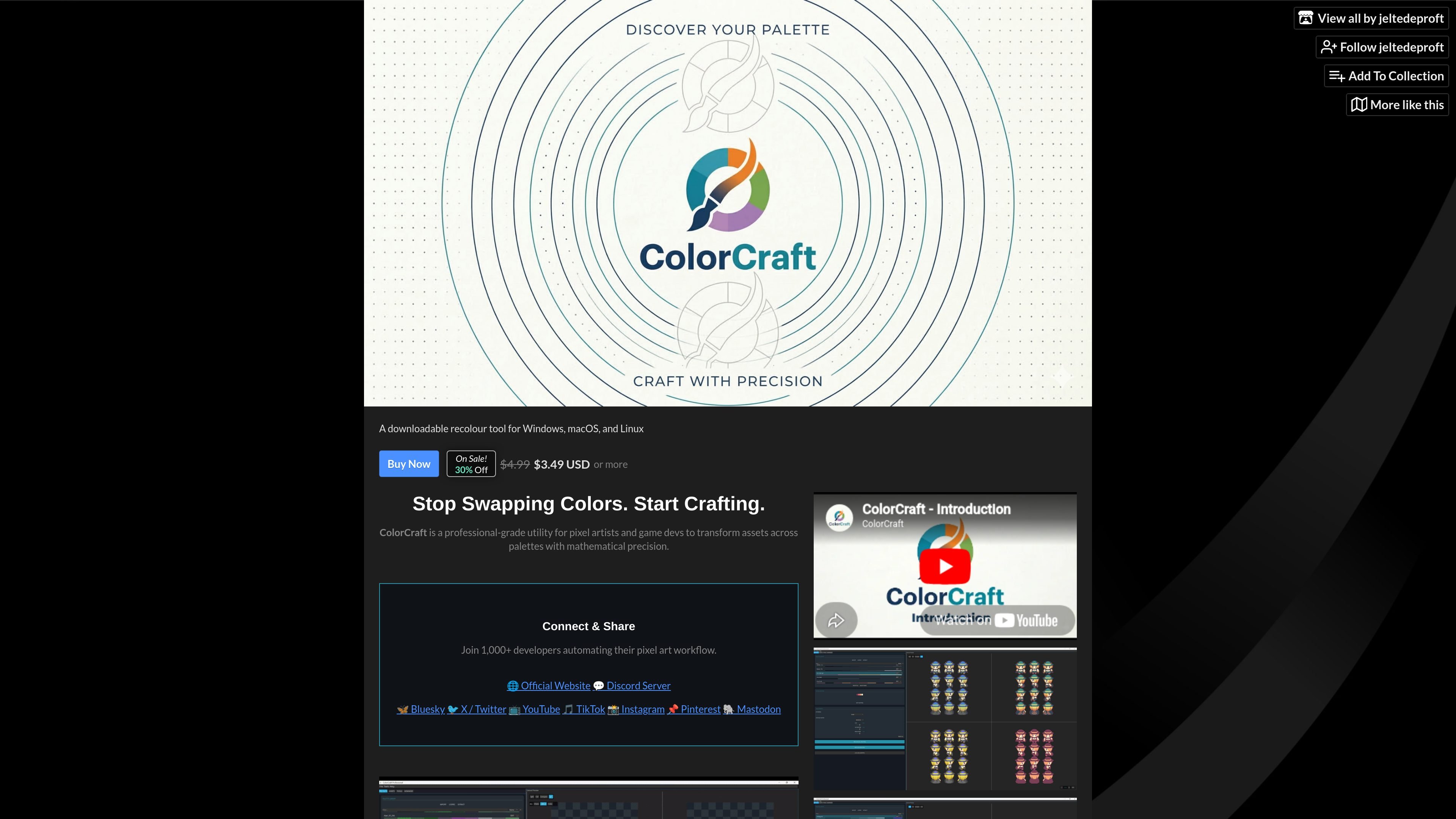
ColorCraft is a downloadable recolor tool for Windows, macOS, and Linux that batch-processes sprite assets across palettes. It is aimed at pixel artists and game developers who need to generate asset variants without swapping colors manually.
The product supports direct Aseprite-oriented workflows, palette import from common formats, and image-based palette extraction. It also includes matching, dithering, and masking controls so users can tune how source colors are remapped before exporting results for game pipelines.
Load folders of sprites and apply multiple target palettes in one run, which is intended to generate many variations without manual one-by-one edits.
Import palettes from Photoshop (.aco), GIMP (.gpl), and standard hex files, or extract colors from images and Lospec palettes.
Open and process Aseprite files directly, with support for .ase and .aseprite workflows alongside the app.
Choose the color-matching math used for recoloring, including Oklab, CIEDE2000, Redmean, and Luminance.
Use Floyd-Steinberg, Atkinson, Burkes, Sierra, or Bayer dithering to preserve texture during recoloring.
Lock selected colors with Hex Masking and generate engine-ready files such as .import for Godot or .meta for Unity.
Generate elemental, biome, rarity, or skin-tone variants from a base sprite set by applying several palettes to an entire folder at once.
Work on sprites in a pipeline that includes Aseprite, with direct handling for .ase and .aseprite files and preserved layer and animation data mentioned on the homepage.
Import palettes from design tools or palette libraries, then tune recoloring with specific matching metrics and dithering methods before exporting.
Protect selected colors such as skin tones or UI elements with Hex Masking while recoloring the rest of the asset.
Produce output files for downstream use in game engines, including Godot and Unity helpers mentioned on the page.
The source shows ColorCraft as a downloadable utility for Windows, macOS, and Linux. It is described as a batch sprite recoloring and palette tool for pixel art and game development.
The page says you can open and process .ase and .aseprite files directly, and the devlog also mentions importing .ase, .aco, and .gpl palettes. The homepage additionally lists support for .png, .jpg, and .webm inputs.
The homepage says ColorCraft generates transparent .png, .jpg, and .webm outputs, and the purchase page includes platform-specific downloads for Linux, macOS M1, macOS x64, and Windows.
Yes. The purchase flow says the product is sold on itch.io at or above a minimum price, with a sale price shown on the page and optional higher payment amounts available.
The source describes a workflow for individual creators, including indie developers, asset creators, and pixel artists. It does not describe collaboration features, licensing tiers, or team account management.

Pixelcut is an AI photo editor for creating and editing product images, social content, and video assets. It offers free and paid plans, plus mobile app and browser access for individual users and teams.

Petalica Paint is a web service for automatically coloring line art and tracing line drawings from photographed images. The home page says it can be used under the stated terms for commercial and noncommercial work, but it is scheduled to end on 2025-07-31 at 16:00 JST.

Wearvue AI generates personalized outfit previews from a photo, lets users refine the style for an occasion, and surfaces similar real products to shop. It is aimed at people who want to preview outfit ideas before buying and compare them with shoppable alternatives.

Upscale.media is an AI image upscaling and enhancement tool from Pixelbin that enlarges low-resolution or pixelated images and improves clarity in the browser. It offers free individual image use, paid credit plans, and team-oriented workflows such as bulk processing and API integration.

PixelForge turns a single photo into a game-ready 2D character sprite pack, including a 4×4 sheet, transparent frames, direction strips, and looping walk GIFs. It is designed for engine-ready use in Godot, Unity, Phaser, GameMaker, and web games.

PhotoAid’s AI Image Enlarger is a free browser-based tool for upscaling images without a standard blur-heavy resize. It supports JPEG, WEBP, and PNG uploads and is described as working best for photos with faces.