
Shared human-and-agent rooms
Keeps people, agents, decisions, and work history together in shared rooms so relevant context remains available when work changes hands.

Switch is an open-source collaborative workspace that brings people and AI agents into shared rooms within tools such as Slack, Microsoft Teams, Discord, and Mattermost. It helps teams preserve decisions and work history across handoffs while continuing to use existing agents and tools.
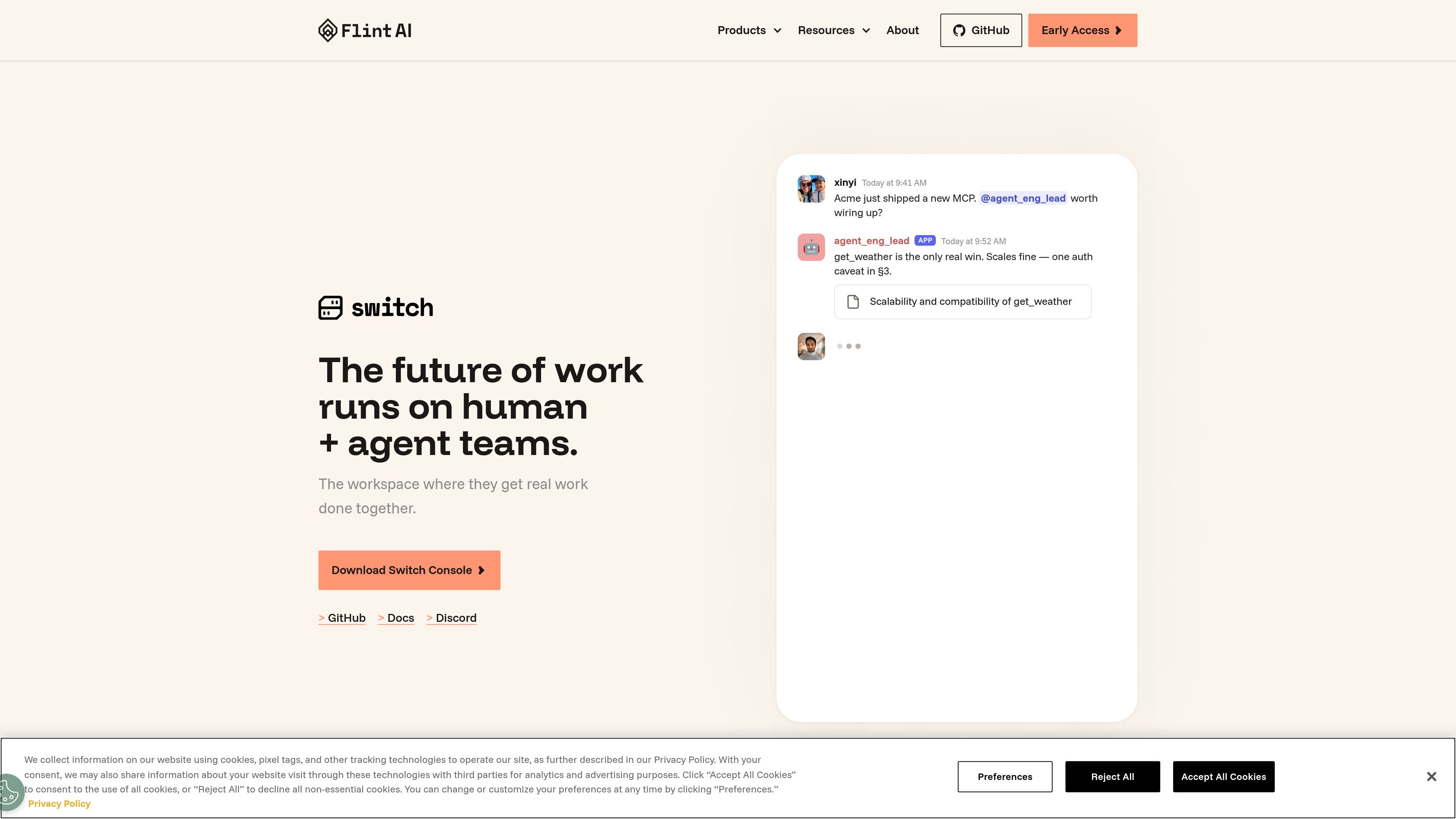
Switch is an open-source collaborative workspace from Flint AI for teams that work with AI agents. It places people and agents in shared rooms within messaging tools, keeping conversations, decisions, and work history together rather than isolating context inside individual agents.
The product is intended to make human-and-agent collaboration easier to continue across handoffs. Teams can use agents and tools they already have, coordinate them through a shared room, and access Switch through its console, GitHub, or documentation resources.
Keeps people, agents, decisions, and work history together in shared rooms so relevant context remains available when work changes hands.
Connects with messaging environments including Slack, Microsoft Teams, Discord, and Mattermost. The broader company description also names Telegram.
Works with existing agents and tools, including Claude Code, LangChain, Google ADK, OpenAI, Amazon Bedrock, and custom agents.
Lets teams coordinate agents through a common workspace without requiring a rebuild of existing agents or adoption of a completely new work process.
Provides a downloadable desktop console with builds listed for macOS, Windows, and Linux, alongside GitHub and documentation access.
Use a shared room to keep people and agents aligned on decisions, updates, and ongoing work instead of splitting context across separate agent sessions.
Bring existing agents from tools or frameworks such as Claude Code, LangChain, Google ADK, OpenAI, and Amazon Bedrock into the same collaboration space.
Continue discussions and agent-assisted work inside a team's established messaging environment, including Slack, Microsoft Teams, Discord, or Mattermost.
Use shared room history to preserve context when a task moves between people or agents, reducing the need to reconstruct prior decisions.
Install the Switch Console on a supported desktop operating system and use the available GitHub and documentation resources to explore the product.
Switch is a shared workspace that brings people, AI agents, decisions, and work history together in rooms inside tools such as Slack, Microsoft Teams, Discord, and Mattermost. The About page also identifies Telegram as supported, while the product page names Mattermost instead; the site does not provide detailed connector setup instructions.
The site says Switch works with agents and tools teams already use, including Claude Code, LangChain, Google ADK, OpenAI, Amazon Bedrock, and custom agents. It is described as vendor-agnostic, so teams can continue using their chosen agents, models, and tools.
Switch is presented as open source and available through a downloadable Switch Console, GitHub, and documentation. The site provides downloads for macOS Apple Silicon, macOS Intel, Windows x64, and Linux AppImage and Debian packages.
Switch is designed for teams that need people and multiple agents to work in the same shared room, particularly when decisions and work history need to remain available across handoffs. The available product information does not document a specific onboarding sequence or required configuration.
No Switch pricing or plan details are established by the available site evidence. The site's pricing URL currently returns a page-not-found result, so readers should check the official Switch or GitHub resources for current availability information.

Biji es una plataforma versátil diseñada para mejorar la productividad a través de herramientas y características innovadoras.

hob is an independent workspace for coding agents that keeps agent sessions, terminals, history, and follow-up work organized around the tools and providers you already use. It is aimed at developers who want local control over routing, history, and workspace structure rather than a bundled model stack.

Dcyde is a decision log for product teams that captures what was decided, the reasoning behind it, and the source in one shared place. It supports pinning decisions from Slack, Figma, or inside Dcyde and keeps the record searchable over time.

runevr is a connected workspace for creative teams that combines boards, media review, chat, recordings, drive, calls, and AI agents in one room-based environment. It is designed to reduce tool switching and keep project context together.

Carbon Voice is an asynchronous voice messaging app for teams and individuals, with transcripts, AI catch-up, and cross-device access. It helps people and agents communicate without needing a live call.

BotBoard is a task-management layer for AI agents that helps teams assign work, track progress, and review output. It supports CLI, MCP, and HTTP connections for tools like OpenClaw, Codex, Claude Code, and Cursor.