
Local-first folder access
Open a local project folder in the browser and work on the files directly on your device. CowCo says it is not a cloud solution and uploads nothing.

CowCo is a browser-based editor for opening a local project folder and viewing or editing many file types with dedicated tools. It is designed to let you work alongside an AI assistant while keeping files on your own device.
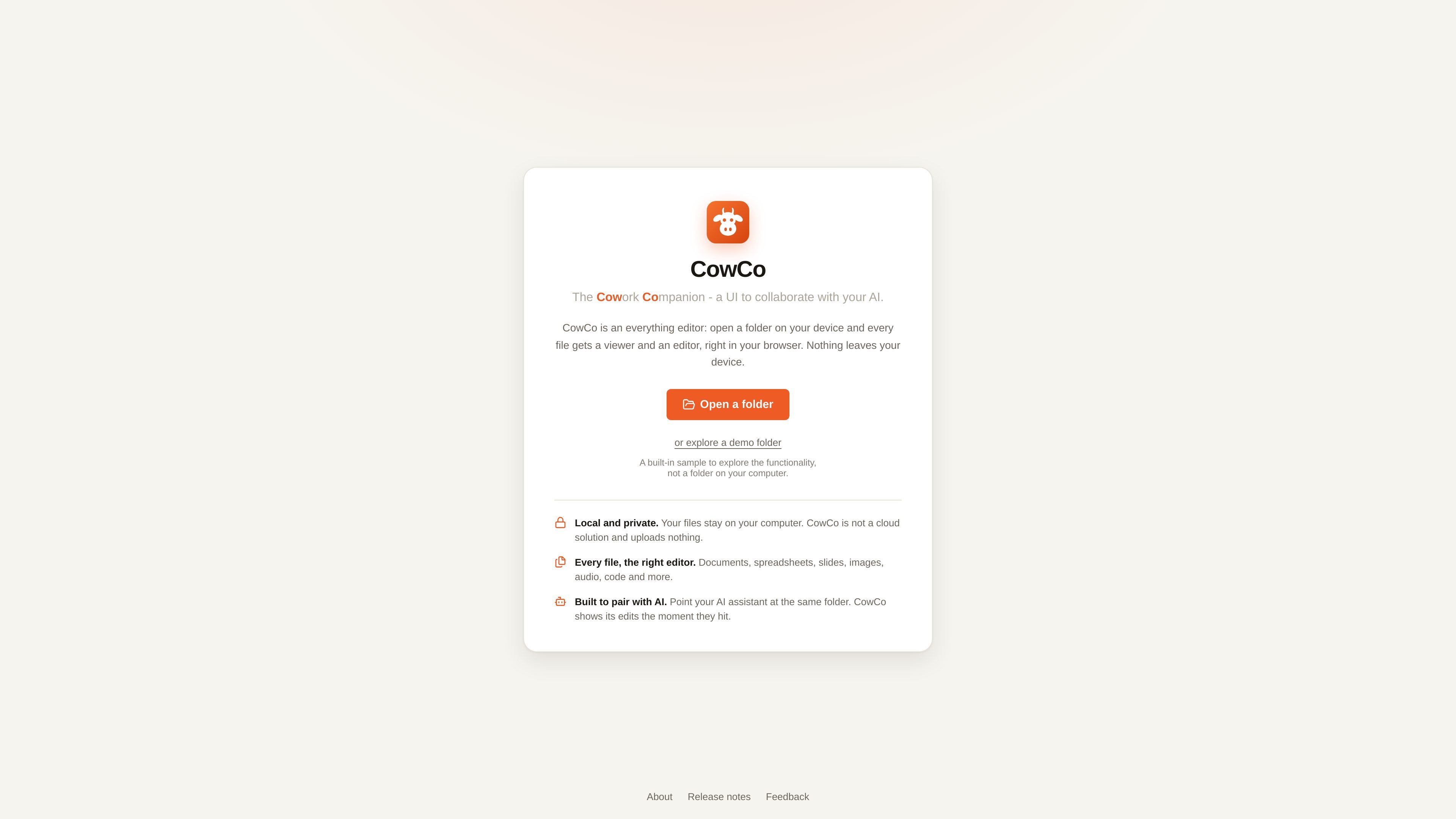
CowCo is a browser-based “everything editor” for local project folders. You open a folder on your own device and view or edit nearly any file type through a dedicated editor or viewer, all inside the browser.
It is built around a hybrid human-and-AI workflow: you can point an AI assistant at the same folder and review the edits alongside it. CowCo emphasizes local access and privacy, saying your files stay on your computer and nothing is uploaded.
Open a local project folder in the browser and work on the files directly on your device. CowCo says it is not a cloud solution and uploads nothing.
Use dedicated editors and viewers for common file types instead of a single generic text view. The site says CowCo covers 136 file types with 18 built-in editors and viewers.
Search across the whole folder with full-text search and use the command palette to jump to files, contents, and actions.
Edit content in context with AI by pointing your assistant at the same folder. CowCo shows edits as soon as they appear, which is meant to support human review alongside agent output.
Create new files in place, including images from a camera and audio from a microphone, so you can add project content without leaving the editor.
Handle richer file types with specialized tools such as WYSIWYG Markdown editing, spreadsheet-style CSV editing, audio waveform editing, video trimming, SVG source editing, Mermaid previews, and SQLite table editing.
Open a codebase or content folder, search across files, and switch between editors as needed while keeping the project on your own machine.
Point an AI coding assistant at the same folder and inspect its changes in CowCo, using the browser UI to touch up files where needed.
Use the built-in editors to update documents, spreadsheets, images, audio clips, videos, diagrams, and structured text without opening separate desktop apps for each format.
Import a camera image or microphone recording directly into the project when you need to create new media in place.
Open demo content to explore the interface and supported file types before using the tool on your own files.
CowCo opens a folder on your own device and accesses the files directly in the browser. The site says nothing leaves your computer, and it is not a cloud solution.
CowCo is designed to work with an AI assistant that edits the same folder while you review changes in the browser. The about page names Claude Cowork and Claude Code as examples.
The home page says you can open a folder on your device or explore a demo folder. The demo folder is a built-in sample for trying the interface, not a folder on your computer.
CowCo provides built-in editors and viewers for common file types such as Markdown, images, spreadsheets, word documents, audio, video, SVG, Mermaid diagrams, SQLite databases, PDFs, and more. Files without a dedicated editor can sometimes be opened as text if they are not binaries.
CowCo works in Chrome and Arc on the desktop. The about page also describes it as a browser-based editor, so it is not presented as a native desktop app.

Open Computer Use is an open-source Computer Use service wrapped as MCP for macOS, Linux, and Windows. It helps AI agents and MCP clients run desktop automation workflows through client setup commands or manual MCP configuration.

ByteAsk is a terminal-first AI coding agent for C and C++ that edits repositories and verifies changes with the real compiler, debugger, sanitizers, and tests before showing a diff. It offers a free tier plus paid plans, with editor connectors and zero-retention handling described in the source.

CreateOS Sandbox is an isolated compute environment for running code and agent workloads inside Firecracker micro-VMs. It is designed for workflows that need machine-level isolation, private networking between sandboxes, and programmatic control through SDK, CLI, or MCP.

Codex Plugins bundle reusable skills, app integrations, and MCP servers into workflows you can install in the Codex app or use from Codex CLI. They help extend Codex with connected-service tasks, reusable instructions, and shared team workflows.

hob is an independent workspace for coding agents that keeps agent sessions, terminals, history, and follow-up work organized around the tools and providers you already use. It is aimed at developers who want local control over routing, history, and workspace structure rather than a bundled model stack.

Ably Chat is a chat API platform for building custom realtime chat applications. It supports room-based messaging, typing indicators, presence, reactions, and message updates, with usage-based pricing options for different deployment stages.