
No-code website widget
Add a script tag to your site without building a custom chat interface. The widget is responsive and can be configured for brand color, text, branding, position, and offline messaging.

Deskcord is a customer-support chat widget that sends website conversations to Discord threads. It helps solo founders and small teams answer customers from Discord on desktop or mobile without requiring customers to create Discord accounts.
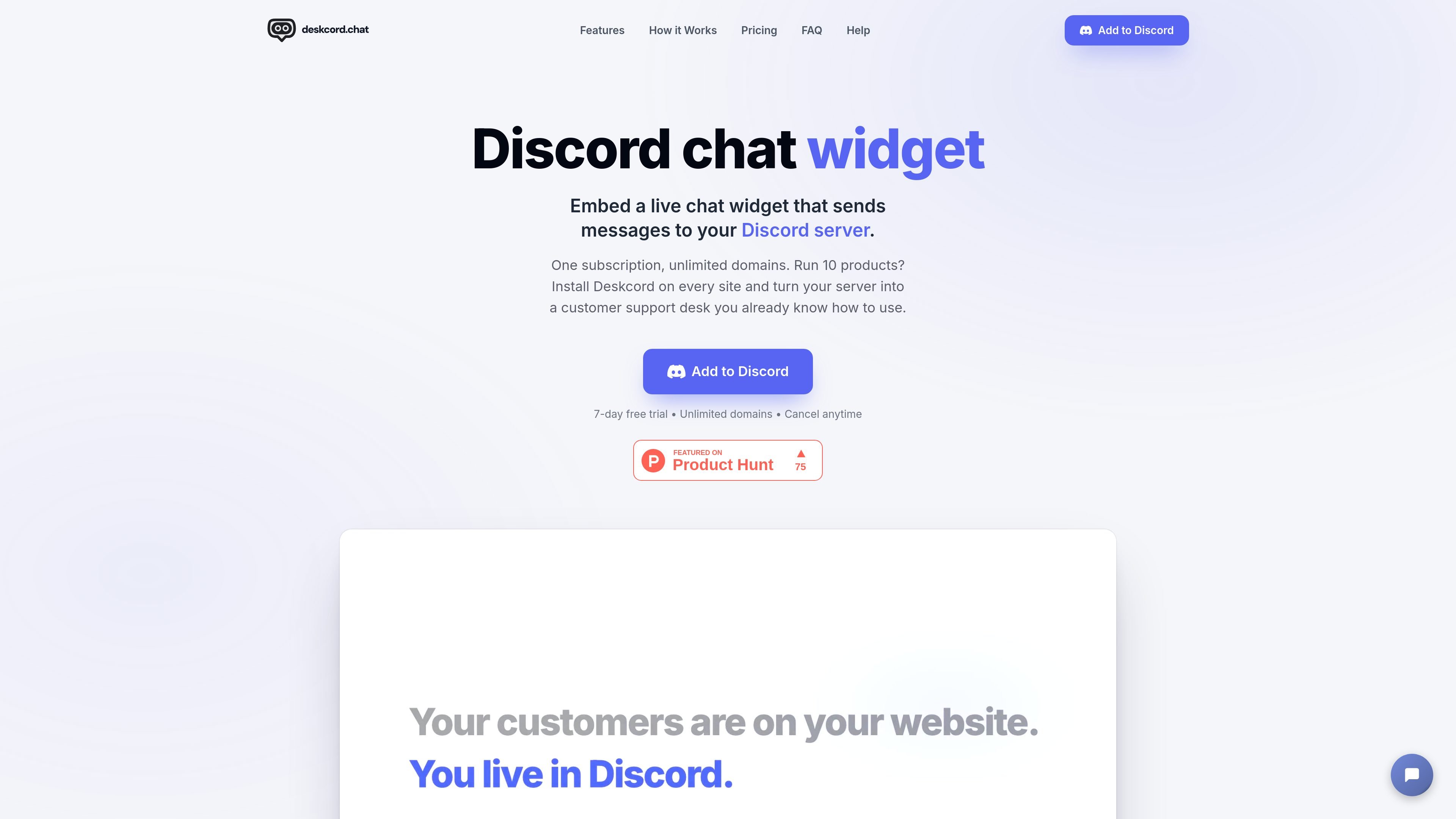
Deskcord is a customer-support chat widget that routes website messages into Discord. A business adds the widget to its site, selects a Discord channel for support, and receives each customer conversation as a thread that the team can answer from the familiar Discord interface.
The product is aimed at solo founders and small teams that already use Discord or want to manage support there instead of adopting a separate support dashboard. Customers chat from the website without a Discord account, while support staff can respond from desktop or the Discord mobile app. Deskcord says messages are not stored on its own servers and remain in the connected Discord server.
Add a script tag to your site without building a custom chat interface. The widget is responsive and can be configured for brand color, text, branding, position, and offline messaging.
Each incoming customer conversation becomes a thread in a selected Discord support channel, keeping the full exchange together and allowing threads to be resolved or reopened.
Reply from Discord on desktop or mobile, with standard Discord notifications available for incoming messages.
Messages and attachments can be exchanged through the customer thread, including images and files according to the help documentation.
Deskcord states that it does not store messages on its own servers; conversations remain in the connected Discord server, including after cancellation.
Use Discord commands to set the destination channel, configure the widget, restrict allowed domains, manage billing, and assign the Solo support member.
A solo founder can place the widget across multiple product sites and use one designated Discord support member to answer conversations from a single server.
A small support team can route conversations to a dedicated Discord channel and use server permissions to control which members can read and reply to customer threads.
A team member who is away from a desk can receive Discord notifications and respond from the Discord mobile app without logging into a separate support dashboard.
A website owner can configure branding, placement, and an offline message so the chat entry point fits the site's interface and communicates availability.
Install Deskcord by authorizing the bot in a Discord server, subscribing with /subscribe, generating the embed code with /setup, and pasting the script before the closing </body> tag on your website.
No. Customers use the website widget without creating a Discord account. Only the support team needs a Discord server for managing conversations.
Customer messages appear as threads in a configured Discord channel. Support agents reply in the thread from Discord on desktop or through the Discord mobile app, and replies are delivered to the website widget.
Yes. The widget can be configured with a brand color, header text, branding, position, and offline message using /customize-widget in Discord.
Deskcord offers Solo and Team plans, each with a 7-day free trial and no credit card required. Solo supports one designated support agent, while Team allows unlimited team members to reply according to permissions in the configured Discord channel.

IntellAgents is an AI voice and chat agent service for businesses handling customer calls, outbound calls, and messaging across WhatsApp, Instagram, Facebook, Telegram, and websites. It uses a shared knowledge base, provides conversation summaries, and can escalate interactions to human staff.

Ably Chat is a chat API platform for building custom realtime chat applications. It supports room-based messaging, typing indicators, presence, reactions, and message updates, with usage-based pricing options for different deployment stages.

Claude Overlay is a Windows desktop overlay for Claude Code that reads your screen so you can ask questions, inspect content, and request edits without leaving the current app. It runs on your existing Claude subscription through the Claude CLI, so no separate API key is required.

Grok es un asistente de IA gratuito desarrollado por xAI, diseñado para priorizar la verdad y la objetividad al tiempo que ofrece capacidades avanzadas como acceso a información en tiempo real y generación de imágenes.

Trigger.dev chat agent is a durable AI chat backend for developers building stateful conversations that can survive refreshes, crashes, and long-running turns. It connects with the AI SDK `useChat` flow and runs on managed infrastructure with no timeout on a turn.

ClawEase is an AI business operator that captures requests across calls, email, SMS, WhatsApp, LINE, and web forms, then completes booking and service workflows in existing web systems. It is aimed at appointment-based businesses that need intake, follow-up, and execution without API changes.