
AI clip suggestions
Analyze a long video transcript and suggest moments with titles and timing, reducing the need to scrub through the entire recording manually.

Deyn Studio is a macOS desktop app that finds moments in long videos, then helps users edit captions, reframe clips vertically, and export them. It also provides Spot Assistant for approved media tasks such as downloading supported public links, compressing, and converting files.
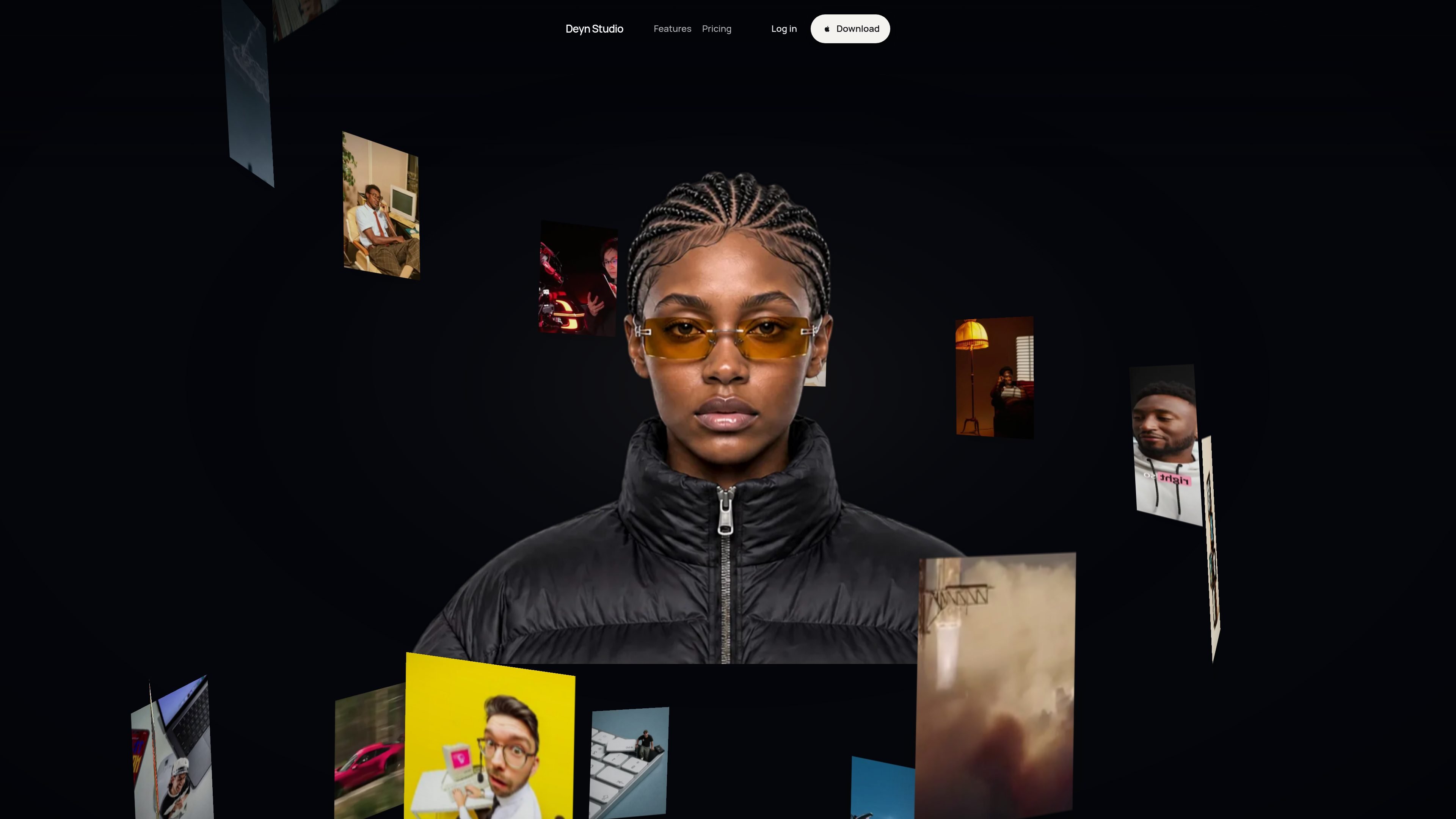
Deyn Studio is a macOS desktop video clip maker for turning long recordings into shorter clips. It uses a transcript to suggest moments, while also allowing users to search for a specific section or choose the cut themselves.
After selecting a clip, users can edit the transcript, style captions, reframe the video for vertical output, and export from the same app. The product also includes Spot Assistant for approved media tasks from other desktop contexts, including downloading supported public video links, compressing files, and converting media.
Analyze a long video transcript and suggest moments with titles and timing, reducing the need to scrub through the entire recording manually.
Edit the generated transcript, style captions, and prepare clips for social-oriented vertical framing within the desktop app.
Import a local video file or paste a supported public link, then search for a specific moment or select the cut yourself.
Spot Assistant can act on selected files, browser videos, folders, and other media-related tasks from across the desktop after you approve its proposed steps.
Run common local edits such as compression, conversion, muting, vertical formatting, and fitting a file under 25 MB for Discord without an AI wait or credits.
Transcribe on the device and save edited media as a new copy beside the original, while batch work can retry only files that failed.
Turn a long recording into several candidate clips by reviewing transcript-based suggestions instead of manually scrubbing from start to finish.
Prepare selected moments for vertical social formats by refining the transcript, styling captions, and adjusting the framing before export.
Download a supported public video link, select a useful section, and produce a shareable edited copy without switching between separate desktop tools.
Use Spot Assistant for routine file work such as compressing a recording for Discord, converting media, muting audio, or processing a folder while leaving originals untouched.
Process a folder of media in batches and retry only files that could not be read, which is useful when a single failed item should not stop the rest of the work.
Deyn Studio is currently available for macOS, with separate downloads for Apple silicon and Intel Macs. Windows and Linux versions are listed as coming soon.
The €29 launch license is paid once and includes lifetime access, future desktop updates, and use on up to two devices. There is no subscription or clip allowance.
You sign in with a Deyn Studio account, and the license is associated with that account. The app checks the license online at startup; after a successful check, local work can continue offline for up to seven days.
You can import a video file or paste a supported public video link that does not require sign-in or DRM access. The app can suggest clips, let you search for a moment or choose a cut, and then caption, reframe, and export it.
Local transcription is free. After the included AI trial, cloud features such as clip suggestions, caption translation, and planning use your own OpenRouter key, with usage billed directly by the provider.

Zella is a screen recorder and on-device AI video editor for Mac and iPhone. It helps creators record screens or cameras, automatically clean up footage, add captions, reframe clips, and export videos without uploading the core project to the cloud.

FlexClip is an AI-powered online video maker and editor that helps users create videos from templates or from scratch. It combines browser-based editing with AI tools for scripting, voiceover, subtitles, translation, and background removal.

Virvid is an AI shorts generator for creators and marketers who want to make faceless short-form videos for TikTok, Instagram Reels, and YouTube Shorts. It supports both manual video creation and automated daily posting workflows.

Bansi is an AI video editor for long-form content that turns raw footage into a polished first draft. It helps creators and production teams speed up editing by automating cuts, captions, zooms, audio cleanup, and related techniques.

CAMB.AI Streams dubs live audio in multiple languages in real time for broadcasts on platforms like YouTube, Twitch, and X. It plugs into existing live workflows using common streaming protocols and avoids a post-production step.

Video Effects SDK adds real-time webcam effects such as background blur, background replacement or removal, denoising, framing, beautification, and color grading. It is built for teams shipping live video experiences on web, desktop, and mobile platforms.