
Natural-language visual search
Search by describing what you want instead of relying on filenames. The app uses visual and text embeddings, and signal tuning can make results more specific to a user’s labels.

Dotient is a local-first desktop app for searching personal files with AI-powered visual and text search. It helps photographers, designers, and anyone with large personal archives find and organize files on their own machine.
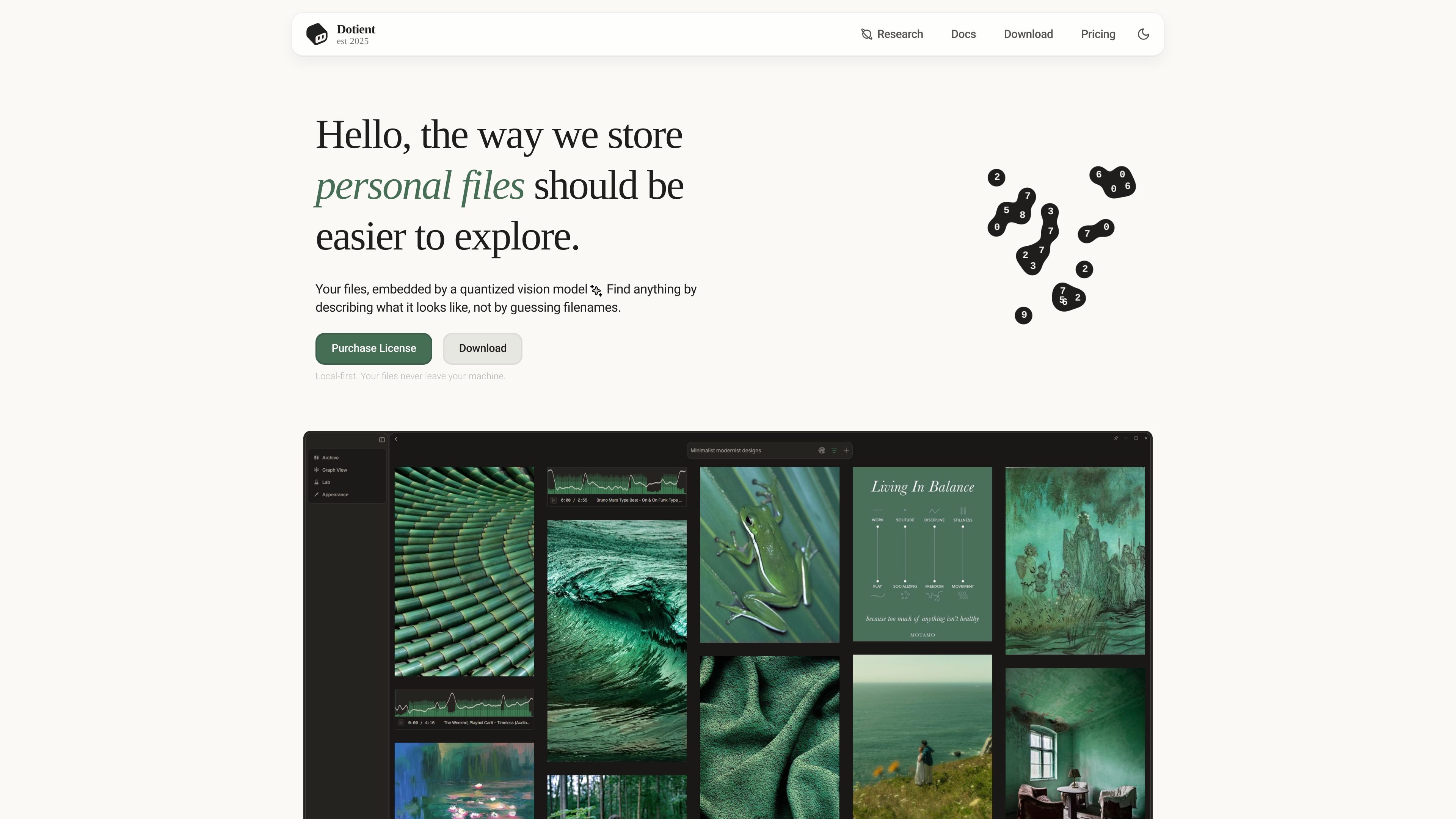
Dotient is a local-first desktop application for organizing and searching personal file archives with AI embeddings. Its core workflow is simple: import files, let the app create searchable profiles on your machine, then find items by describing what they look like or by using text search.
The product is aimed at people who collect large numbers of images and other personal media across many folders. The site highlights photographers, videographers, designers, art directors, and anyone with an unstructured camera roll, with supporting tools for browsing, grouping, annotation, and similarity-based exploration.
Search by describing what you want instead of relying on filenames. The app uses visual and text embeddings, and signal tuning can make results more specific to a user’s labels.
Import files locally and build searchable profiles on your own machine. The site emphasizes that files never leave the device and that the app works fully offline.
Browse an archive in a node graph where edges reflect similarity between files. The app also detects clusters so related items can be labeled and explored together.
Group related files into Cubbies, which are presented as collections for moodboards, annotations, todo lists, and other manual organization tasks.
Create Signals to fine-tune search results. The docs describe signals as semantic classifiers that can be combined and adjusted with hubness analysis.
Use the gallery to browse media in a virtualized masonry grid, search by text or color, filter results, and inspect media details.
Find a specific shot across large photo or video archives by describing the scene, subject, or look instead of sorting through folder names manually.
Collect reference images, mood boards, and project notes in Cubbies, then annotate and arrange them as visual working spaces.
Search years of personal photos when the archive has little or no tagging. The app is designed to help surface images by visual similarity and natural-language prompts.
Inspect an archive as a similarity graph when you want to understand clusters, relationships, and nearby items before labeling or refining search behavior.
Dotient is a local-first desktop app for searching personal files by describing what they look like. It imports files locally, creates searchable profiles with AI embeddings, and lets you search visually and by text.
The docs say to download, install, activate a license, and import your first files to get started. The download page also provides separate installers for Windows and macOS.
Yes. The site says files never leave your machine, the app works fully offline, and the license page states that a standard license can be used on up to 3 computers.
The pricing page is currently a 404/placeholder, but the home page and download page both indicate a Standard license with a one-time $5 purchase.
The documentation highlights file gallery browsing, signals, cubbies, graph exploration, and settings. The source does not clearly describe third-party integrations or team collaboration features.

qbrin is an enterprise AI search and governed agent platform that turns company knowledge into cited answers and can abstain when evidence is missing. It is built for teams that need source-backed responses, policy controls, and traceable AI actions.

Goldfish is an AI memory app for macOS that helps you reply, write, summarize, and continue using the context already on your Mac. It stores memory locally and writes in your tone.

Lasso is an ecommerce product data platform for enriching catalog records, processing supplier files, generating product content, and monitoring competitors. It combines a web app with a REST API, SDK, and MCP server for teams and developers.

Codex Plugins bundle reusable skills, app integrations, and MCP servers into workflows you can install in the Codex app or use from Codex CLI. They help extend Codex with connected-service tasks, reusable instructions, and shared team workflows.

Struere is an AI-native platform for turning spreadsheet data into structured operational software with dashboards, alerts, and automations. It is aimed at teams that want to replace manual spreadsheet workflows without building custom tools from scratch.

garden-md is an open-source Node.js CLI that turns meeting transcripts into a local company wiki. It links entities across transcripts, keeps the original text intact, and renders the result as a browsable wiki.