
App and UA data sources
Connect App Store Connect, Google Play Console, and paid media sources so app and acquisition data can be brought into one workflow.

Easy App Reports is an app reporting and data-sync platform that connects App Store, Google Play, and UA data to Looker Studio, BigQuery, and MCP-compatible AI assistants. It helps app teams automate reporting, explore available metrics, and build dashboards or analyses from official source data.
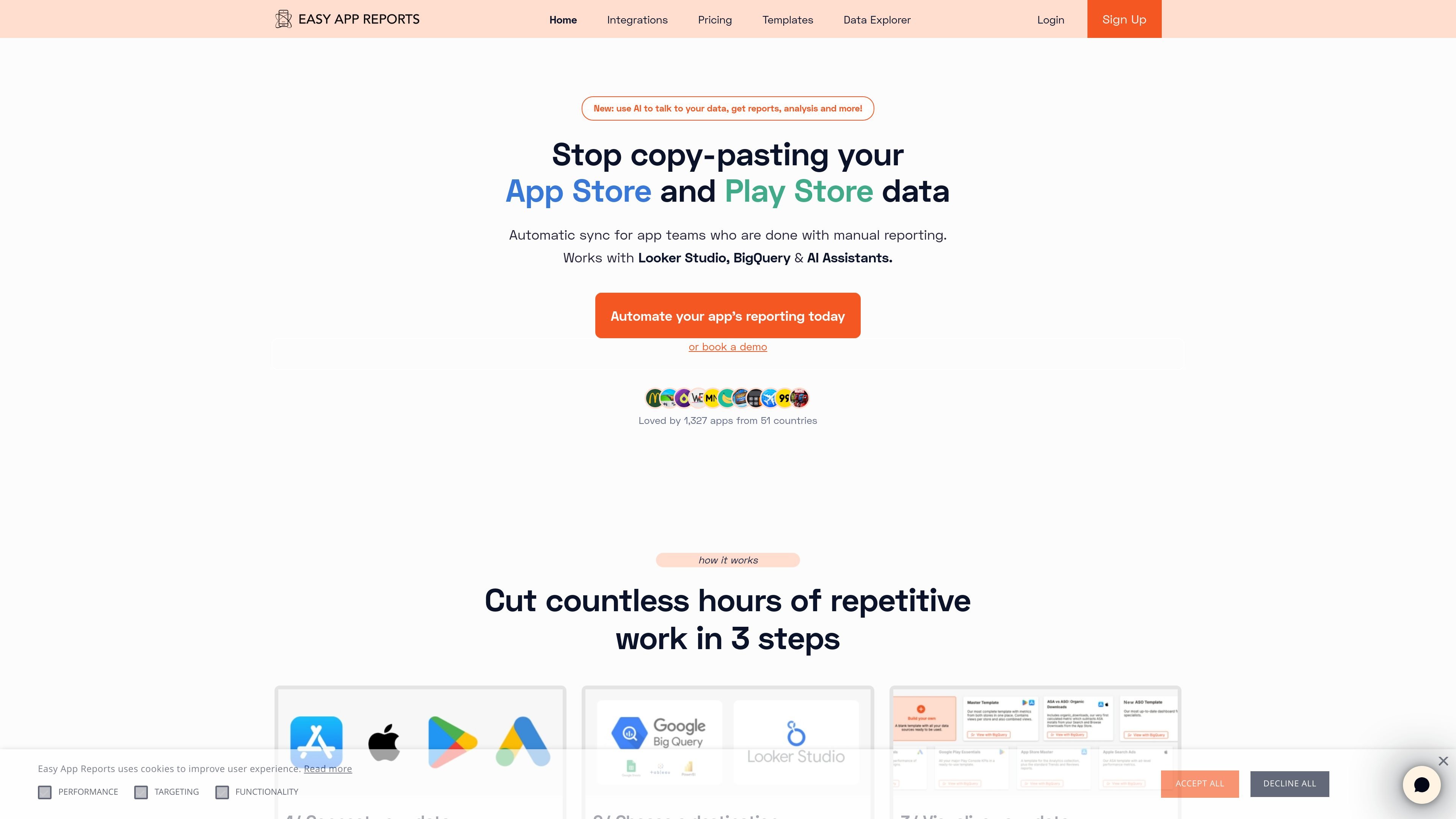
Easy App Reports is a reporting and data-sync platform for app teams that want their App Store, Google Play, and user acquisition data in one place. It connects official data sources to destinations such as Looker Studio, BigQuery, and MCP-compatible AI assistants so teams can automate reporting instead of copying data manually.
The product is built around a simple workflow: connect developer accounts and UA sources, choose a destination, and then visualize or query the data with templates or AI. The homepage positions it for app companies, studios, and agencies that need recurring reporting, while the pricing page shows plan-based access to app-store connectors, templates, support, and optional add-ons for larger setups.
Connect App Store Connect, Google Play Console, and paid media sources so app and acquisition data can be brought into one workflow.
Send data to Looker Studio, Google BigQuery, or MCP-compatible AI assistants such as ChatGPT, Claude, and Gemini.
Use one-click Magic Templates to start from prebuilt Looker Studio reports instead of building dashboards from scratch.
Query and analyze connected data through an AI assistant without having to write SQL or maintain separate dashboards.
Work with filters, saved filters, and regex support in Looker Studio or BigQuery for deeper segmentation.
Use the App Data Explorer to review available metrics, dimensions, and report definitions before building reports.
Pull App Store and Google Play data into one reporting flow so teams can stop exporting CSVs or copying numbers between tools.
Centralize multiple developer accounts and apps for agencies, VC-backed portfolios, or teams managing several products.
Build or customize dashboards in Looker Studio, then use filters and saved segments to drill into performance by source, version, device, or time period.
Ask questions, generate reports, and explore connected data through ChatGPT, Claude, Gemini, or another MCP-compatible assistant.
Review available metrics, dimensions, and report definitions in the data explorer before deciding which reports to build.
Easy App Reports connects app store and UA data sources to destinations such as Looker Studio, BigQuery, and MCP-compatible AI assistants. The setup flow described on the homepage is to connect your data, choose a destination, and then visualize or query it.
The pricing page says support is available through chat and email, and that replies are typically sent within 1-3 business days. It also links to documentation and tutorials.
The homepage says the product uses official APIs rather than scraping, cookie tactics, or expiring auth/SMS tokens. It also says data can be sent to Looker Studio or BigQuery, or used through an MCP integration with AI assistants.
The pricing page says connector limits depend on the plan and add-ons. Base and Pro plans differ in the number of apps per developer account, and paid add-ons are available for extra developer accounts and ad accounts.
The product is positioned for app teams, studios, agencies, and app companies that need automated reporting from app store and UA data in one place.

ByteAsk is a terminal-first AI coding agent for C and C++ that edits repositories and verifies changes with the real compiler, debugger, sanitizers, and tests before showing a diff. It offers a free tier plus paid plans, with editor connectors and zero-retention handling described in the source.

Epherem is a static security scanner for web apps built with AI coding tools such as Lovable, Bolt, v0, Replit, Cursor, and Claude Code. It checks source files and dependencies for common security mistakes, then provides categorized findings and suggested fixes without running the app.

PromptScout tracks how ChatGPT, Gemini, Google AI Overviews, and Perplexity mention your brand or competitors, then pairs those results with source analysis and website audits. It helps teams decide what to fix in content, positioning, or site readiness next.

SaveMRR is a Stripe retention tool for SaaS teams that scans billing data for churn and MRR leaks, then automates recovery through dunning, cancel-save offers, win-back emails, and onboarding nudges. It is built for founders and bootstrapped teams using Stripe.

CreateOS Sandbox is an isolated compute environment for running code and agent workloads inside Firecracker micro-VMs. It is designed for workflows that need machine-level isolation, private networking between sandboxes, and programmatic control through SDK, CLI, or MCP.

Hype is a web tool for finding trending YouTube topics by category, time range, and scoring mode. It helps creators spot emerging ideas, inspect source videos, and decide what to cover next.