
Unify omnichannel feedback
Bring feedback from reviews, surveys, audio, and video calls into one platform so teams can work from a centralized view of customer input.

Eclipse AI is an AI customer feedback analytics platform that unifies omnichannel voice-of-customer data and turns it into actionable insights. It supports reviews, surveys, and call data, with free trial, free plan, and paid tiers.
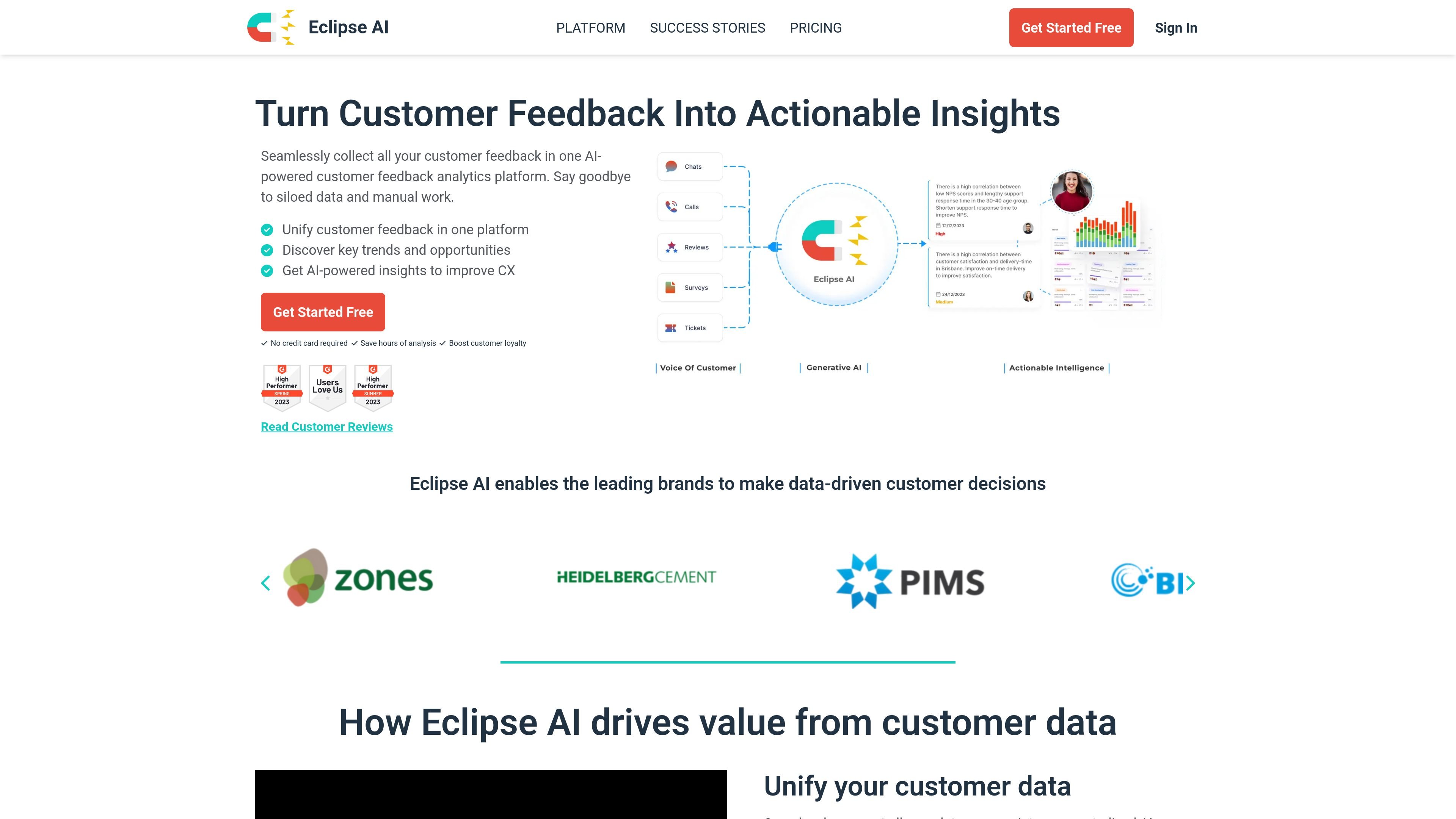
Eclipse AI is an AI-powered customer feedback analytics platform for unifying and analyzing omnichannel voice-of-customer data. It brings together feedback from reviews, surveys, audio and video calls, and other touchpoints so teams can replace scattered input with a single view of customer sentiment and behavior.
The product is designed to turn that consolidated feedback into actionable intelligence. Its site highlights AI-generated insights, customizable dashboards, conversational querying, sentiment analysis, transcript analysis, and summaries, with the goal of helping teams identify trends, track customer experience issues, and make retention-focused decisions faster.
Bring feedback from reviews, surveys, audio, and video calls into one platform so teams can work from a centralized view of customer input.
Use AI-generated insights and dashboards to surface trends, pain points, and opportunities without manual review of every response.
Ask questions in a conversational interface to get instant answers and explore customer data interactively.
Filter and analyze customer feedback by source with dashboards for surveys, reviews, and calls, including customizable views.
Pull data in through CSV upload, a REST API, or supported integrations such as Zendesk and review sites.
Analyze survey text sentiment and call or video transcripts, including AI-generated summaries for recorded conversations.
Centralize review, survey, and call feedback into one workspace so customer experience teams can see patterns across channels instead of working from disconnected spreadsheets and tools.
Use AI-generated insights and trend detection to identify friction points, track sentiment changes, and prioritize retention work based on recurring feedback themes.
Ask direct questions about the data to get quick answers for marketing, operations, or training teams that need a shared readout from customer feedback.
Analyze transcript data and AI summaries from recorded conversations to review what customers are saying in calls without manually reading every transcript.
Import historical or ongoing feedback from CSV, APIs, or integrations to build an ongoing dashboard for teams managing multiple locations or brands.
Eclipse AI offers a 30-day free trial on the Professional plan, and the pricing page also lists a Forever Free plan. After the trial, users can stay on a paid plan or move to the free tier.
The pricing page lists monthly and annual billing, with annual billing shown as 30% less than monthly.
The integrations page says Eclipse AI supports a REST API, and the pricing page also mentions CSV upload and Zendesk integration. For other needs, the company says custom or one-click integrations can be set up on request.
The pricing page says onboarding has no fee and takes a few clicks. New customers are paired with a dedicated onboarding specialist for the first 30 days.
The site describes Eclipse AI as a customer feedback analytics platform for omnichannel voice-of-customer data, and also mentions OSINT/data-fusion use on the pricing page. The strongest evidence on the main site is for customer feedback, reviews, surveys, and calls.

Hype is a web tool for finding trending YouTube topics by category, time range, and scoring mode. It helps creators spot emerging ideas, inspect source videos, and decide what to cover next.

Shengsuanyun ofrece soluciones basadas en la nube para una gestión y análisis de datos eficientes.

PromptScout tracks how ChatGPT, Gemini, Google AI Overviews, and Perplexity mention your brand or competitors, then pairs those results with source analysis and website audits. It helps teams decide what to fix in content, positioning, or site readiness next.

SaveMRR is a Stripe retention tool for SaaS teams that scans billing data for churn and MRR leaks, then automates recovery through dunning, cancel-save offers, win-back emails, and onboarding nudges. It is built for founders and bootstrapped teams using Stripe.

Sleek Analytics is a privacy-friendly web analytics tool with real-time visitor tracking, Core Web Vitals, and revenue attribution. It helps site owners understand traffic and conversions without cookie banners or a heavy setup.

Struere is an AI-native platform for turning spreadsheet data into structured operational software with dashboards, alerts, and automations. It is aimed at teams that want to replace manual spreadsheet workflows without building custom tools from scratch.