
Private local processing
Runs open-weight language models in the Mac’s memory and processes chats locally, without sending messages, files, voice or memory to a cloud service.

Gerty is a local AI assistant for Apple silicon Macs that handles chat, writing, documents, voice and selected Mac app tasks without sending data to the cloud. It works offline after model downloads and is designed for users who want private everyday AI without an account or subscription.
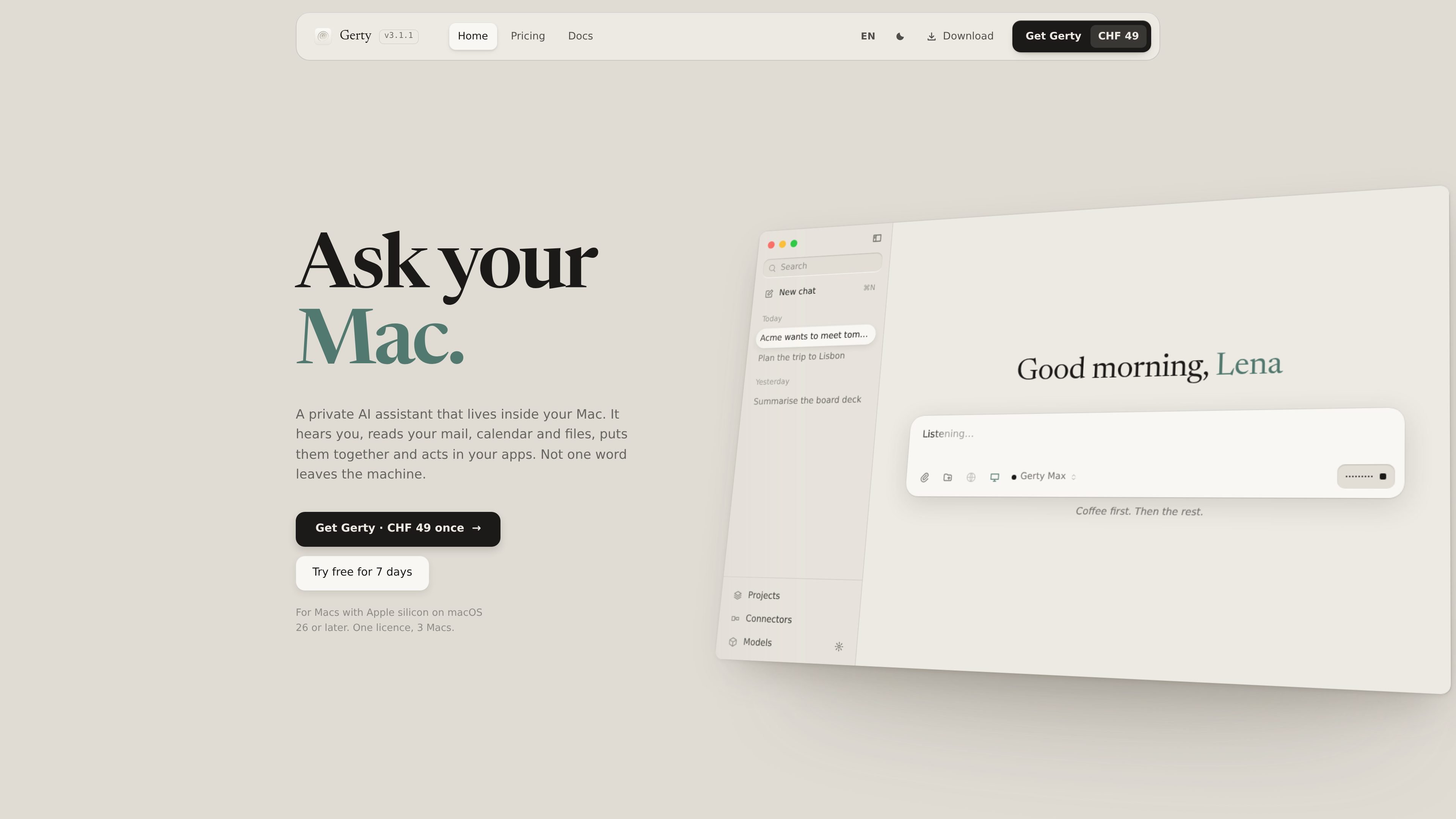
Gerty is a native AI assistant for Mac that runs open-weight language models on the computer’s Apple silicon instead of sending prompts to a cloud service. It supports chat, writing, document questions, voice interaction and selected access to Mac apps, with no account required for normal use.
The app is designed to make local AI practical without requiring users to select and configure models manually. Gerty measures the Mac, recommends models that fit its memory and lets users work offline after the required model downloads. It is aimed at private everyday assistance, while the site notes that the largest cloud models can still be stronger for the hardest reasoning tasks and very large research workloads.
Runs open-weight language models in the Mac’s memory and processes chats locally, without sending messages, files, voice or memory to a cloud service.
Provides drafting, rewriting, translation, summaries, explanations and question answering, with support for German, English and other languages.
Searches shared folders by meaning across PDFs, Word files, scans and photos, cites the source file and page, and can edit PDFs in place while preserving layout and asking before changes.
With Mac access enabled, can find mail, draft replies, read or add calendar events, work with reminders, contacts and notes, run Shortcuts and read the screen; actions that change data require confirmation.
Offers local voice input from the notch and spoken answers using on-device neural voices in 31 languages. It also includes image generation on the Mac.
Includes task-specific model selection, memory stored in an editable file on the Mac, projects, web access when enabled, connectors, Xcode and Microsoft 365 support, and a local API for Claude Code, Codex and aider.
Share a folder containing PDFs, Word files, scans or photos, then ask questions in natural language. Gerty searches by meaning and shows the source file and page, which can help with reviewing and locating information in a personal document set.
Use local chat to draft, rewrite, translate or summarise text, including material that users prefer not to upload to a third-party service. The work can continue without an internet connection once the model is available.
Enable Mac access to find relevant mail, prepare a reply, review or add calendar events, and work with reminders, contacts or notes. Gerty asks for approval before actions that change data.
Ask from the Mac’s notch in another app and receive a spoken response, or use the local API with Claude Code, Codex or aider for coding workflows. The site also describes a coding model within chat.
Keep routine questions, personal files and confidential work on the Mac while retaining a cloud assistant for tasks that require the largest models, extensive reasoning or research across many sources.
Gerty runs on Macs with Apple silicon (M1 or later) using macOS 26 or newer. More memory allows it to run larger models.
Yes. After a model is downloaded, chat, file work, voice, memory and supported Mac app access work without internet. Web search, model downloads, update checks and enabled connectors use the network.
No. Gerty does not require an account or subscription. The licence costs CHF 49 once, includes future updates, and can be used on up to three Macs at a time. A seven-day trial and 14-day refund are available.
Gerty handles everyday writing, summaries, questions, translations, coding help and work with personal files locally. The largest cloud models remain stronger for the hardest reasoning tasks, very large documents in one go and research across many sources.
Gerty selects open-weight models that fit the Mac and can also install any GGUF model from Hugging Face. It supports models such as Gemma, Qwen, Llama and Mistral.