
Webcam-based performance
Play live electronic music through a webcam using hand gestures rather than a traditional MIDI controller or keyboard.

gesture.live is a browser-based music instrument that lets you perform live electronic music with hand gestures over a webcam. It requires camera access, recommends Chrome, and states that nothing leaves your device.
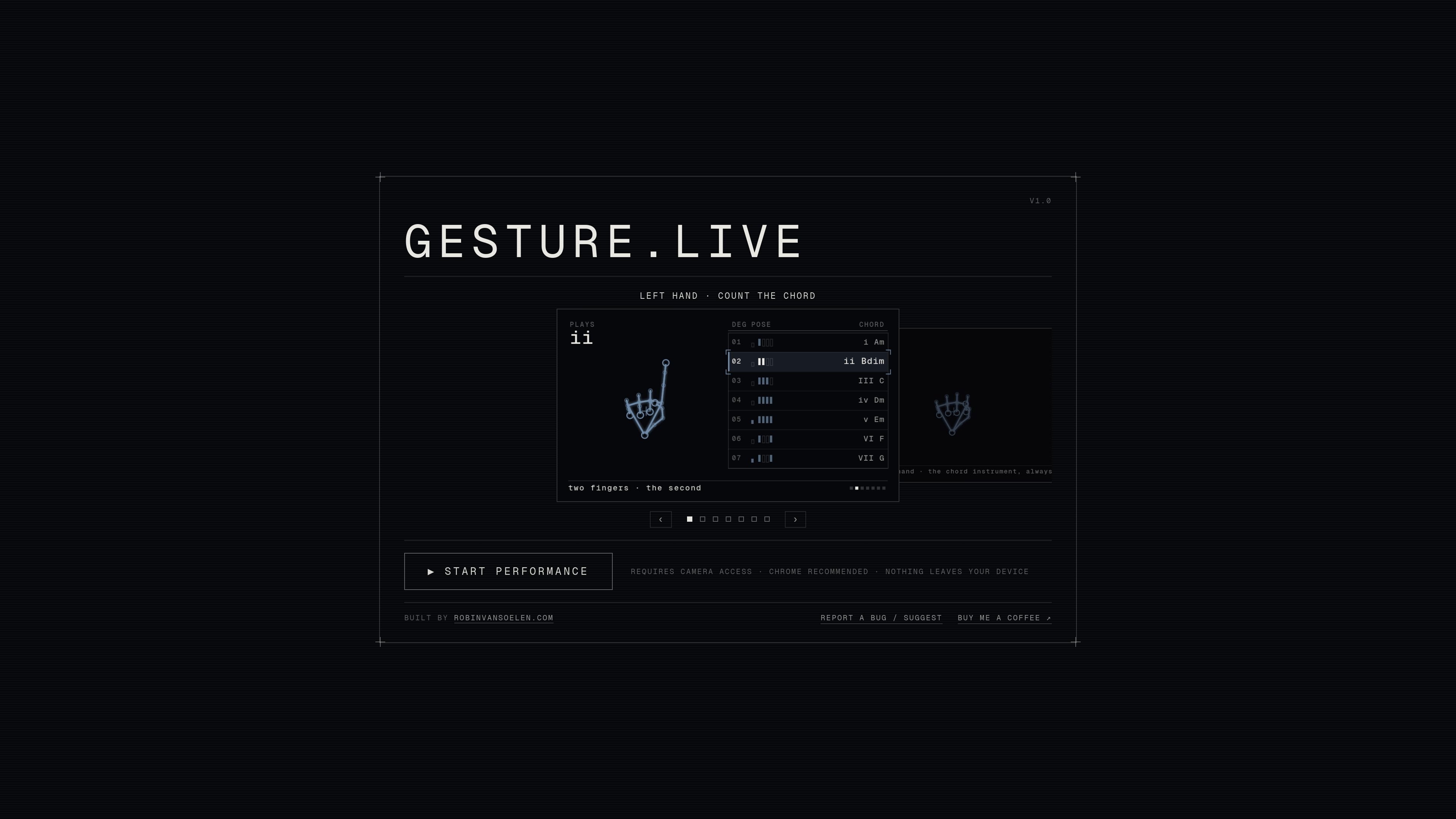
gesture.live is a browser-based instrument that lets you play live electronic music with hand gestures through a webcam. The homepage positions it as a performance tool rather than a traditional music app, with the core interaction centered on moving your hands to trigger musical parts.
The page names chords, bass, drums, and effects as the available musical components. It also notes that camera access is required, Chrome is recommended, and that nothing leaves your device, which together suggest a local, real-time performance experience in the browser. The interface is designed for landscape use, with both hands sharing a single 16:9 frame.
Play live electronic music through a webcam using hand gestures rather than a traditional MIDI controller or keyboard.
The homepage specifically mentions chords, bass, drums, and effects as the available musical elements.
The interface includes a performance start flow from the title screen, indicating it is designed for immediate play rather than a separate setup app.
The site recommends Chrome and requires camera access, which clarifies the browser and permission context for use.
A built-in bug report / suggestion form lets users send browser facts and settings when something goes wrong.
The page says nothing leaves your device, indicating local processing is part of the product's stated privacy posture.
Use the app as an expressive live instrument when you want to perform music without carrying a controller or keyboard, as long as you have a webcam and a supported browser.
Try it as an experimental electronic music tool for exploring how hand movement can trigger chords, bass, drums, and effects in real time.
Use it for quick demo sessions or informal shows where a browser-based instrument is easier to open than a full production setup.
Use the built-in bug report flow to share browser facts and settings when performance issues happen, without attaching camera frames or audio.
Open it on a device you can hold in landscape orientation if you want the intended 16:9 hand-tracking frame and control rail layout.
The homepage says the instrument works over a webcam and that you need camera access. It also notes that Chrome is recommended.
The product performs live electronic music with gestures, including chords, bass, drums, and effects. The homepage only exposes a teaser, so the exact gesture-to-sound mapping is not documented in the available source.
The site warns that both hands share one 16:9 frame and that the instrument is played in landscape. It also shows a "continue anyway" prompt, which suggests portrait orientation is not the intended mode.
The homepage states that nothing leaves your device, and it also mentions that no camera frames or audio are sent when reporting a bug; only settings and browser facts are attached.
A pricing page was requested in the source set, but it currently returns a 404. Based on the available evidence, pricing is not confirmed.

AI Song Maker is a web-based AI music generator that creates songs from text or lyrics and includes related tools such as vocal removal, track extension, and section replacement. It offers free and paid plans with credits, downloads, and commercial-use terms described on the pricing page.

LALAL.AI is an AI audio processing platform for stem separation, voice cleanup, and voice transformation. It supports browser-based upload, preview, and download workflows for audio and video files, plus premium and enterprise options.

roastme.gg is a pay-to-play AI roasting site where users submit their own X handle or website, choose how much to pay, and get a public roast ranked on a leaderboard by amount paid.

Loniva is a mobile puzzle app that offers a calm daily mix of games across memory, attention, language, speed, logic, and focus. It runs on iPhone, iPad, and Android, with a free 7-day trial and a free daily workout after the trial.

Postaway is a web-based postcard service for creating free vintage-style digital postcards and sharing them by link. It also has a separate postcard club waitlist for physical vintage mail shipped from Thailand.

Kits AI is an AI music production platform for voice cloning, vocal generation, and vocal processing. It offers a Free plan, paid tiers, and a Windows desktop app for producers and creators working with studio-style audio workflows.