
Local batch compression
Compress and convert videos, images, GIFs, and PDFs locally on your computer, with support for batch processing across many files at once.

GetCompress is a desktop app for locally compressing and converting videos, images, GIFs, and PDFs in batches. It is built for offline, privacy-conscious file workflows on macOS, Windows, and Linux.
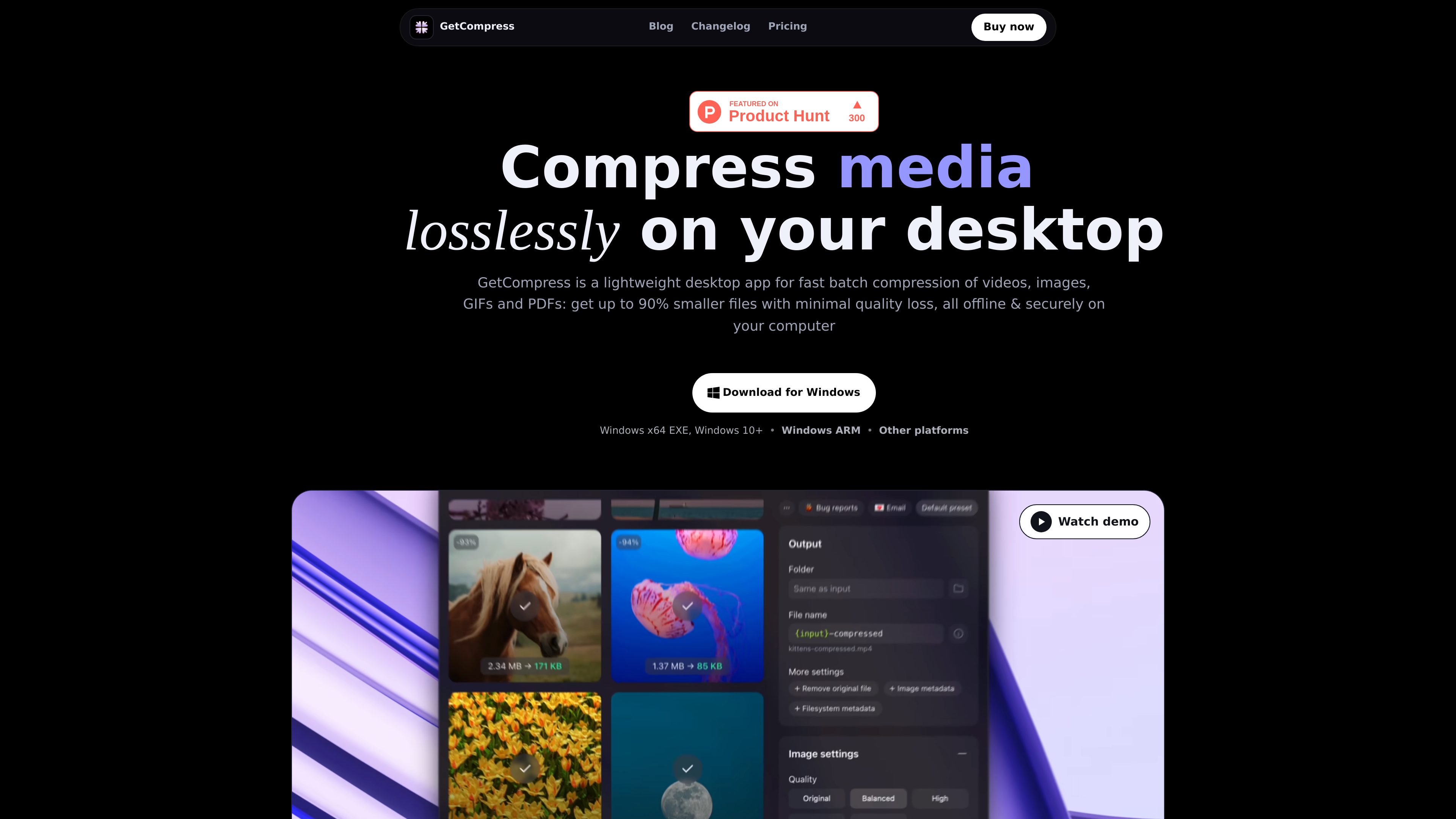
GetCompress is a desktop app for compressing and converting videos, images, GIFs, and PDFs locally on your computer. The product is positioned around batch processing, so it is meant for repeated file work rather than one-off single-file edits.
The site emphasizes offline processing for privacy and convenience. It also highlights automation features such as clipboard compression, folder monitoring, presets, and local AI-assisted workflows through an MCP server.
Support is listed for macOS, Windows, and Linux, with macOS downloads available as Universal, Apple Silicon, and Intel builds. The product page also says it supports more than 107 formats and is localized in 29 languages.
Pricing is offered as a lifetime license with a limited-time promo price shown on the pricing page, along with one active device at a time, all future updates included, and a 14-day money-back guarantee.
Compress and convert videos, images, GIFs, and PDFs locally on your computer, with support for batch processing across many files at once.
Use the Finder context menu, customizable keyboard shortcuts, clipboard compression, folder monitoring, and auto-copy output to fit compression into repeat workflows.
Save reusable presets and adjust settings per preset or per file, including quality, dimensions, and target file size.
Preview images, videos, GIFs, and PDFs before export, with trimming for videos and GIFs and frame-by-frame GIF inspection.
Work with the app from launchers, shortcuts, deep links, Raycast, Siri Shortcuts, MCP, and open-source extensions for power-user workflows.
Run the app offline on macOS, Windows, or Linux, with the site also listing 107+ formats and localization in 29 languages.
Compress screenshots, photos, and design exports before sending them for web upload, email, or handoff without leaving the desktop app.
Batch-compress recordings and exports to make uploads and delivery faster while keeping files on the local machine.
Shrink image-heavy PDFs, decks, and scans to fit file-size limits for client delivery or internal distribution.
Drop files into the app, or compress from the clipboard or a monitored folder, when you want a repeatable hands-free workflow.
Use presets, MCP, shortcuts, Raycast, or Siri Shortcuts when compression needs to fit into a broader power-user workflow or custom local automation.
GetCompress is designed to process files locally on your computer, so it does not require an internet connection for compression or conversion.
The app supports macOS 10.15 Catalina or newer, Windows 10 or newer, and Linux, with Linux support depending on the distribution and required packages.
The source says purchases include a 14-day no-questions-asked refund window. If you need a refund, contact [email protected].
GetCompress supports images, videos, GIFs, and PDFs, and the source lists formats such as PNG, JPEG, WebP, HEIC, MP4, MOV, WebM, GIF, and PDF among many others.
The pricing page says you can choose presets such as High, Original, and Target File Size for video, which lets you trade off quality and smaller file size.

Codex Plugins bundle reusable skills, app integrations, and MCP servers into workflows you can install in the Codex app or use from Codex CLI. They help extend Codex with connected-service tasks, reusable instructions, and shared team workflows.

Snapmark is a VS Code extension that lets you annotate clipboard screenshots before pasting them into AI chats. It supports blur redaction, numbered callouts, and automatic resizing for large images.

PDFTools is a browser-based suite of free and premium PDF utilities for editing, conversion, and document handling. It helps users work on PDFs locally in the browser without uploading files to a server.

Open Computer Use is an open-source Computer Use service wrapped as MCP for macOS, Linux, and Windows. It helps AI agents and MCP clients run desktop automation workflows through client setup commands or manual MCP configuration.

Osaurus is a native macOS AI agent platform for Apple Silicon that keeps models and data on your Mac. It can also connect to ChatGPT, Claude, or Gemini when a task needs a cloud model.

Privacy-First Toolbox is a free browser-based collection of file and text conversion tools that processes data locally on your device. It is designed for users who want common utilities without uploading files or creating an account.