
Repository scanning and key extraction
The product scans your codebase for hardcoded UI strings, generates translation keys, and scaffolds locale files so your app becomes translation-ready.

Globalize.now is an AI localization tool that converts hardcoded app text into repo-owned locale files and keeps translations synced on every Git push. It is aimed at developers shipping multilingual web apps in tools like Cursor, Claude Code, GitHub, GitLab, Lovable, and common frontend stacks.
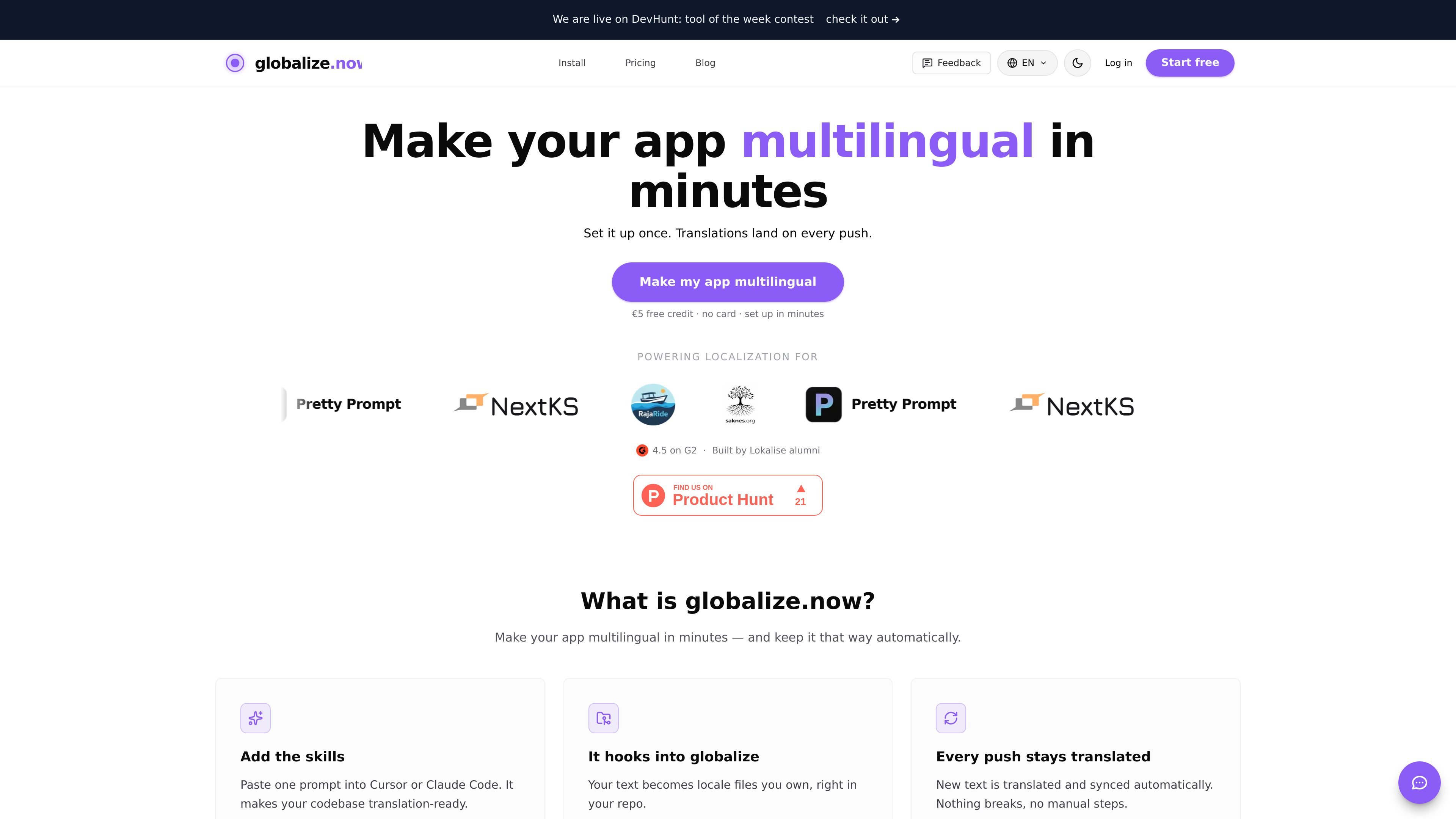
Globalize.now is an AI localization and translation tool for application codebases. It is designed to turn hardcoded UI text into locale files, then keep those translations synchronized as the app changes.
The product positions itself as infrastructure that fits into existing developer workflows rather than a separate translation dashboard. It installs as a skill for AI coding agents, connects through Git and MCP-based workflows, and can open translation pull requests on every push so teams review language updates in the same place they review code.
The product scans your codebase for hardcoded UI strings, generates translation keys, and scaffolds locale files so your app becomes translation-ready.
It keeps new and changed text translated on every push, opening a translation pull request instead of requiring manual export steps.
Globalize.now stores translations as locale files in your repo, which lets teams review and edit them through normal Git workflows.
The pricing page says the system includes a context-aware AI glossary and translation memory, helping keep repeated text consistent and avoiding duplicate translation work.
The product detects existing next-intl, react-i18next, i18next, and Lingui setups, and it supports Next.js, React, and Vite projects.
It connects through agent and Git workflows, with support for Cursor, Claude Code, Codex, VS Code, GitHub, GitLab, and Lovable.
A developer working in Cursor, Claude Code, or another supported agent can prompt the skill to scan the repo, extract strings, and generate locale files without leaving the editor.
A team shipping frequent changes can rely on push-triggered translation pull requests so new UI text is translated after each commit instead of waiting for a manual localization pass.
A project that already uses next-intl, react-i18next, i18next, or Lingui can keep its existing runtime layer while using globalize.now to manage extraction and sync.
A Lovable app can connect to GitHub, add the lovable-i18n skill and globalize MCP, and use PO catalogs plus a language switcher to make translated output part of the repository.
An organisation with multiple contributors can keep translations in pull requests, review them through Git, and use the Team plan’s organisation-oriented features instead of relying on seat-based licensing.
Globalize.now scans your repository for hardcoded UI text, generates translation keys and locale files, and keeps those translations synced on every Git push. The source text says you can stay in Cursor, Claude Code, or another AI coding environment while the agent handles the i18n workflow.
According to the pricing page, translations live as locale files in your repo, so you keep them if you stop paying. The product also says locale files are owned by you and are not held hostage in a separate database.
The pricing page describes Starter for one developer at €20/month and Team for organisations at €249/month. It also states there are no per-seat charges and no per-language charges.
Globalize.now supports 50+ languages, including RTL languages such as Arabic, Hebrew, and Persian. The pricing page also lists Next.js, React, Vite, CLI, API, Git sync, GitHub, GitLab, Cursor, Claude Code, Codex, VS Code, and Lovable as supported surfaces.
The source explains that Globalize.now is infrastructure that works alongside your runtime i18n library, such as next-intl, react-i18next, i18next, or react-intl. It scans the repo, emits locale bundles, and continues extracting and syncing as the code changes.

ByteAsk is a terminal-first AI coding agent for C and C++ that edits repositories and verifies changes with the real compiler, debugger, sanitizers, and tests before showing a diff. It offers a free tier plus paid plans, with editor connectors and zero-retention handling described in the source.

CreateOS Sandbox is an isolated compute environment for running code and agent workloads inside Firecracker micro-VMs. It is designed for workflows that need machine-level isolation, private networking between sandboxes, and programmatic control through SDK, CLI, or MCP.

GitBot is a local browser-based workspace for creating reusable coding bots powered by Claude Code, Codex, or OpenCode. It helps developers run those agents across repository folders with persistent threads and configurable permissions.

hob is an independent workspace for coding agents that keeps agent sessions, terminals, history, and follow-up work organized around the tools and providers you already use. It is aimed at developers who want local control over routing, history, and workspace structure rather than a bundled model stack.

Manta AI is an autonomous web app testing tool for teams that want to map application behavior, catch regressions, and generate tests without writing scripts or maintaining selectors. It works from a URL and supports plain-English test flows, run results with screenshots, and scheduled or deployment-triggered checks.

SonOf connects to your repo and PM tool, audits the codebase and surrounding product context, and turns approved work into shipped tickets with senior engineering review. It is aimed at founders and engineering leaders who need backlog help without hiring a full team immediately.