
Read existing localization files
Uploads JSON, XLIFF, Excel, CSV, or plain text files directly, so you can work from the source material you already have.

Glossary App is a web tool that turns JSON, XLIFF, Excel, CSV, or plain text into a glossary or term base for localization work. It adds definitions, exact counts, and translations when they are present in the source files.
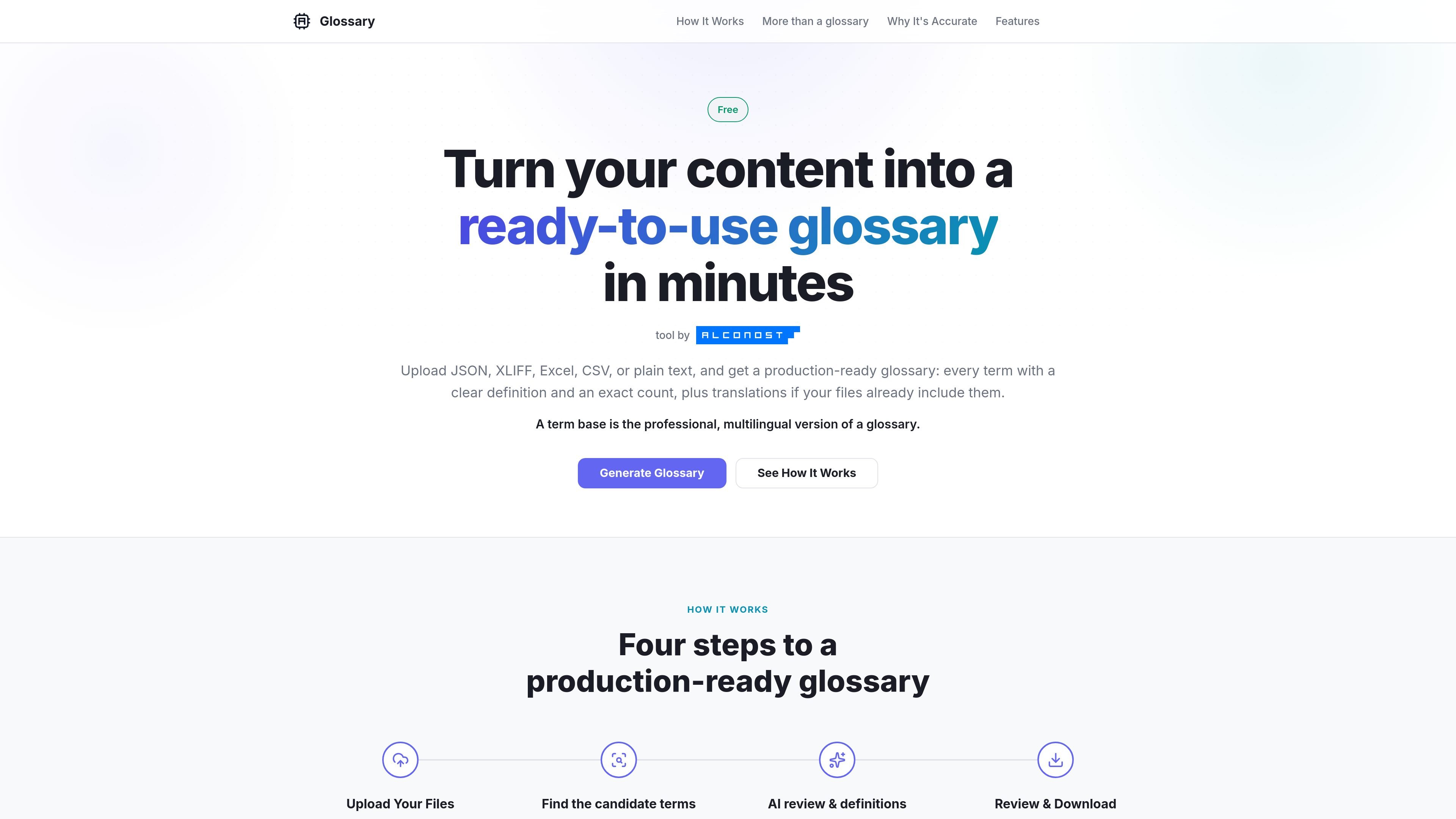
Glossary App is a localization tool that turns source content into a production-ready glossary or term base. It accepts JSON, XLIFF, Excel, CSV, plain text, and TXT files, then extracts candidate terminology, writes definitions, and calculates exact counts for each term.
The output is designed for translators and CAT tools. When the source files already contain translations, the tool can carry those translations into the result, and the page frames the final structure as a term base rather than only a static glossary.
Uploads JSON, XLIFF, Excel, CSV, or plain text files directly, so you can work from the source material you already have.
Uses a two-step workflow: a fast candidate pass first, then an AI review that keeps real terms and removes noise.
Generates a clear definition for each retained term and includes exact usage counts calculated by the tool.
Pulls translations from source files when they are present, creating a multilingual output instead of a monolingual word list.
Lets you review the extracted terms in an interactive table before download, including edits and translatable flags.
Exports the finished glossary as CSV for use in downstream localization workflows.
Prepare terminology from product documentation, source strings, or translation files before handing them to translators or a CAT workflow.
Extract terms from a mixed-language file and keep the translations that already exist in the source material.
Review a shortlist of candidate terminology, clean it up in the table, and export a CSV glossary for reuse across projects.
Build a structured reference for a single-language project when you still need definitions and exact term counts.
The product generates a term base rather than only a flat glossary. It keeps terms with definitions, exact usage counts, and translations when those are present in the uploaded files.
The supported upload formats are JSON, XLIFF, Excel (.xlsx), CSV, and plain text. The page says you can upload the files you already work with without reformatting them first.
Yes. If your source file already contains translations, the tool pulls them into the output so each source-language term can appear alongside its translated equivalents.
The page states support for over 100 languages, including English, Chinese, Japanese, Korean, Thai, and Vietnamese.
Yes. The glossary generator is described as free to use.

PDFTools is a browser-based suite of free and premium PDF utilities for editing, conversion, and document handling. It helps users work on PDFs locally in the browser without uploading files to a server.

ArtDeck is a visual reference board app for iPhone, iPad, and Mac that lets artists collect mixed reference material on one canvas and study it with ToolBox lenses. It works offline, supports optional iCloud sync, and is sold as a one-time purchase with no account required.

Codex Plugins bundle reusable skills, app integrations, and MCP servers into workflows you can install in the Codex app or use from Codex CLI. They help extend Codex with connected-service tasks, reusable instructions, and shared team workflows.

nolainocr is an AI OCR tool that extracts structured data from PDF invoices, receipts, forms, contracts, and bank statements. It helps teams move document data into Excel, Google Sheets, JSON, or CSV without manual entry.

Snapmark is a VS Code extension that lets you annotate clipboard screenshots before pasting them into AI chats. It supports blur redaction, numbered callouts, and automatic resizing for large images.

Open Computer Use is an open-source Computer Use service wrapped as MCP for macOS, Linux, and Windows. It helps AI agents and MCP clients run desktop automation workflows through client setup commands or manual MCP configuration.