
Camera-based recognition
Recognizes sign language in real time from a live camera feed, making it usable for direct face-to-face or webcam-based input.
Hand Wave is a web app for real-time sign language recognition from a camera feed or screen share. It is aimed at users who want a simple browser-based workflow for processing live visual input.
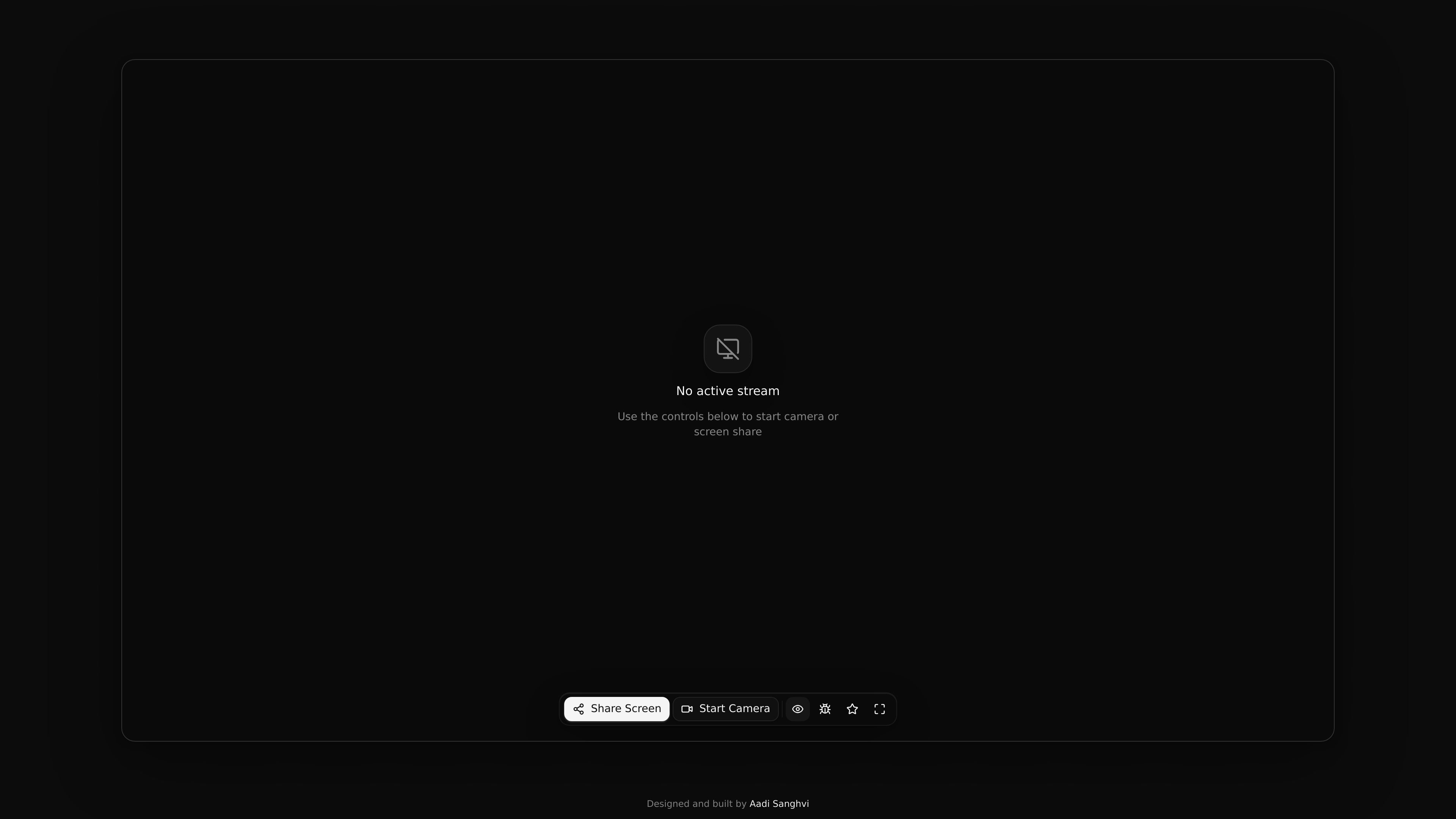
Hand Wave is a product for real-time sign language recognition. The home page describes it as working with both camera input and screen share, and the main interface centers on starting one of those streams.
The available page text suggests a focused browser experience: a user chooses an input source, activates the stream, and uses Hand Wave to process that live feed. The site does not expose a long feature list or pricing details on the pages provided, so the product is best understood from the core workflow shown on the home page.
Recognizes sign language in real time from a live camera feed, making it usable for direct face-to-face or webcam-based input.
Supports screen share as an input source, so recognition can be used with shared content rather than only a physical camera.
Provides a simple active-stream interface with clear start controls for the available input modes.
Shows when no stream is active, which makes the current state of the app easy to see before starting recognition.
Keeps the interface focused on the recognition workflow rather than exposing a large set of unrelated tools on the home page.
Use the camera option when you want live recognition from a person signing in front of the device, such as during a demonstration or practice session.
Use screen share when the source material is already on screen and you want the product to process that shared view instead of a physical camera feed.
Use the tool in a simple one-task workflow where the main need is to start a stream and monitor recognition in real time without a complex setup.
Use it as a browser-accessible accessibility tool when you want a minimal interface centered on sign language recognition rather than a broader communication suite.
Hand Wave is a browser-based product that lets you start either a camera feed or a screen share and then runs real-time sign language recognition on that stream.
The source shows two controls: Share Screen and Start Camera. That suggests the workflow begins by choosing a video source, then using the product on that active stream.
The published page does not describe output format in detail, so the source only supports that it performs real-time recognition rather than a specific transcript, export, or caption workflow.
The site text does not document team features, account roles, or collaboration options, so those details are not confirmed from the available source.

Snapmark is a VS Code extension that lets you annotate clipboard screenshots before pasting them into AI chats. It supports blur redaction, numbered callouts, and automatic resizing for large images.

Arduino VENTUNO Q is an edge AI computer for AI and robotics applications. It combines AI inference and deterministic control on a single board and is designed to work with Arduino App Lab.

A free C++ person-pixelation project that anonymizes people in video using OpenCV and neural network segmentation. It is aimed at developers building privacy-focused live video or browser-based computer-vision applications.

Faceswapai.Online is a web-based AI face swap tool for photos and videos, including multiple-face workflows. It offers free-to-try access without sign-up and paid credit-based VIP features for larger or longer jobs.

Muse Spark Open is a Meta vision-language model on Hugging Face that combines an image with a text prompt to generate a textual response. It is intended for visual question answering, image description, multimodal assistant workflows, and permitted model adaptation, subject to its license and Usage Policy.

Vectorizer.AI converts raster images into vector formats such as SVG, PDF, EPS, and DXF, with a browser-based workflow and developer tools for automation. It is designed for users who want previewable, editable vector output from logos, artwork, sketches, scans, and other bitmap images.