
Floating holding area
Open a temporary shelf that stays available while you move files around, so you do not have to keep switching windows or folders.

Holdem is a lightweight, open-source desktop tool for temporarily collecting files in a floating shelf while you move them between folders, apps, or desktops. It is built for drag-and-drop file organization, with browser image support, tray access, and a global hotkey.
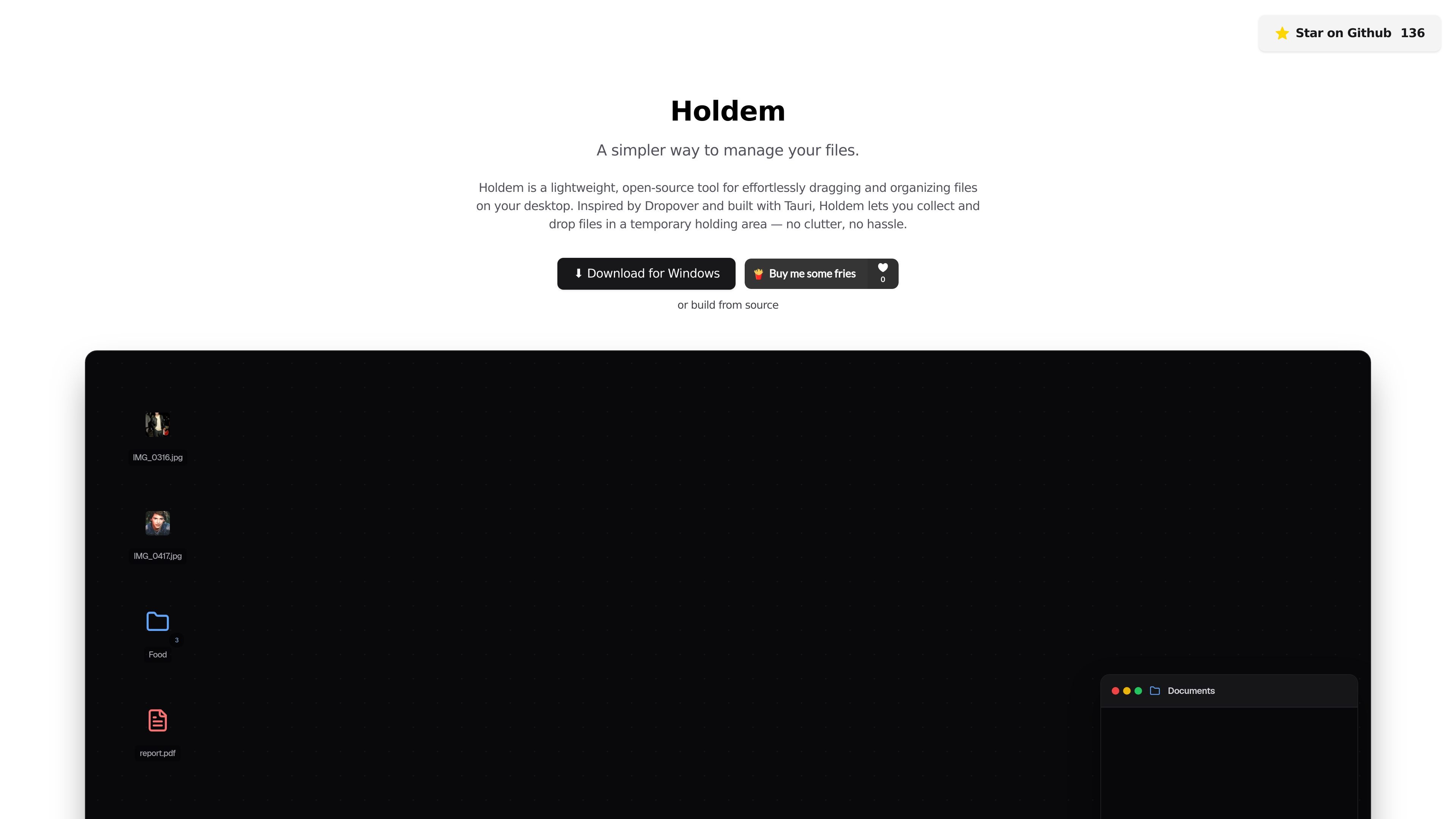
Holdem is a lightweight, open-source desktop tool for temporarily collecting files while you work. It is designed around a floating shelf that appears when you shake the mouse during a drag, giving you a place to hold items before dropping them into their final destination.
The product is built with Tauri and is presented as a simpler way to manage files on the desktop. The home page positions it as useful when moving files between folders, apps, or desktops, especially if you want to keep the workflow organized without leaving files scattered across windows.
Open a temporary shelf that stays available while you move files around, so you do not have to keep switching windows or folders.
Drag files and folders into the shelf, keep them there temporarily, and drag them back out when you are ready to place them elsewhere.
Images can be dropped directly from a web browser into the shelf, extending the workflow beyond files already on disk.
Access Holdem from the system tray with a right-click, which keeps the tool close at hand without occupying a full window.
Bring up the shelf with a custom key combination, then set it to launch automatically when you log in.
Use Holdem when you need to move several files across folders and want a temporary place to park them before deciding where each one belongs.
Keep a set of assets visible while you switch between applications or desktops, instead of relying on memory or reopening source folders.
Drop browser images into the shelf when collecting visual references or downloads from the web.
Use the tray menu or a hotkey when you want quick access to a holding area without opening a separate file manager workflow.
Keep Holdem running at startup if you frequently handle drag-and-drop file moves during the day and want it ready when you log in.
Holdem is a desktop file-organizing tool. It creates a temporary floating shelf so you can collect files while you move between folders, apps, or desktops, then drop them where you need them.
The source describes Holdem as lightweight and open-source, and it includes a Windows download link plus an option to build from source. The site does not provide confirmed support details for macOS or Linux.
Yes. The site says Holdem is completely free and open-source.
Holdem is aimed at users who drag files between locations and want a temporary holding area to keep that work organized. It is especially relevant when you are multitasking across folders or applications.
The home page highlights a right-click tray menu, a global hotkey, browser image support, and automatic launch on startup. It also notes coming-soon features such as support for non-file content and multiple shelves.

Osaurus is a native macOS AI agent platform for Apple Silicon that keeps models and data on your Mac. It can also connect to ChatGPT, Claude, or Gemini when a task needs a cloud model.

Goldfish is an AI memory app for macOS that helps you reply, write, summarize, and continue using the context already on your Mac. It stores memory locally and writes in your tone.

Biji es una plataforma versátil diseñada para mejorar la productividad a través de herramientas y características innovadoras.

Codex Plugins bundle reusable skills, app integrations, and MCP servers into workflows you can install in the Codex app or use from Codex CLI. They help extend Codex with connected-service tasks, reusable instructions, and shared team workflows.

Redline is a budgeting tool for Claude Code that paces sessions to stay within time, token, cost, or plan-percentage limits. It uses Claude Code’s native hooks and statusline to help sessions finish with a usable result instead of stopping abruptly.

Claude Overlay is a Windows desktop overlay for Claude Code that reads your screen so you can ask questions, inspect content, and request edits without leaving the current app. It runs on your existing Claude subscription through the Claude CLI, so no separate API key is required.