
One shared daily puzzle
Each day presents one new puzzle, and every player gets the same challenge worldwide. That makes scores directly comparable without needing an account or shared room.

HUEMAN is a free browser-based daily color puzzle where players tap the tile with the odd shade before the timer expires. It works on phone or computer with no download or signup and saves streaks locally on the device.
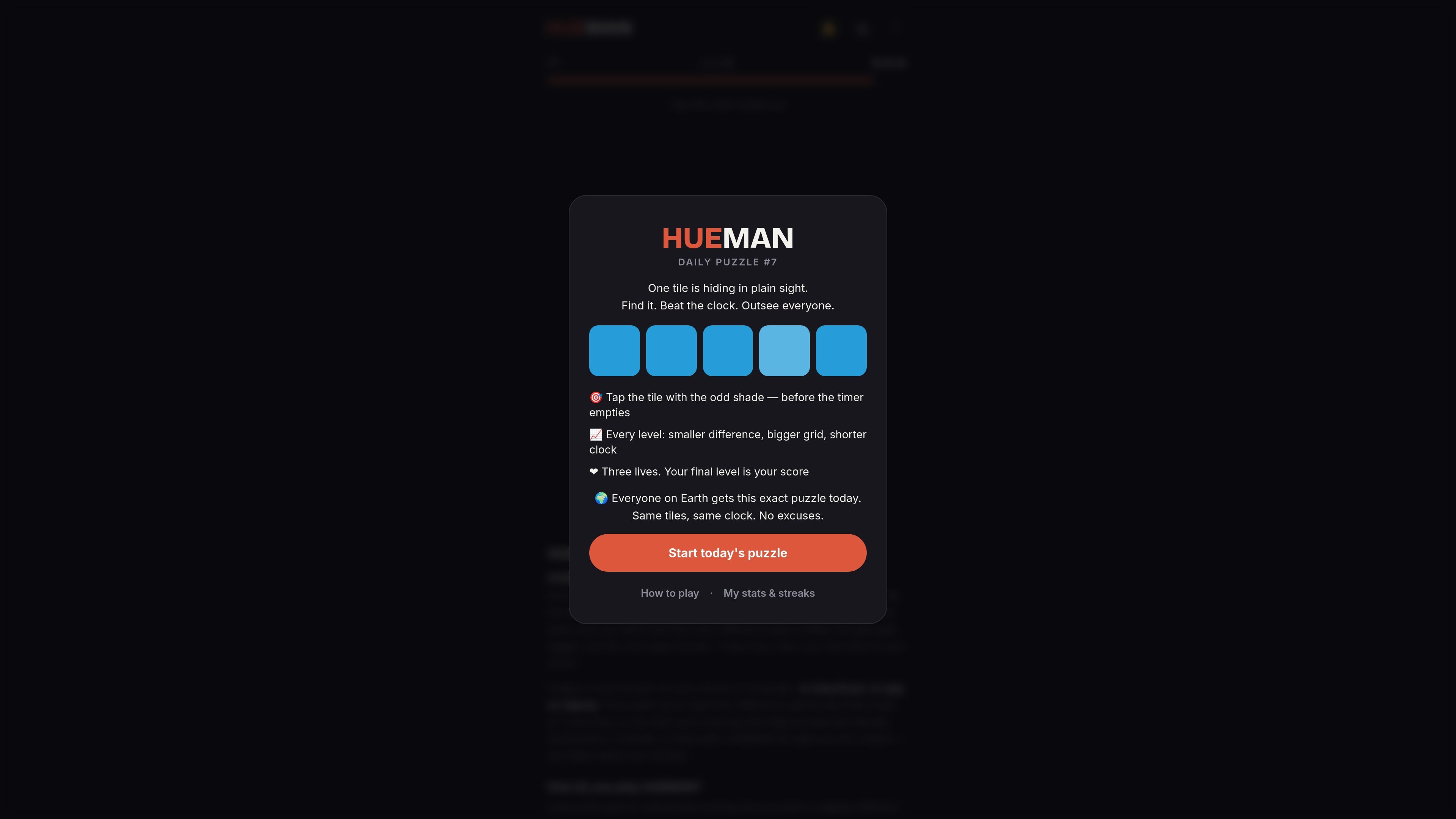
HUEMAN is a free daily color puzzle that asks players to spot the tile with the slightly different shade before the timer runs out. It is presented as a browser game, with the same puzzle delivered to everyone on Earth each day.
The game is designed for quick sessions: each level tightens the challenge by reducing the visible difference, increasing the grid size, and shortening the clock. A wrong tap or running out of time costs a life, and your final level becomes your score.
HUEMAN runs on phone or computer in any browser and does not require a download, app, or signup. It also stores streaks and play history locally on the device, so the experience stays lightweight and session-based rather than account-driven.
Each day presents one new puzzle, and every player gets the same challenge worldwide. That makes scores directly comparable without needing an account or shared room.
The game asks you to tap the tile with the slightly different shade before the timer expires. The format is immediate and visual, with no words to parse.
Each level gets harder by shrinking the color difference, enlarging the grid, and shortening the clock. The difficulty curve is built into the run itself.
You have three lives. Wrong taps and missed time reduce lives, and your final level becomes your score when the run ends.
HUEMAN works in a browser on phone or computer without downloads, apps, or signup. The game can be started and shared quickly from the web.
Streak, best level, and play history are stored locally on the device. The site also offers a shareable Wordle-style emoji grid and player card.
Play a short daily round when you want a quick visual challenge that does not require setup or account management.
Use the shared puzzle to compare scores with friends, since everyone gets the same board and clock on the same day.
Fit it into a morning routine alongside other daily puzzles, especially if you already play games like Wordle or Connections.
Try the practice round first if you want to learn the tap-and-time mechanic before your ranked daily run.
Open it on a phone or desktop browser when you want a game that works without installing an app.
HUEMAN is a browser-based daily color puzzle. Each day, everyone gets the same puzzle, and you tap the tile with the slightly different shade before the timer runs out.
No. The site describes HUEMAN as a game, not a medical color vision test, and says it cannot diagnose color blindness.
A new puzzle goes live every day at midnight UTC, and the puzzle is identical for every player worldwide.
Yes. HUEMAN runs in any browser on phone or computer and does not require a download, app, or signup.
Your streak, best level, and day-by-day history are saved locally in your browser on that device. Clearing site data, using private browsing, or switching devices starts the record fresh.

GuessWhat? 猜-猜 is a Chinese-language party word game for timed guessing rounds on Apple devices. It uses original topic decks and simple tilt controls for correct answers and skips.

GameGrad turns PDF study material into quiz questions that appear inside arcade games, so users can practice active recall while they play. It offers a free tier with one PDF and a Pro plan with more uploads, more questions, and answer explanations.

DailyPlay.ai is a behavioral growth platform that uses AI site scanning and micro-games to help brands improve engagement and conversion. It supports web, mobile, and other digital touchpoints, with a one-line script setup and a free engagement scan.

ChessWoodie is a chess tactics training app based on the Woodpecker Method. It helps players build pattern recognition through repeated puzzle cycles, track speed and accuracy, and review missed tactics from their own games.

PixelForge turns a single photo into a game-ready 2D character sprite pack, including a 4×4 sheet, transparent frames, direction strips, and looping walk GIFs. It is designed for engine-ready use in Godot, Unity, Phaser, GameMaker, and web games.

MacYaps es una app de barra de menús para macOS que reproduce clips de audio divertidos cuando ocurren eventos del sistema. Incluye voces, audios personalizados y licencia vitalicia.