
Keyword and semantic search
Inventory searches across conversation text by both exact words and meaning, so a problem description can still find the relevant thread even when the wording differs.

Inventory is a private, local search app for AI agent and IDE conversations. It indexes chats from tools like Cursor, Claude Code, Zed, Codex, Kiro, and Antigravity so you can search and reuse older context from one place.
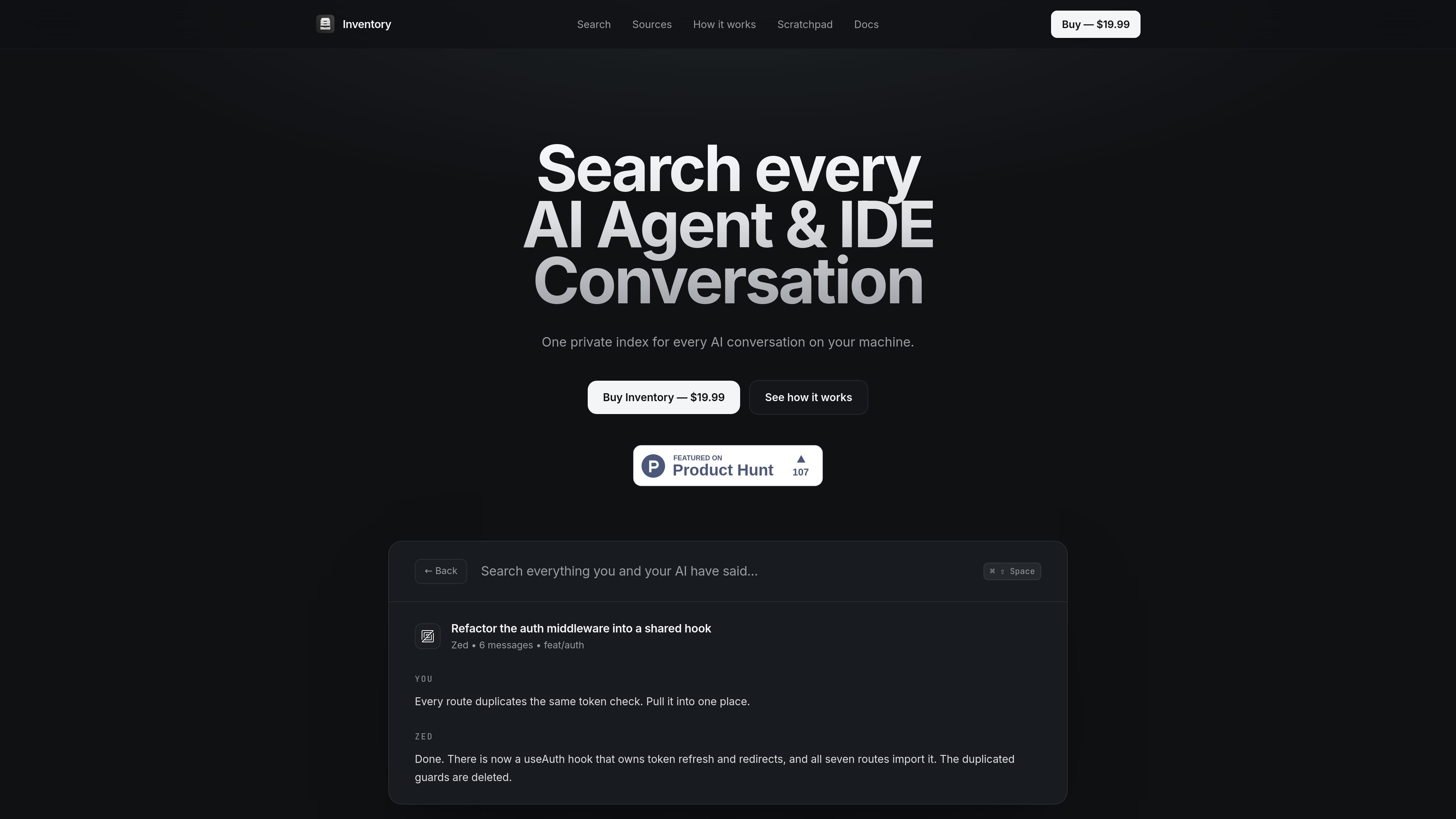
Inventory is a private, local search app for AI agent and IDE conversations. It is designed to index chats from tools such as Cursor, Claude Code, Zed, Codex, Kiro, and Antigravity so you can search older work from one place instead of switching between apps.
The product emphasizes on-device indexing, no cloud account, and a one-time purchase. It reads local stores already written by those tools, then builds a searchable timeline that supports both keyword and semantic search, making it easier to recover prior fixes, commands, configs, and context.
Inventory searches across conversation text by both exact words and meaning, so a problem description can still find the relevant thread even when the wording differs.
The app reads local stores written by Cursor, Claude Code, Zed, Codex, Kiro, and Antigravity, then merges them into one searchable timeline.
The product is described as read-only and snapshotted first, with indexing running in the background after the initial pass.
Keyboard shortcuts surface the main actions, including global search, quick capture, and clipboard recall.
Claude Code and Codex sessions can reopen in the terminal with the full transcript attached, and any thread can be copied as a condensed primer for reuse elsewhere.
A clipboard scratchpad can recall copied items from anywhere on the Mac, and history retention can be limited to 7, 30, 90, 365 days, or kept indefinitely.
Find a fix, command, or configuration detail from a conversation you had days or weeks ago without remembering the exact wording.
Search across conversations from different tools in one place instead of checking each app separately.
Reopen Claude Code or Codex sessions in the terminal with the full transcript attached so work can continue with context.
Copy a condensed primer from an earlier thread and paste it into another tool as the opening message for follow-up work.
Recall recently copied text with the clipboard scratchpad when you need to reuse snippets, notes, or references on the Mac.
Inventory installs as a desktop app and is described as a one-download setup for macOS. The page says there is no account or onboarding call, and that it finds the local stores your tools already write to, then indexes them in the background.
The product is aimed at people who work in Cursor, Claude Code, Zed, Codex, Kiro, and Antigravity and want one place to search their AI agent and IDE conversations. The site frames it as a local search layer for conversations already stored on your machine.
Inventory searches conversations across supported tools using both keyword matching and semantic matching. The page also shows resume and handoff flows for terminal sessions, plus a clipboard scratchpad for copied text.
The pricing page shows a one-time purchase of $19.99, with free updates for life and no subscription or account.
The page says macOS is available now and Windows is coming soon.

Goldfish is an AI memory app for macOS that helps you reply, write, summarize, and continue using the context already on your Mac. It stores memory locally and writes in your tone.

ArtDeck is a visual reference board app for iPhone, iPad, and Mac that lets artists collect mixed reference material on one canvas and study it with ToolBox lenses. It works offline, supports optional iCloud sync, and is sold as a one-time purchase with no account required.

Dcyde is a decision log for product teams that captures what was decided, the reasoning behind it, and the source in one shared place. It supports pinning decisions from Slack, Figma, or inside Dcyde and keeps the record searchable over time.

qbrin is an enterprise AI search and governed agent platform that turns company knowledge into cited answers and can abstain when evidence is missing. It is built for teams that need source-backed responses, policy controls, and traceable AI actions.

Lasso is an ecommerce product data platform for enriching catalog records, processing supplier files, generating product content, and monitoring competitors. It combines a web app with a REST API, SDK, and MCP server for teams and developers.

Biji es una plataforma versátil diseñada para mejorar la productividad a través de herramientas y características innovadoras.