
Convert PDFs to signable documents
Upload an existing PDF and turn it into an electronic-signature document in a single click, rather than recreating the document from scratch.

Jotform Sign is electronic-signature software for converting PDFs or preparing documents, sending them to stakeholders, collecting signatures on any device, and tracking progress. It is designed for digital document workflows and is available through ChatGPT and Claude.
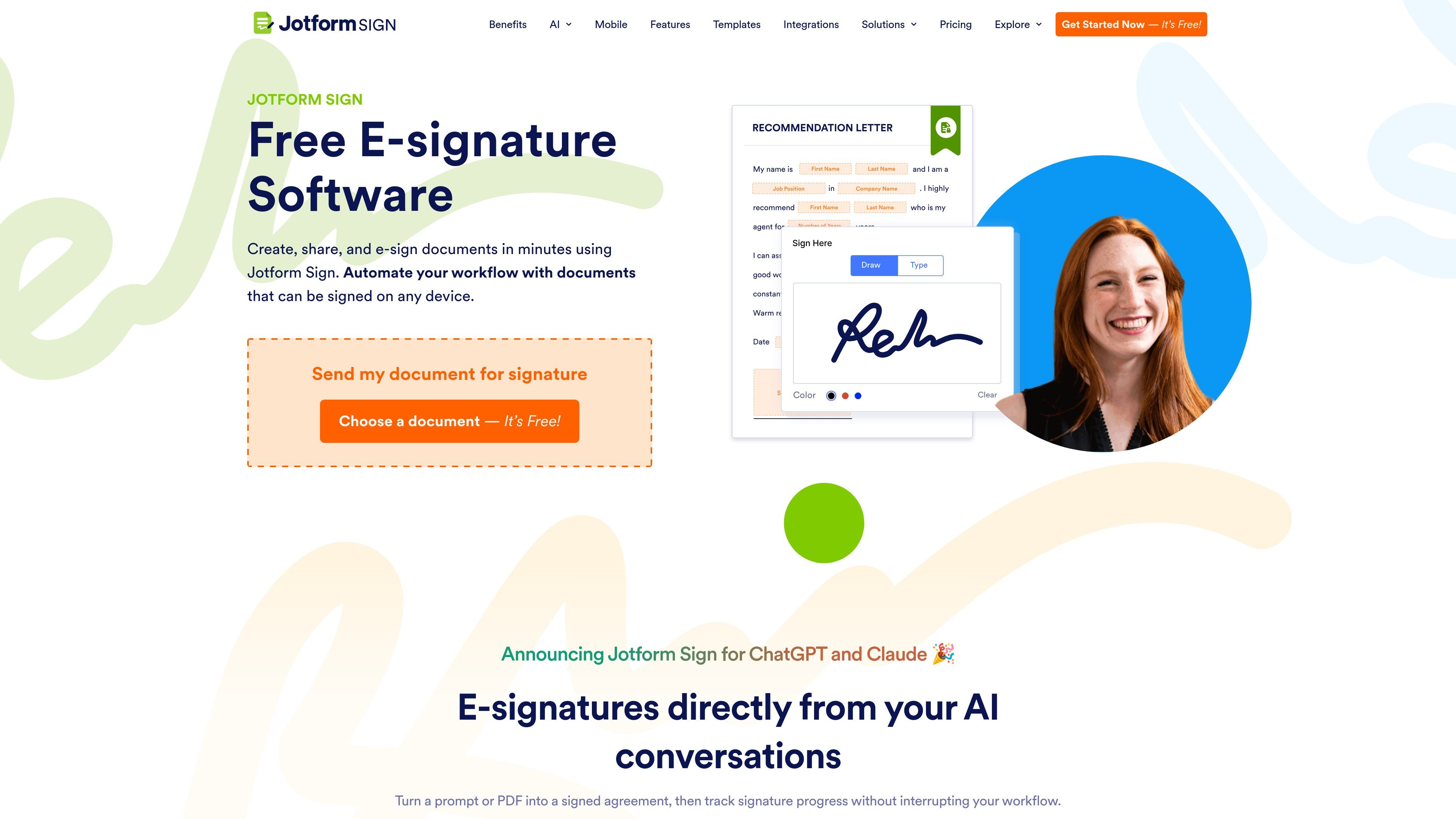
Jotform Sign is e-signature software for creating, sending, and tracking documents that need signatures. It supports converting existing PDFs into signable documents, adding signature fields, and sending documents to stakeholders for completion on any device.
The product is intended to replace paper-based signing steps with a digital workflow. It also extends document preparation into ChatGPT and Claude, where users can describe a signature request or provide a PDF, prepare the document, route it to recipients, and monitor progress.
Upload an existing PDF and turn it into an electronic-signature document in a single click, rather than recreating the document from scratch.
Add signature fields and send documents to stakeholders so they can complete the signing process digitally.
Recipients can sign from any device, supporting signing workflows when participants are not in the same location.
Automate document processes to reduce manual steps involved in preparing, sending, and managing signature requests.
The product page says users can track signature progress after sending a request, providing visibility into completion status.
Jotform Sign is available within ChatGPT and Claude, where a prompt or PDF can be turned into a signature request, routed to stakeholders, and followed up without leaving the AI conversation.
Turn a contract or other PDF into a signable file, add the required fields, and send it to the people who need to complete the agreement.
Use a prompt or PDF in ChatGPT or Claude to prepare a signature request and route it to stakeholders while staying in the AI conversation.
Send documents to participants who are working remotely or in different locations, allowing them to sign from their own devices.
Replace manual paper circulation with a digital process for sending documents and checking signature progress.
Jotform Sign lets you upload an existing PDF, convert it into an electronic-signature document, add signature fields, and send it to stakeholders for signing. The site also describes creating documents from a prompt through its ChatGPT and Claude experiences.
Recipients can sign documents on any device, and the product is designed to let users collect signatures without passing around paper documents.
The product page says Jotform Sign can track signature progress. Its ChatGPT and Claude experiences can prepare a document, route it to stakeholders, and follow up on signatures within the conversation.
Jotform Sign is presented as free to start. Jotform's pricing information describes a Starter free plan and paid plans, with higher limits on paid tiers. The supplied pricing evidence does not specify Jotform Sign-specific limits or prices.
Electronic signatures are recognized under laws and regulations in many jurisdictions, including the U.S. ESIGN Act and state UETA laws, and the EU eIDAS regulation. Whether a particular document or transaction can be signed electronically depends on applicable local requirements, so legal advice may be appropriate.

Artifact is a document workflow tool for freelancers, consultants, and agencies. It turns notes into proposals and lets clients approve, sign, and pay from one link.

Termsy is a Chrome extension that scans Terms of Service and Privacy Policy pages, highlights critical clauses, and displays them in a sidebar. It is designed to help users review policy pages faster, not to provide legal advice.

GoSign is an electronic signature platform for sending, signing, and managing documents with flat annual pricing and optional self-hosting. It is positioned for teams that need workflow routing, audit trails, and API-driven integrations.

Mixstream is a music distribution, rights, and licensing platform for independent artists, rights managers, and DSPs. It supports release setup, catalog management, sync licensing, and validated delivery for platform ingestion.

Norte helps premium cardholders review credits, protections, and claim requirements across the cards and policies they already have. It works on web and iOS and does not require bank linking.

MarkIt is an enterprise trade compliance platform for customs classification, audit-ready records, and ERP-connected compliance workflows. It is aimed at institutional teams that need structured, reviewable trade data and repeatable classification processes.