
Direct browser-to-browser transfer
Files move directly between the two browsers instead of being uploaded to an intermediate server, matching the product’s core peer-to-peer model.

just f***ing send it is a browser-based peer-to-peer file transfer tool that moves files directly between two browsers with no upload, no server, and no account required.
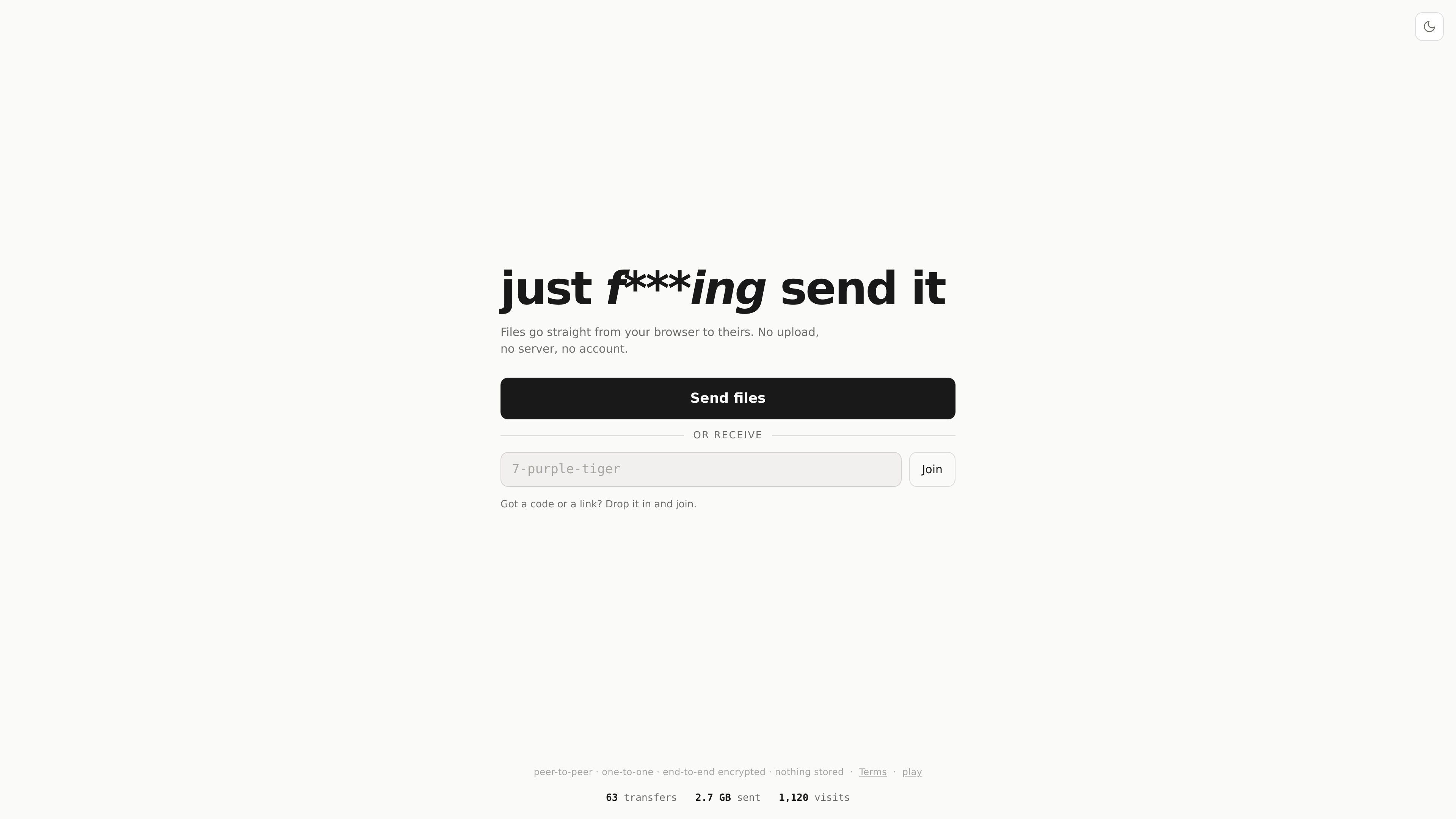
just f***ing send it is a peer-to-peer file transfer tool that moves files directly from one browser to another. The site’s core promise is simple: no upload, no server, and no account.
It is built for quickly sharing files or folders between two devices through a shared code or link, with a receive flow for the other person to join and accept the transfer. The interface also shows a phone scan path and a recovery option for same-network connections when the direct connection is slow or unsuccessful.
Files move directly between the two browsers instead of being uploaded to an intermediate server, matching the product’s core peer-to-peer model.
You can switch between sending and receiving within the same interface, so both sides of a transfer are handled in one flow.
Transfers can be initiated with a shareable code or link, and the page notes that only one person can join with that code and only once.
The transfer interface accepts both files and folders, with drag-and-drop and picker controls available.
A phone scan option is shown for opening the session on mobile, and the page includes a prompt for trying a same-network connection if the direct path is slow or fails.
Share a file from one computer to another without uploading it to a storage service first.
Send a folder during a handoff when you need to move multiple items at once instead of packaging them separately.
Open the session on a phone by scanning, then complete the handoff on a mobile device or switch between devices more easily.
Let one recipient join with a single-use code or link when you want a transfer to stay limited to one person.
Try the same-network fallback prompt when the direct connection is slow or cannot be established immediately.
You open the site, choose whether to send or receive, and either share your code/link or enter a code or link you were given. The flow is designed for direct browser-to-browser transfer.
The page says files go straight from one browser to the other with no upload, no server, and no account.
The transfer screen supports dragging files or folders, or choosing files and folders manually.
The interface includes a phone scan option and a recovery prompt that says, 'On the same network? Make it connect →', which suggests alternate connection help when a direct connection is slow or fails.
The source does not show pricing details, plan names, or usage limits on the pages provided.

Codex Plugins bundle reusable skills, app integrations, and MCP servers into workflows you can install in the Codex app or use from Codex CLI. They help extend Codex with connected-service tasks, reusable instructions, and shared team workflows.

Snapmark is a VS Code extension that lets you annotate clipboard screenshots before pasting them into AI chats. It supports blur redaction, numbered callouts, and automatic resizing for large images.

PDFTools is a browser-based suite of free and premium PDF utilities for editing, conversion, and document handling. It helps users work on PDFs locally in the browser without uploading files to a server.

Open Computer Use is an open-source Computer Use service wrapped as MCP for macOS, Linux, and Windows. It helps AI agents and MCP clients run desktop automation workflows through client setup commands or manual MCP configuration.

Osaurus is a native macOS AI agent platform for Apple Silicon that keeps models and data on your Mac. It can also connect to ChatGPT, Claude, or Gemini when a task needs a cloud model.

Privacy-First Toolbox is a free browser-based collection of file and text conversion tools that processes data locally on your device. It is designed for users who want common utilities without uploading files or creating an account.