
Persistent memory
Store durable facts, preferences, and decisions so an agent can recall them in later sessions. The setup page shows memory endpoints and MCP tools for remembering, recalling, and building a memory profile.

Kit for AI provides persistent memory, document conversion, and knowledge-base retrieval for AI agents through MCP and REST APIs. It helps teams ground responses in source material and turn files, URLs, images, and videos into usable context.
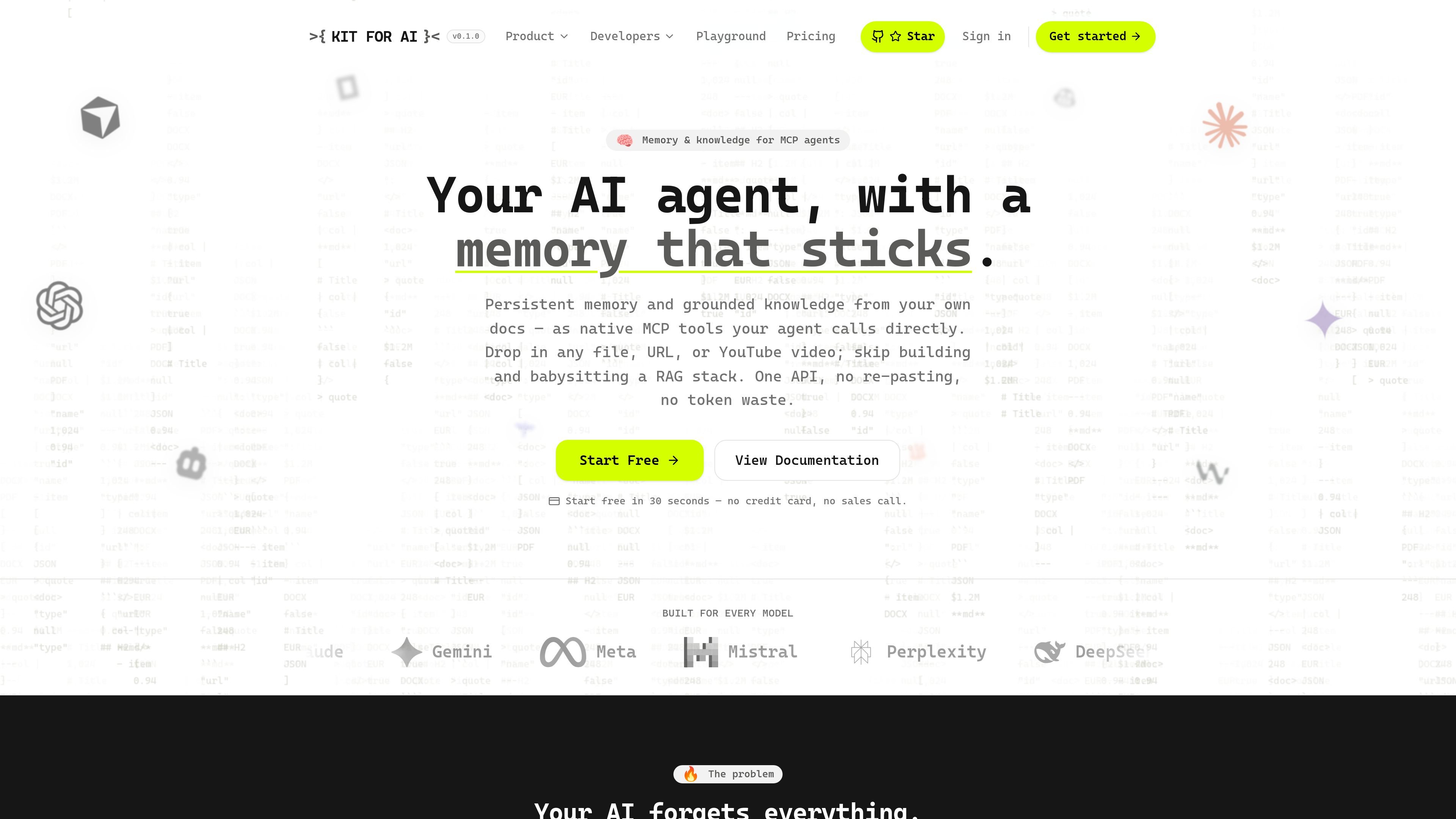
Kit for AI is a memory and document ingestion layer for AI agents. It combines persistent memory, searchable knowledge bases, and content conversion so an agent can store facts, read source material, and retrieve grounded answers through the same API.
The product is designed around MCP and REST access, letting users connect agents and applications without building a separate RAG stack. It accepts files, URLs, and YouTube links, then returns clean Markdown or structured JSON that can be used in chat, retrieval, or downstream automation.
Store durable facts, preferences, and decisions so an agent can recall them in later sessions. The setup page shows memory endpoints and MCP tools for remembering, recalling, and building a memory profile.
Convert files, URLs, and documents into clean Markdown or structured JSON. Supported sources include PDFs, Word, Excel, PowerPoint, CSV, HTML, images, and YouTube transcripts.
Group converted content into named knowledge bases and query them with cited answers. The docs describe hybrid retrieval and chat over knowledge bases through both API and MCP.
Use the same tools from MCP-capable clients or directly over REST with one API key. The setup page includes MCP configuration examples and REST endpoints for memory and conversion.
Process multiple files or URLs in one request and attach results to a knowledge base. The docs say batch conversion supports up to 25 inputs per call.
Keep project data separated with Spaces, and use URL refresh for keeping ingested sources current on Pro plans. Paid plans also add OCR-based image reading and custom skills.
Add durable memory to an agent so it can retain preferences, decisions, and project facts across sessions instead of starting over every time.
Turn PDFs, spreadsheets, slides, web pages, and videos into clean text or structured records that can be fed into retrieval pipelines or downstream automations.
Build a knowledge base that answers with citations, helping support, internal tools, and research assistants point back to source passages.
Connect the same service to MCP clients such as agent IDEs or desktop assistants, while also calling it from application code over REST.
Run batch conversions or same-domain URL refresh jobs to keep reference content current without manual reprocessing.
Yes. The setup page shows both MCP and REST access using the same API key, and the docs note that a free account works for creating a key.
Kit for AI can return clean Markdown for documents and URLs, or structured JSON when you provide a schema. The docs also mention OCR for scanned pages and images, plus batch conversion and knowledge-base attachment.
The documentation describes knowledge bases, cited chat, memory tools, conversion tools, and the ability to isolate projects with Spaces. The pricing page also lists website chatbots, custom skills, and storage on paid plans.
The site positions it for AI agents and document-centric pipelines, with support for memory, grounded knowledge, and conversion over MCP or REST. It is described as working with any model, and the homepage lists several model families it is built for.

CreateOS Sandbox is an isolated compute environment for running code and agent workloads inside Firecracker micro-VMs. It is designed for workflows that need machine-level isolation, private networking between sandboxes, and programmatic control through SDK, CLI, or MCP.

AakarDev AI helps teams manage AI provider access, project-level setups, logs, and analytics from one dashboard. It supports BYOK workflows and lists providers including OpenAI, Google Gemini, Anthropic, Groq, Mistral AI, and Perplexity AI.

Trigger.dev chat agent is a durable AI chat backend for developers building stateful conversations that can survive refreshes, crashes, and long-running turns. It connects with the AI SDK `useChat` flow and runs on managed infrastructure with no timeout on a turn.

ByteAsk is a terminal-first AI coding agent for C and C++ that edits repositories and verifies changes with the real compiler, debugger, sanitizers, and tests before showing a diff. It offers a free tier plus paid plans, with editor connectors and zero-retention handling described in the source.

Codex Plugins bundle reusable skills, app integrations, and MCP servers into workflows you can install in the Codex app or use from Codex CLI. They help extend Codex with connected-service tasks, reusable instructions, and shared team workflows.

hob is an independent workspace for coding agents that keeps agent sessions, terminals, history, and follow-up work organized around the tools and providers you already use. It is aimed at developers who want local control over routing, history, and workspace structure rather than a bundled model stack.