
Spec-driven authoring
Write a plain-English spec that defines behavior, inputs, and outputs. Logic interprets the spec and builds the agent from it, which the site says can work with natural language specs or SOPs.

Logic is a spec-driven agent platform that turns plain-English specs into production agents and typed APIs. It helps teams validate, version, deploy, and observe agent workflows without assembling separate infrastructure.
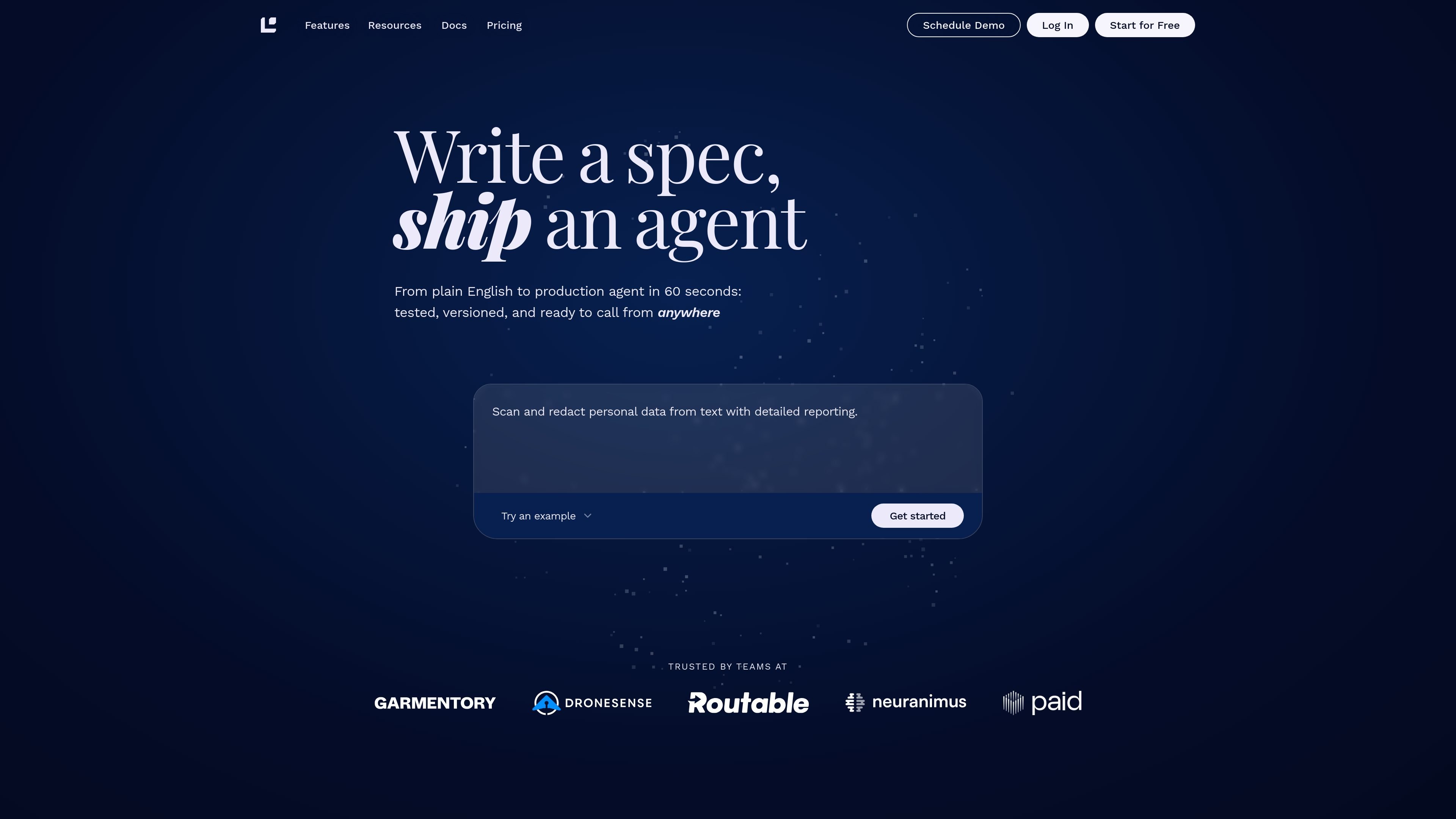
Logic is a spec-driven agent platform that turns plain-English specifications into production agents and APIs. It is designed for teams that want to define agent behavior in a spec and let the platform handle the infrastructure around testing, routing, versioning, deployment, and logging.
The site positions Logic as a way to ship production AI without assembling separate tools for prompt engineering, evals, orchestration, routing, or observability. Agents can be tested, versioned, and exposed as typed REST APIs, with additional delivery options such as a web app and MCP server.
Write a plain-English spec that defines behavior, inputs, and outputs. Logic interprets the spec and builds the agent from it, which the site says can work with natural language specs or SOPs.
Generate and run tests from the spec, including synthetic test generation, inline test cases, regression detection, and side-by-side failure review. The platform also supports CI/CD integration through its API.
Publish immutable versions, compare changes, pin integrations to versions, and roll back with one click. Approval workflows let non-technical editors propose changes while engineers review them before release.
Expose each agent as a strictly typed REST API, plus a web app, MCP server, and CSV batch workflow. Logic also auto-generates docs and integration guides from the spec.
Route requests across OpenAI, Anthropic, Google, and Perplexity with automatic model selection and failover. The platform also includes execution caching for deterministic workloads.
Log each execution with full context, including inputs, outputs, model reasoning, and latency. The Observe capability is meant to make failures easier to trace across agent versions.
Teams can describe the desired agent behavior in plain English and let Logic infer schemas, orchestration logic, and a production-ready implementation.
Product, operations, or compliance workflows can use the platform to test outputs against expected results before changes go live, reducing regressions after edits.
Organizations can publish agents as typed APIs for internal tools, batch CSV processing, or a shareable web interface without building a separate app layer.
Teams that need review gates can use approval workflows and immutable versions so non-technical editors can propose changes while engineers control release.
Organizations working across different model providers can route requests automatically and fall back when a provider errors or goes down.
Logic is a spec-driven agent platform for turning plain-English specifications into production agents and REST APIs. The platform handles orchestration, testing, versioning, deployment, and execution logging so teams can ship and update agents without building that infrastructure themselves.
Logic exposes agents as strictly typed REST APIs, and the features page also says agents can be available as a web app and MCP server. It generates API documentation and integration guides from the spec, plus a shareable web UI with input forms.
The pricing page offers a Free plan, a Pro plan at $49/month, a Scale plan at $299/month, and an Enterprise option that requires contacting sales. The plans are token-based and include unlimited users on every plan, with higher tiers adding more tokens, storage, retention, and support.
The features page says Logic includes a built-in test harness, immutable versioning, one-click rollback, intelligent model routing, execution logging, and approval workflows for new agent versions. The pricing page also lists capabilities such as MCP client support, batch processing, knowledge library, and multimodal inputs.
The source materials do not list a full integration catalog or every supported external system. They do state that Logic supports OpenAI, Anthropic, Google, and Perplexity for model routing, plus MCP and agent tools such as email and HTTP.

Codex Plugins bundle reusable skills, app integrations, and MCP servers into workflows you can install in the Codex app or use from Codex CLI. They help extend Codex with connected-service tasks, reusable instructions, and shared team workflows.

Wallie is an open-source AI streamer that watches your screen, hears chat, and generates live commentary in a configurable persona. It runs locally on your machine with your own keys and is aimed at faceless content, autonomous streams, and real-time reactions.

AakarDev AI helps teams manage AI provider access, project-level setups, logs, and analytics from one dashboard. It supports BYOK workflows and lists providers including OpenAI, Google Gemini, Anthropic, Groq, Mistral AI, and Perplexity AI.

Whirr is a quiet macOS menu bar app that mirrors Claude Code activity to your notch. It helps Mac users glance at agent progress without keeping a terminal window open.

AgentMail is an email inbox API for AI agents that lets developers create, send, receive, and search messages through REST APIs and SDKs. It supports agent workflows such as threaded replies, verification, customer support, scheduling, and inbox-based approvals.

Arduino VENTUNO Q is an edge AI computer for AI and robotics applications. It combines AI inference and deterministic control on a single board and is designed to work with Arduino App Lab.